cumali
Members
-
Joined
-
Last visited
-
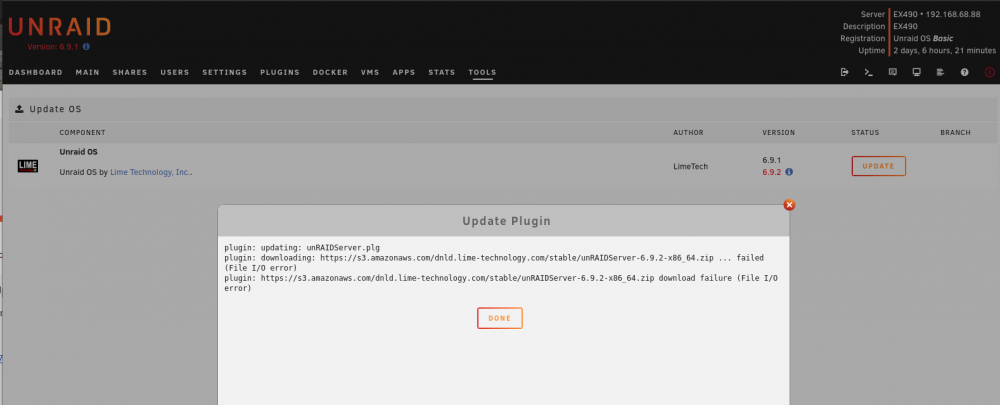
Update: I tried to do another update at this time, and still got the following error. I have two other servers, with no issues on the updates.

-
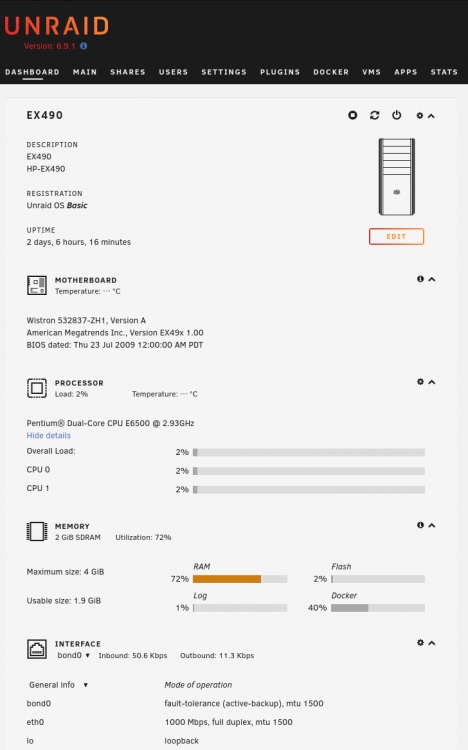
Attached is the diagnostic file, thanks for your assistance in advance Also to answer the other question: My flash drive is a Sandisk FlashUltra_Fit - 15.4 GB (sda) The current space on the drive is (see attached screenshot) I am running on unRaid Server on the following hardware (HP Server EX490) ex490-diagnostics-20210719-2029.zip

-
cumali joined the community
-
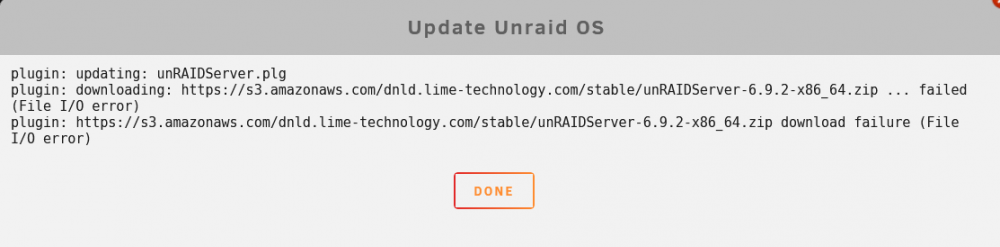
Hello, I tried updating my unraid version, but received the following error below during a download update, does this mean my usb drive has a read/write error failure? Or should I reformat the usb drive, install the key and then update to the latest version. Error message: plugin: updating: unRAIDServer.plg plugin: downloading: https://s3.amazonaws.com/dnld.lime-technology.com/stable/unRAIDServer-6.9.2-x86_64.zip ... failed (File I/O error) plugin: https://s3.amazonaws.com/dnld.lime-technology.com/stable/unRAIDServer-6.9.2-x86_64.zip download failure (File I/O error) Thanks