harmonicajones
Members
-
Joined
-
Last visited
-
Might be a dumb question, but I'm writing a program on my local desktop machine. In part of my program I'm trying to connect to a mysql db on my unraid server. My plan was to write a PHP file that I could put into Swag that could connect to my DB and do some kind of action. So it would go program->php (on swag)->mysql. This is all being done on the same server. When I put the url as https:/serverIP:1443/php/phpfile.php it says file not found. What should I put here?
-
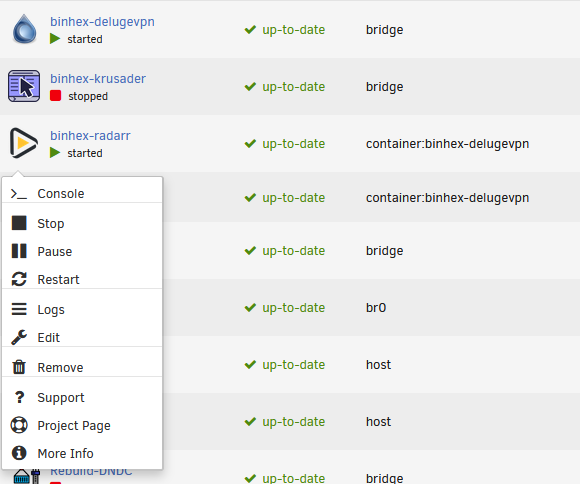
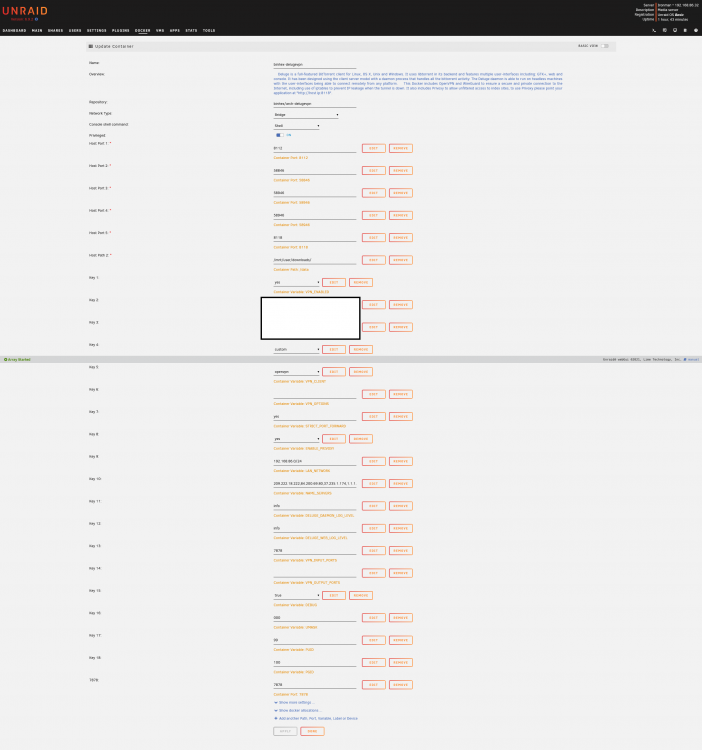
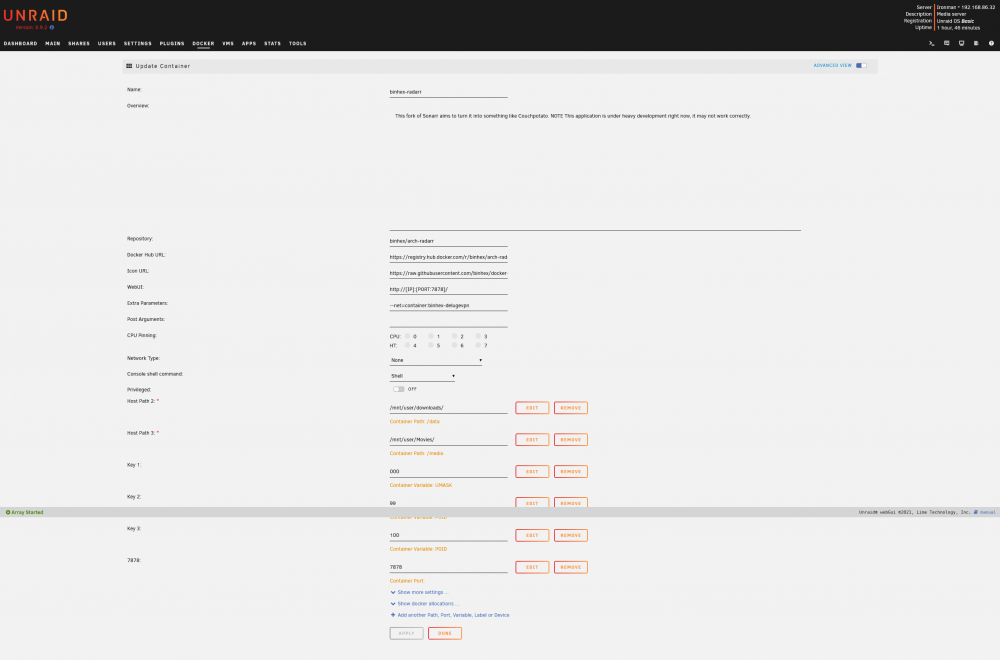
I'm having issues seeing the WEBUI under the Radarr docker: I have been trying everything: changing VPN locations, going through all different guides online, etc. and nothing has seemed to work. So far I know that my VPN connection (Torguard) is working (I can view WebUI for delugevpn, and also when I do "curl ifconfig.co" in both deluge and radarr it is showing the correct VPN location. I also am able to view the UI if I go to the ServerIP:7878 in my firefox browser (I am currently connected to the same lan as the server) Here is how my delugevpn is set up (removed username and password): Here is how my Radarr is setup: Here is my Radarr SysLog: I'm sure I messed up somewhere along the lines and maybe I missed a semicolon or something. Anyone have any input?