Shandidy
Members
-
Joined
-
Last visited
-
I have Decided to switch to Synology DS1825+ for my Vm and Docker containers and UNifi Unas pro for affordable storage solution only, since it looks I will have to rebuilt everything I would rather do it on a new platform, Thank you so much for your help, unraid was solid for me for years until the USB port or flash dies unfortanlty that was accetpable 10 years ago but not in 2026, oh well it was a good run unraid, Thank you!
-
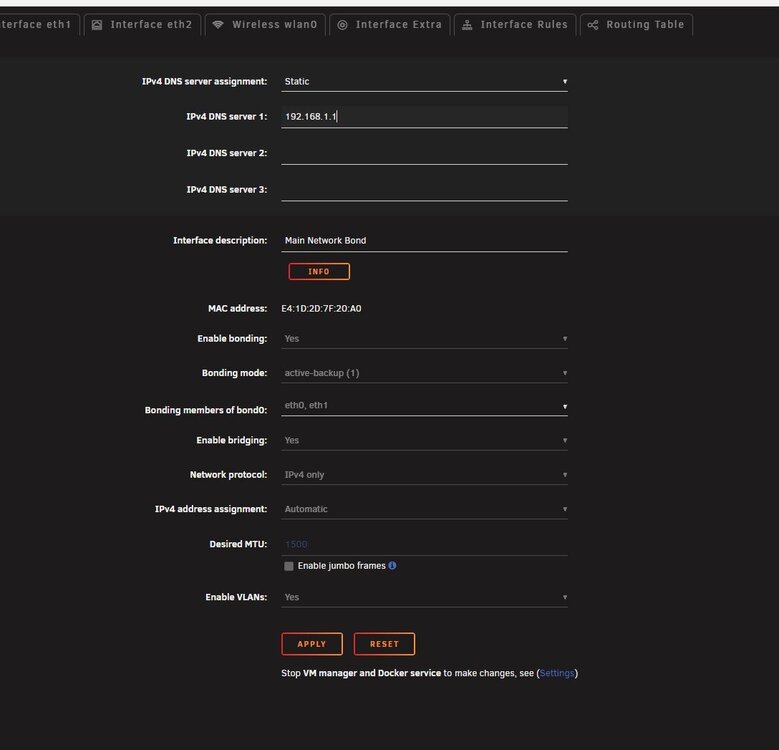
no option for IPv4 address
-
I recall when the array was spun down I saw DNS when I select static but no IP v4 address
-
I’ve tried that on a few containers, but unfortunately it’s still not working. That said, I forgot to mention an important detail: when I used the new Unraid USB Creator tool, the static IP option didn’t work. The server’s original IP was 192.168.1.200, but since I couldn’t set it as static during creation, I selected DHCP so the server could obtain an IP automatically. Now there’s no option in the web UI to assign it back to its original IP, so it’s currently running on DHCP. I’m not sure if this could be related to the “connection refused” error or not.
-
let me give it a try, will keep you posted, Thank you!
-
will creating the docker image file cause me to reinstall and reconfiger all the containers?
-
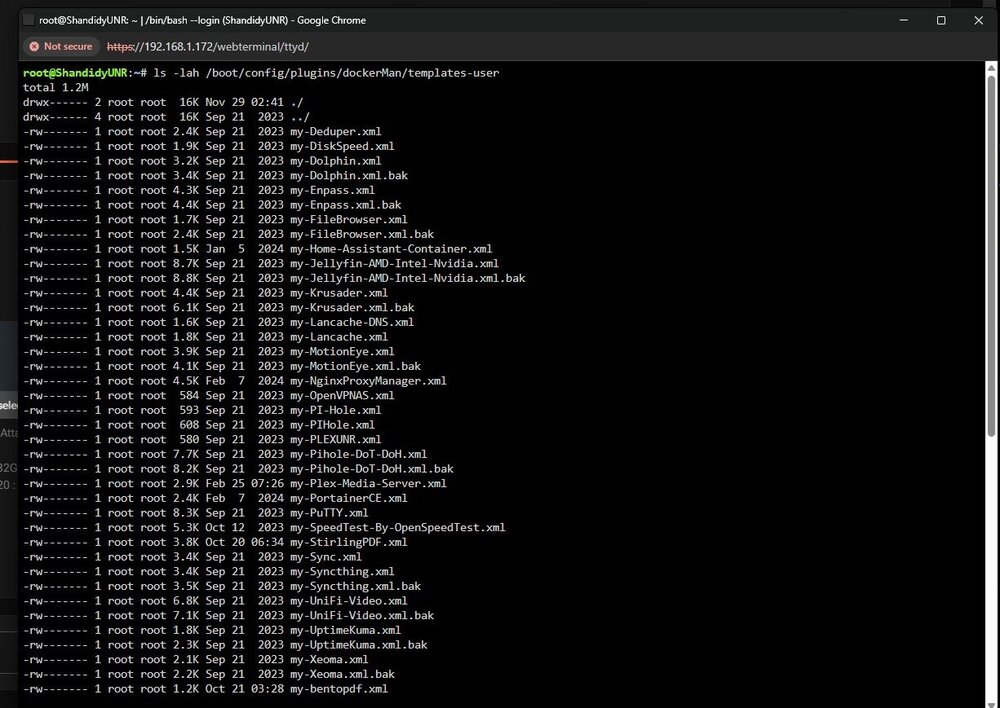
This is what I got
-
Hello Trurl, Here’s an update on what I did this morning. The NVIDIA plugin error showing “no GPU detected” has been resolved after a reboot, the GPU is now being detected properly. I completely removed Plex along with its appdata folder and settings, then reinstalled it. Unfortunately, it’s still the same error. All the containers start, but I’m getting the exact same error as before. I had to leave for work, so I haven’t had much time to troubleshoot further. My Unraid system had been rock solid for years to the point I get email notifications for uipdates and that is it, until the USB port failed, so getting my containers running again is a big priority for me. So far, no luck. I’ll continue working on it this till the weekend. Please let me know what steps you recommend next. Otherwise, I may end up going to Memory Express here in Canada (similar to Micro Center in the US) and pulling the trigger on a Synology Nas by the weekend, since rebuilding Unraid containers and VM again does not make sure to me Thank you very much for all your help — I truly appreciate the time and effort you’ve put into assisting me. Attached is the latest Diagnostics as of this morning, also one of the mistakes that I did not do that would of saved the day is snapshots It is not an native option in unraid as I am on BTRFS which would have saved the day by rolling back. Thank you. shandidyunr-diagnostics-20260225-0746.zip
-
I have removed one of my containers and deleted its setting it still wont connect
-
Removed it and rebooted the server no avail unfortnatly
-
NO I just saw that it says no GPU, I will have to do that when I back from work, if that fixed it that would be awsome as it will save me time and Money, I will keep you posted, Thank you!
-
the wired thing uptime kuma docker container is workng but not the rest
-
I just removed the nvidia variable from plex same issue unfortnalty
-
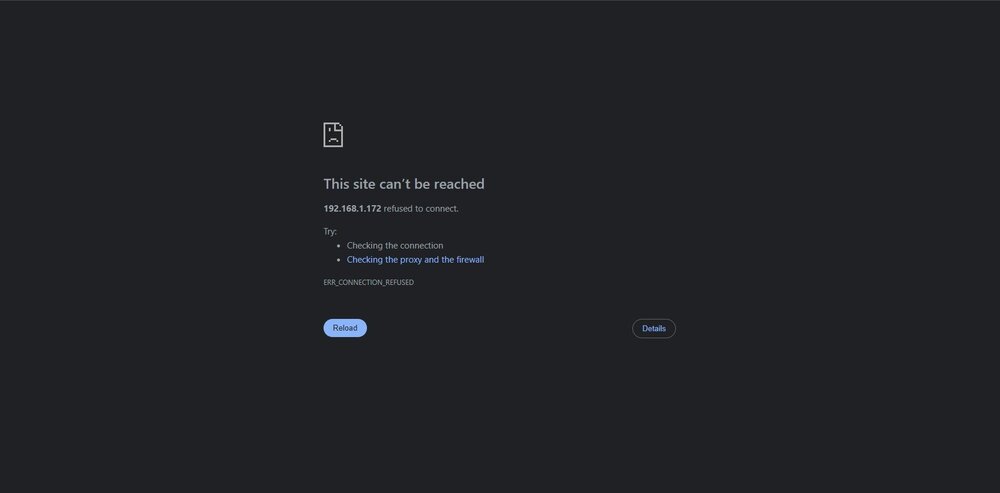
I removed Plex and reinstalled it, but the issue is still the same. Unraid has been solid for me since 2020 ,six years without problems ,but I’ve forgotten a lot of the configuration changes I made back then. I’ve opened a support ticket because I have many home automation scripts configured, and I’m hoping they can help resolve this. If they can fix it, I’ll stay. If not, I may switch to Synology If i have to rebuilt everything, not because Unraid is unstable, but because I caused the issue by restoring the flash drive. Honestly, who is still booting from a flash drive in 2026? I just want something I can set and forget. Unfortunately, since it’s still not working, I’m worried I may have to rebuild all the containers and their configurations. If that ends up being necessary, I’ll likely move to Synology, rebuild everything there, and migrate my data from Unraid. My data is still intact, but none of the VMs or Docker containers are accessible. They all start, but I can’t connect to any of them. Reinstalling while keeping the configurations didn’t resolve the issue either.
-
Last night I though my USB flash drive was dying due to webui freezing, so I plugged in my flash it it working fine on my laptop, so due to my infinit wisdome I decided to retore from backup, plugged in the flash to the unraid server and it turned our the usb port on the server was bad, so now I created an complitly avoidable issue, none of my docker contaiers are connecting, they start fine but unabler to connect to any of them, please advise shandidyunr-diagnostics-20260224-0740.zip