





Arrakis
Members
-
Joined
-
Last visited
-
Hello, with each Monterey update, I had hoped that the I210 modules would be functional again. I just installed the beta Ventura 13.0 and it's definitely not working. I got from Monterey for the easiest solution. the 2.5Gb Usb-c / Ethernet adapter. Works great without drivers.
-
Hello, I did a clean install for Monterey 12.0.1 (21A559) The Intel I210 ethernet ports are new invalid. Can you study the reason? Tell me what you need?
-
Hello, Your kext is active again under Monterey Beta 8,9 and 10 .😃😃 So glad to have found this kext, thanks again.😃😃😃😃
-
Hello, You were right, it was a malfunction of the system. Your kext is active again under Monterey Beta 7.😃😃
-
After update of Monterey Beta 6 (21A55066j) Still the problem of I210 ethernet modules not working.😕
-
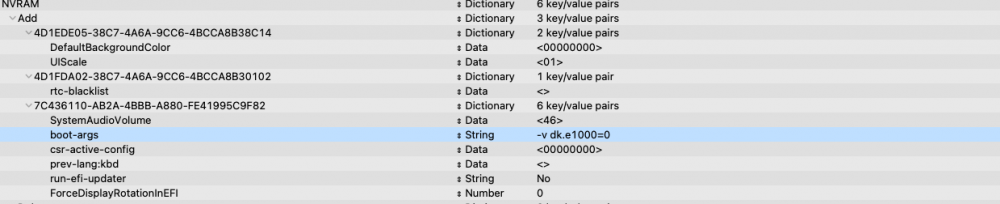
Hello, I tried with the kext turned off and without the DEX. It's the same see screenshot. Since I'm not sure which DEX command to turn it off I have attached a screenshot. I remade Ioreg under Monterey. Ioreg Arrakis.zip

-
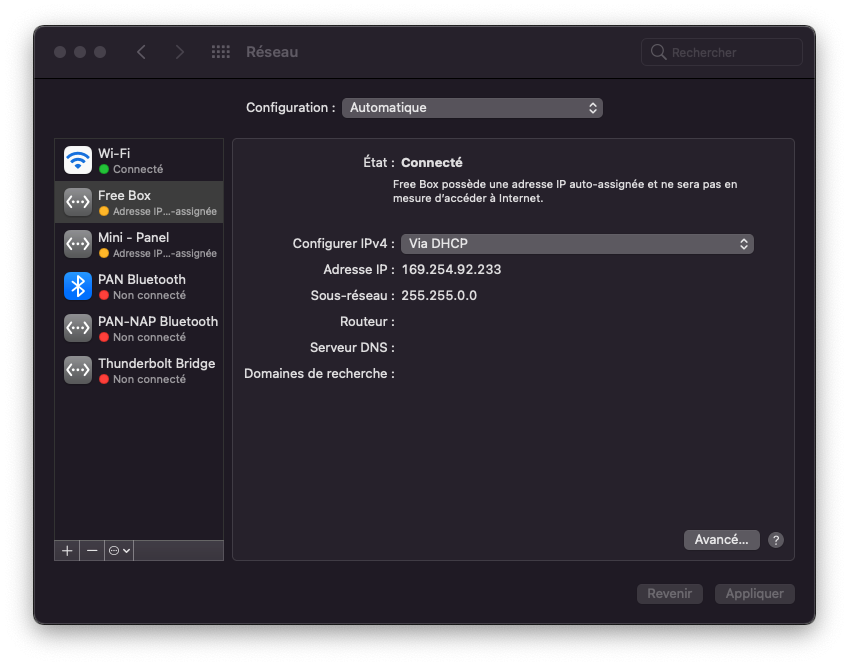
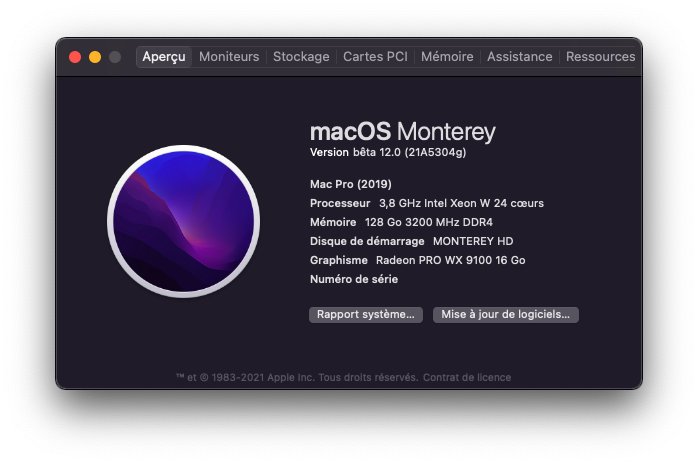
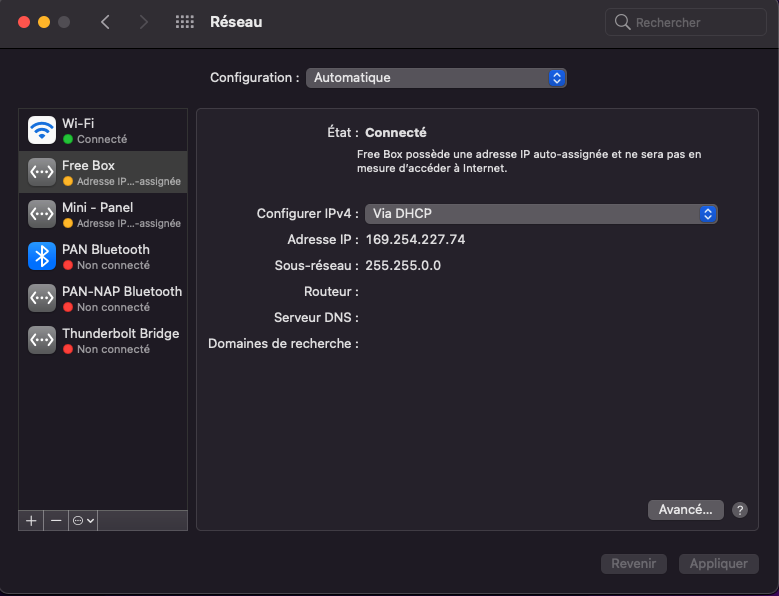
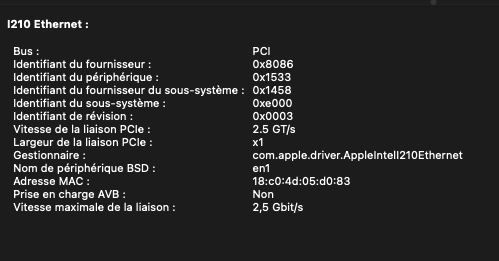
Vendor: 8086 and Product Id 1533 (See Screenshot) Monterey version 21A5304g (See screenshot) I don't understand the question What is the output of kextstat? (Sorry I'm a newbie in this field) Here is my Ioreg IORegistry Arrakis.ioreg Experiences Modules are assigned with the wrong IP address and subnet (See Screenshot) with your kext. In this state the system is very stable. To have try other solutions as long as the modules are not assigned like in the screenshot. This is Kernel Panic at various stages before logging in or after logging in. There is also the case with the 2 ethernet ports disabled in the Monterey system preferences. The system is stable.
-
Hello, thank you very much for your kext. Very efficient. I am under OpenCore and I had the same problem of I210 modules not working anymore when upgrading to BigSur 11.4 I'm currently on BigSur 11.5.2 and your kext is still doing wonders. Especially since I'm on a Gigabyte TRx40 motherboard (AMD Ryzen Threadripper 3960X processor). The I210 modules are those of the motherboard. I am testing the Monterey Public Beta version and the kext is broken again. I checked the IONetWorkingFamily.kext file it is still in System / Extensions / IONetWorkingFamily.kext with the same version of the I210 kext. Can you help me? Tell me what you need.


