Haydon
Members
-
Joined
-
Last visited
-
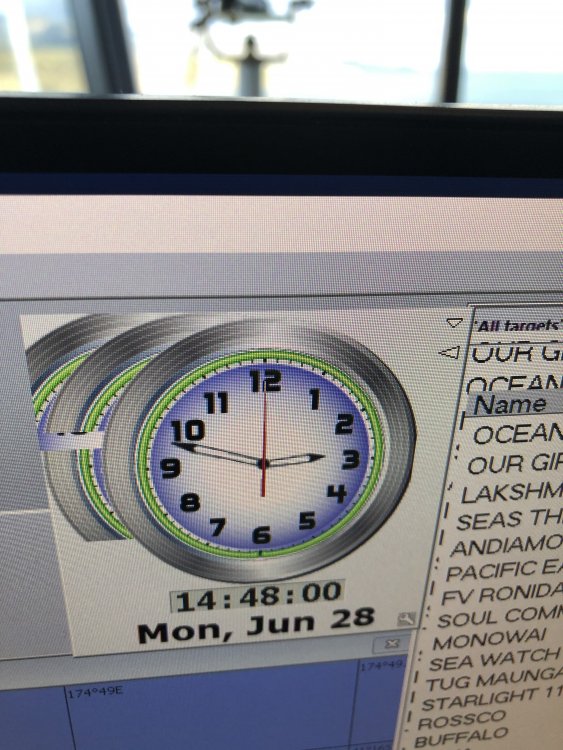
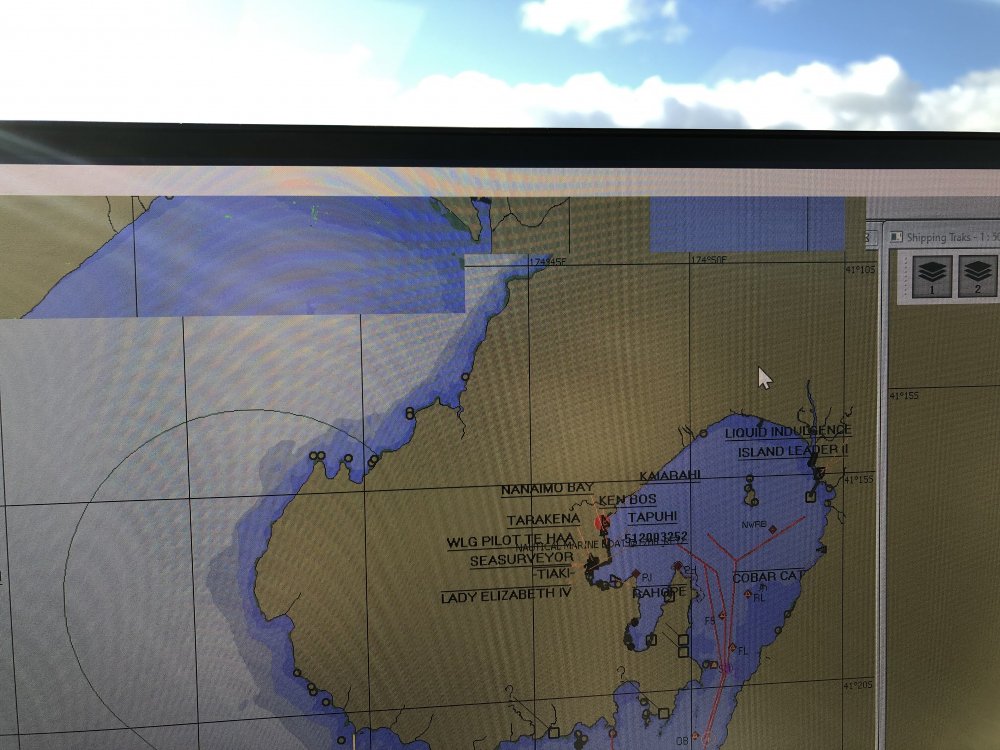
6.9.2 Hello, I am new to unraid and would really appreciate some advice. I am running a windows 10 pro vm with pass through to the unraid server with nvidia 710 graphics card. After about three hours the graphics start to go bad. App Windows start slowly multiplying, one on top of the other (but stepped to the side.) Menu items disappear until the mouse passes over them and parts of some windows start appearing over others and merging. Eventually part of the display keeps jumping between different windows on it own. I can restart the vm which fixes it, but then 3 hours later it all starts again. There is only one VM running on this server. Graphics card only at 5% usage and CPU 10% RAM 10%. The reason I am asking about unraid is there has been a slight issue for some time, but it has become significantly worse since updating unraid to 6.9.2. I am having trouble seeing what has changed. The system displays marine charts so having different charts at different zoom levels merging and jumping around is a real problem. thanks in advance for any ideas.