





waazaa
Members
-
Joined
-
Last visited
Everything posted by waazaa
-
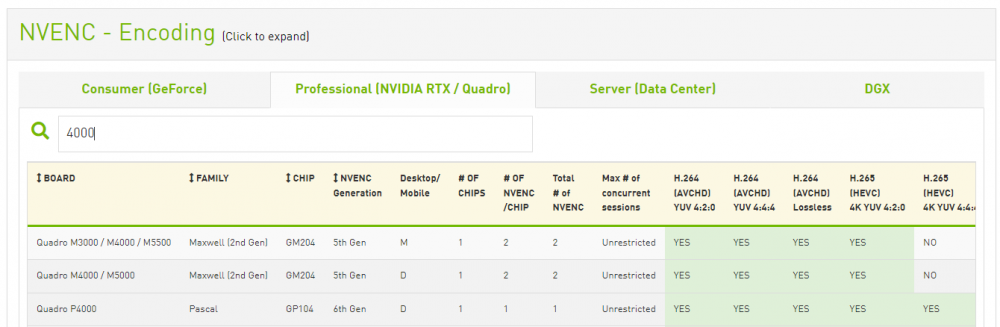
Pour savoir si une carte graphique Nvidia supporte le transcodage pour Plex ou autres aprés passthrough il faut aller vérifier la compatibilité NVENC sur la page suivante: https://developer.nvidia.com/video-encode-and-decode-gpu-support-matrix-new Exemple de résultat: Si la carte que vous recherchez n'est pas dans la liste des résultats NVENC alors pas de transcodage possible.
-
Pour choisir son processeur Intel et vérifier qu'il est bien compatible pour faire du passthrough il faut aller visiter la page constructeur du modèle en question, par exemple pour le intel i5-4570: https://ark.intel.com/content/www/fr/fr/ark/products/75043/intel-core-i54570-processor-6m-cache-up-to-3-60-ghz.html Descendre dans la page des détails techniques pour arriver à la partie qui concerne la virtualisation: Si VT-x est "Oui" alors la virtualisation est possible en utilisant VNC. Si VT-d est "Oui" alors le passthrough est possible.



