






CajunCoding
Members
-
Joined
-
Last visited
-
@sumsh I've pushed the latest build for Release v1.0 ✅. It was surprisingly troublesome as the OpenRBG team seems to have made some unexpectedly big changes between RC3 and final v1.0 . . . including the need to hotpatch some dependencies, incompatible Effects Plugin, etc. . . My apologies to anyone that pulled the :latest in the past 3-4 days as it was pretty much broken while I ironed out all the changes needed to make this work reliably again . . . but the latest is now available and working as expected for me. Commit Notes for the Template and Build Process changes: -The latest release v1.0 made some surprisingly significant changes that requried hot-patching the HIDAPI with hidapi-hotplug packages. -The latest release also compiles the default Effects Plugins against mismatching dependencies for Debian so the standard '.so' file doesn't work and we now have to manually extract the '.so' from the Plugin release '.deb' file. -Refactored the Dockerfile to no longer manually compile the source code but instead to use the actual pre-compiled release binary from OpenRGB for Debian v12 (Bookworm) -- for now. -Refactored the startup.sh script to be a little less fragile. -Enhanced the init-openrgb-plugins.sh to now be more reliable and not break the startup of the Docker App if there are any issues downloading or installing the Plugins. -Enhanced the init-openrgb-plugins.sh to now support dynamically extracting the '.so' from the plugins release '.deb' file for Debian; NOTE: All new dependencies are being loaded at build time in the Dockerfile to support this '.deb' packaged Plugin '.so' file!
-
Ahh ok thanks for the heads up. I don’t actively monitor the versions but when requested I’m happy to pull the latest and push an update 👍… I’ll try to do that this week…
-
Yes eventually I’m sure there will be, but that’s completely up to the OpenRGB development team. And I doubt that they come to this thread. This thread is just in support of the Unraid template that makes it easier to run it on Unraid. 😊
-
@Maff OK RC3 is now published... you will need to explicitly update to that version as it's not a stable release. Tag: cajuncoding/openrgb-gui-unraid:release_candidate_1.0rc3 Docker Hub link for RC3: https://hub.docker.com/repository/docker/cajuncoding/openrgb-gui-unraid/tags/release_candidate_1.0rc3/sha256:9b4e0bb8efa50668cf58caf9eb20be64a56cd1d8311d2fb9bdfb1cd6ac070d50

-
@Maff Yes I'll try to push an update . . . thanks for the heads up 👍
-
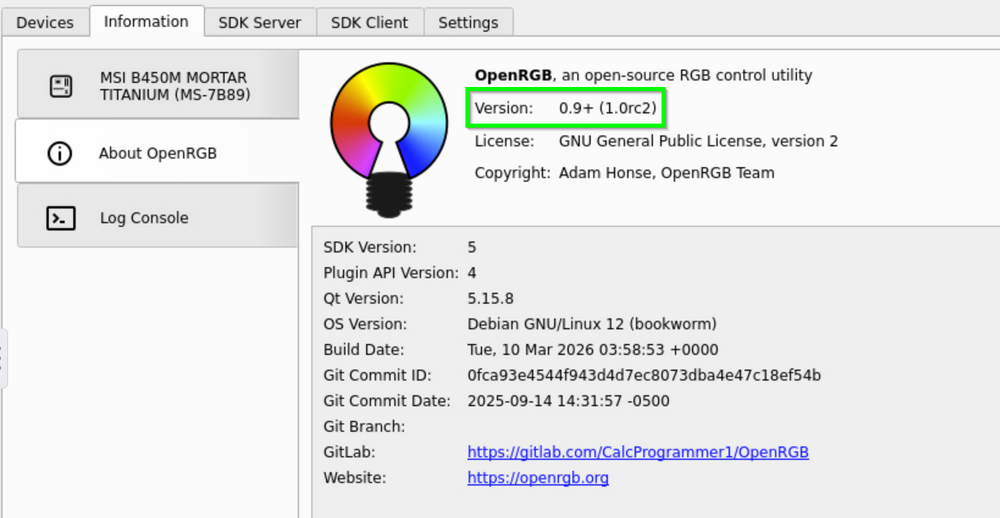
FYI @Slythy , @tasmaniac , @mattispantone81 Ok updated version built and pushed now using the latest branch release_candidate_1.0rc2 . . . I also updated and resolved the dependency issues for the latest Plugins which will automatically copy down and run (as before). Hope this helps! My local updated and is running as expected:
-
Thanks for letting us know that there is a helpful update available 👍. Pull Requests are more than welcome… 😁 but I’ll try to push an update sometime this week (next few days)…
-
Have you actually tried this new template & container? Your comment was not clear, it works perfectly fine for me on Unraid v7.1.4… Did you add the correct modprobe lines to your /boot/config/go file for your motherboard? Did you try any of the troubleshooting guides provided on the OpenRgb Gitlab page?
-
Even the Effects Plugin that is auto downloaded with my Docker and my template? It works perfectly fine on my instance….
-
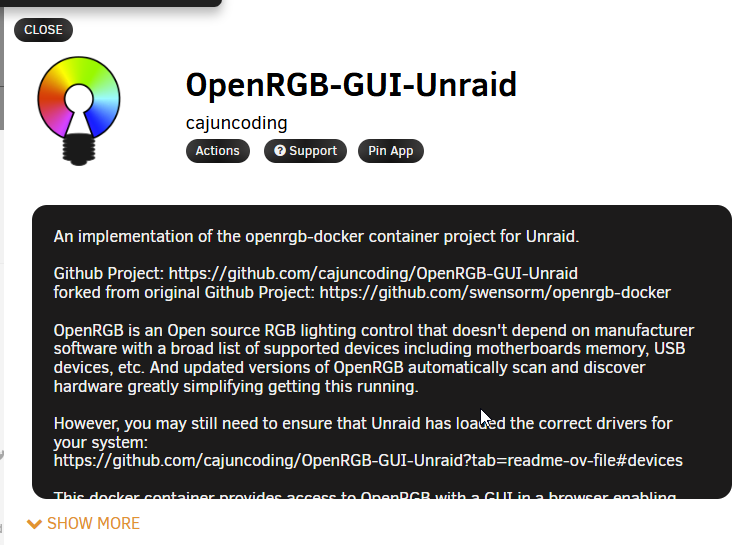
The Template is now live and usable within Unraid Community Apps -- first successful contribution finally published 🚀 Hope it helps some other folks out as the latest version was not nearly as easily deployed before this . . .
-
@BreakfastPurrito Ok, so you are using multiple plugins and one was causing the stacalloc error.... gotcha, and I assume then you may have dropped them in the plugins folder manually (which should be fine). When trying to get things working I found that the plugin has to truly be compatible with the version of OpenRGB or else it will not be loaded. You may also have to extract the *.so file out if it's in a deb package or similar. But do keep us tuned with a list of plugins (and links) that you confirm are working 👍. Regarding the need to explicitly pass in the devices . . . yes you are right root user is required too; I forgot to mention that. On my machine I can see it scanning automagically in the logs. So that is interesting. Can you confirm if you did all the other hardware initialization steps and added the modprobe ... lines into your /boot/config/go file as outlined by the readme's here: https://github.com/cajuncoding/OpenRGB-GUI-Unraid?tab=readme-ov-file#-unraid-setup-for-rgb-device-access This one 👆is my My Repo; forked from the one below which may also be helpful 👇 https://github.com/swensorm/openrgb-docker?tab=readme-ov-file#deviceshttps://github.com/swensorm/openrgb-docker?tab=readme-ov-file#devices
-
So from what I've found, no you do not need to manually pass through any devices as long as you are running it with "Priveleged" flag enabled which I turned on by default in the template. For me the latest release did a great job of scanning and finding my motherboard device fine and the logs show that it scans for everything . . . I've not spent much time working with the udev rules, at this point I've ignored that warning on startup -- too many other priorities. Regarding the plugins -- I added a script that automagically loads the default Effects Plugin from OpenRGB, and the fact that you see these lines confirm that it ran as expected: [app ] 2025-10-31 20:23:44 [init-openrgb-plugins] Starting plugin initialization... [app ] 2025-10-31 20:23:44 [init-openrgb-plugins] Detected 1 plugin(s) to check. [app ] 2025-10-31 20:23:44 [init-openrgb-plugins] ⏩ Skipped (already present): OpenRGBEffectsPlugin_0.9_Bookworm_64_f1411e1.so [app ] 2025-10-31 20:23:44 [init-openrgb-plugins] All plugin checks complete. [app ] 2025-10-31 20:23:44 [init-openrgb-plugins] Summary: 0 installed, 1 skipped, 0 failed. [app ] 2025-10-31 20:23:44 [init-openrgb-plugins] ✅ Plugin initialization complete. And then you have these lines (obviously the main failure): [app ] terminate called after throwing an instance of 'std::bad_alloc' [app ] what(): std::bad_alloc But I'm also not sure about this one either: [app ] [OpenRGBSchedulerPlugin] Time to free some memory. My Plugin initialization looks like this: [app ] 2025-10-28 14:36:26 [init-openrgb-plugins] Starting plugin initialization... [app ] 2025-10-28 14:36:26 [init-openrgb-plugins] Detected 1 plugin(s) to check. [app ] 2025-10-28 14:36:26 [init-openrgb-plugins] ⏩ Skipped (already present): OpenRGBEffectsPlugin_0.9_Bookworm_64_f1411e1.so [app ] 2025-10-28 14:36:26 [init-openrgb-plugins] All plugin checks complete. [app ] 2025-10-28 14:36:26 [init-openrgb-plugins] Summary: 0 installed, 1 skipped, 0 failed. [app ] 2025-10-28 14:36:26 [init-openrgb-plugins] ✅ Plugin initialization complete. [app ] Running standalone. [app ] Network connection thread started on port 6742 [app ] [i2c_smbus_linux] Failed to read i2c device PCI device ID [app ] <h2>WARNING:</h2><p>The OpenRGB udev rules are not installed.</p><p>Most devices will not be available unless running OpenRGB as root.</p><p>If using AppImage, Flatpak, or self-compiled versions of OpenRGB you must install the udev rules manually</p><p>See <a href='https://openrgb.org/udev'>https://openrgb.org/udev</a> to install the udev rules manually</p> [app ] [OpenRGBEffectsPlugin] version 0.9 (f1411e178a0024e3da8d178bbd0f0b60425e35fd), build date 2023-07-11 14:10:26 +0200 [app ] [OpenRGBEffectsPlugin] 53 effects registered [app ] [OpenRGBEffectsPlugin] LoadProfile 'BluePurpleWave'. [app ] [OpenRGBEffectsPlugin] Looking for corresponding controllers for auto assignement... [app ] [OpenRGBEffectsPlugin] Creating effect: CustomGradientWave [app ] [OpenRGBEffectsPlugin] Effect CustomGradientWave: Applying basic settings [app ] [OpenRGBEffectsPlugin] Effect CustomGradientWave: Loading custom settings [app ] [OpenRGBEffectsPlugin] Creating effect CustomGradientWave tab [app ] [OpenRGBEffectsPlugin] Effect CustomGradientWave thread started [app ] [OpenRGBEffectsPlugin] Assigning 1 zones to CustomGradientWave So that stackalloc error is def. not an issue for me.... You can try running without plugins by first deleting the already downloaded file using the docker command line: rm /config/xdg/config/OpenRGB/plugins/*.so because it's already been downloaded. Then stopping the docker container, and updating the PLUGIN_URLS param to simply be a single piple | this will override and cause it to skip downloading anything -- I may need to build in an enable/disable flag. Hopefully that will help you track down if it's maybe the plugin initialization that breaks the load . . . and get past that.
-
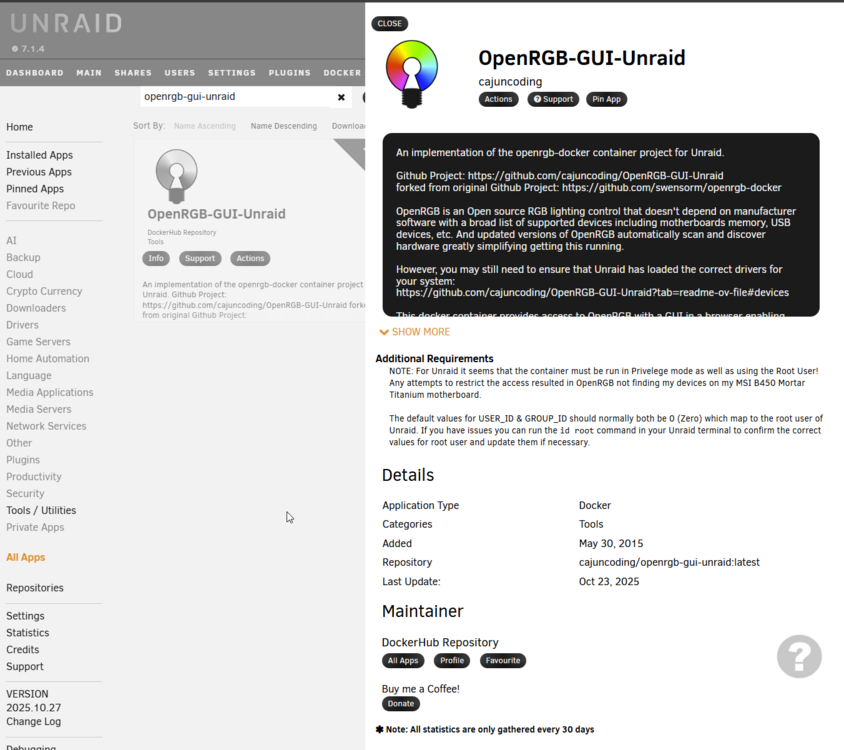
FYI, I've got a fully functioning version of OpenRGB v0.9 running on my Unraid and fully templated . . . I am in process of trying to get it published to the Unraid Community Apps but so far not been successful -- I dunno why this process has to be so hard. I found the submission form buried in the forum . . . but nothing has been published yet. For now -- and until then -- anyone that stumbles across this can pull the template from my GitHub Repo, and drop it into your /boot/config/plugins/community.applications/private/DockerHub folder on your usb drive and voila it'll be available to install: https://github.com/cajuncoding/Unraid-Templates/blob/main/openrgb-gui-unraid.xml A quick script to do this in the Unraid console is: cd /boot/config/plugins/community.applications/private/DockerHub wget https://raw.githubusercontent.com/cajuncoding/Unraid-Templates/refs/heads/main/openrgb-gui-unraid.xmlOnce downloaded just open Community Apps and it will automatically refresh and it should be available....
-
FYI, I've got a fully functioning version of OpenRGB v0.9 running on my Unraid and fully templated . . . I am in still in the process of trying to get it published to the Unraid Community Apps . . . For now I've left details and instructions to install here in the new support thread for OpenRGB-GUI-Unraid: https://forums.unraid.net/topic/194445-support-openrgb-gui-unraid-support-thread/#findComment-1586780
-
Starting a new support thread for the OpenRGB-GUI-Unraid container that now enables OpenRGB release 0.9 along with automatic support & installation of the OpenRGB Effects Plugin; or any other valid plugin you manually configure.



