





Lordsteggu
Members
-
Joined
-
Last visited
-
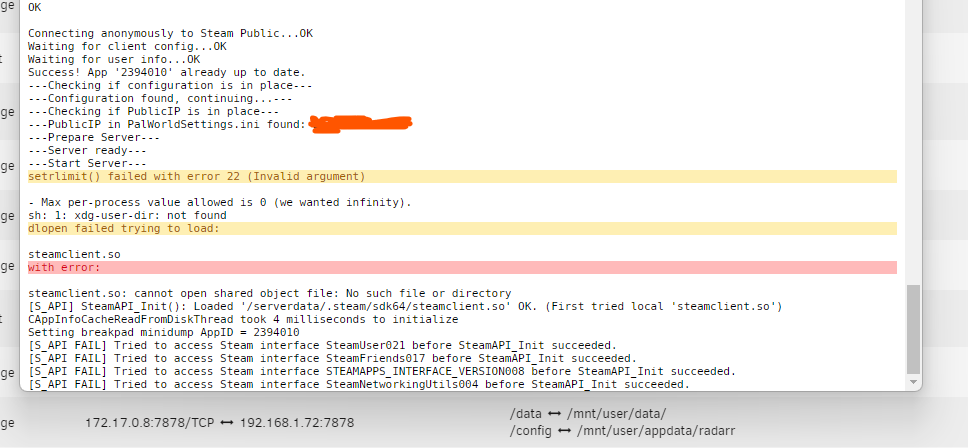
Hi, just a question, when spinning mine up I am getting some errors that I haven't seen before. Any ideas? Cheers
-
You are a legend, just booting one up now. Thanks
-
Hi, I am unsure of where to post this, or who to ask, but can we get a Palworld Dedicated server docker? Thanks, Dan
-
Sorted this, Make sure you create the container initially with EXACTLY THE SAME NAME AS YOUR OLD WORLD. If you're trying to swap a container to a different world, after it's been created. It will not work. Create a fresh one with the exact name. Once you've done that, override the world files with your old ones. Hey presto, it'll work.
-
Lordsteggu joined the community
-
Hi, I have a question about restoring old worlds from non docker valheim to new docker unraid valheim. I previously hosted the server on my windows server, I have got the world files from app data. Copied them to the new appdata on the docker location, changed the name on the docker to match the world file. The logs show that it has loaded, or at least not created a new one with the same name, it looks like that. However, when I load up the game it is not my original server, if someone could point me in the right direction that would be great. Cheers, Dan
