sebastienpierre
Members
-
Joined
-
Last visited
-
Yes, that did the trick -- I think the docker mount on /var/lib/docker was at 100% size. I deleted the Docker image, created a new, larger one and then had to reinstall containers. It's back to working now, thanks!
-
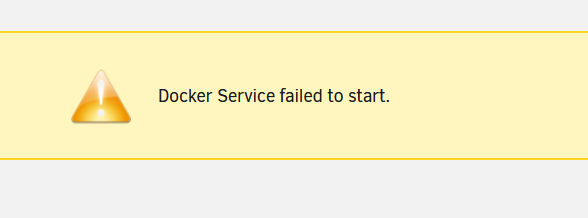
Hi! I updated Unraid to 6.11.5 this morning, and everything went well (ie. I can login to the Web UI, SSH into VMs, I can access shares), however the Docker engine is not starting. I'm attaching the diagnostics here for reference. central-diagnostics-20221203-1129.zip
-
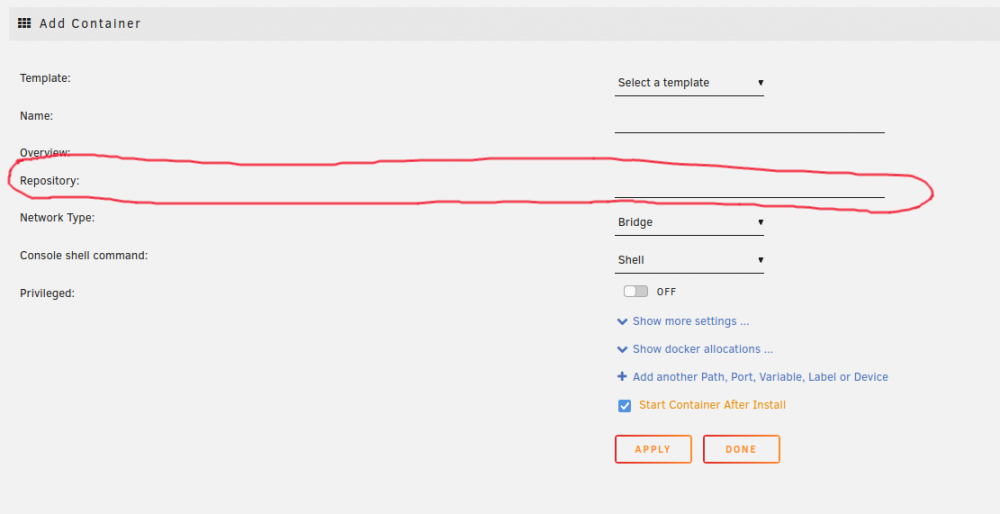
Hi! I'm building custom containers using Nix, and have Docker-compatible container images that I'd like to upload to my Unraid server and schedule for running. While it's possible to do that once by logging into the server and running `docker run` with my image uploaded locally, I'd like to integrate with the Docker Unraid interface and manage my container along with others. However, to add a container through the UI I need a container repository, which I don't. Most of the posts I've found here are using Docker to publish the containers, while I'd like to be fully self hosted. Thanks!
-
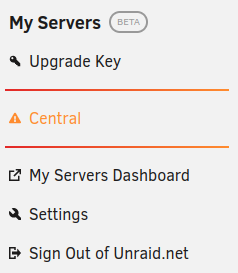
Hi there, I just installed the MyServers plugin like so: - With the Community Applications plug-in enabled - Going to Apps, searching for Limetech My Servers and installing it - Reloading the page, signing in through the upper-right sign-up screen - Entered name, email, password - Waited for the confirmation email, which never arrived - Managed to logged in into forums.unraid.net and access the MyServers page without having to enter an email confirmation code - Am now logged in, but on the server side I see the warning icon and the "Not Connected to Mothership" error (below). Likewise on the MyServers dashboard. I've done `unraid-api restart` just to be sure, with no effect.