





Ph1L
Members
-
Joined
-
Last visited
-
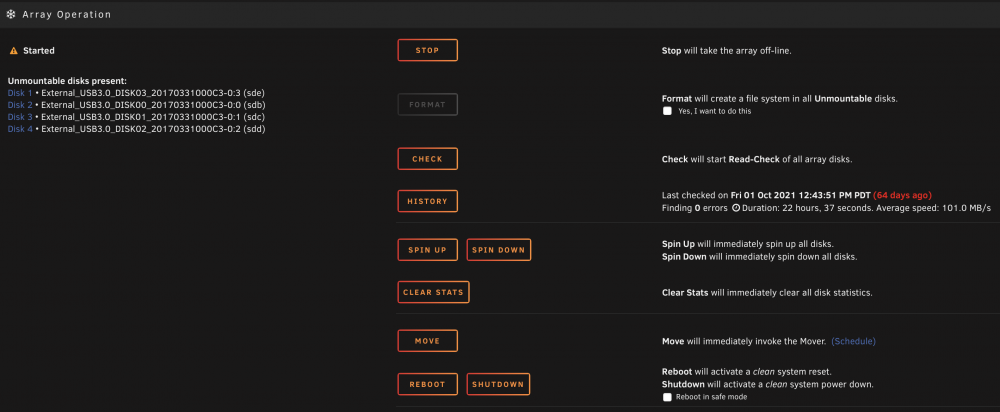
Thanks for your help. I clicked on the " new config " under tools, and didn't select any options. I am now getting a message that the drives cannot be mounted. Did I miss an option or something I should have chosen? I also understand that USB is not recommended, so my goal is to recover this RAID set and copy it to a new 12TB hard drive, then populate a mini ITX tower. Thanks in advance for your help.
-
Would you be able to tell me if doing a new config would wipe all my drives or if I would be able to retain the data that is already there?
-
Ph1L joined the community
-
Hi Y'all, I have a pretty simple unraid setup: 5 Disks + 1 Cache Disk 1 - 2TB Disk 2 - 2TB Disk 3 - 2TB Disk 4 - 3TB Parity - 8TB Cache 256GB SSD My Parity Disk had a mechanical issue and went offiline, now the entire array is messed up. Disk 2 is marked as failed Disk 4 is not being recognized and marked as "WRONG" Could someone offer some guidance on what I can do to bring this system back and not lose all my files? Phil plex-server-diagnostics-20211024-1711.zip
