Megaboss
Members
-
Joined
-
Last visited
-
Right now I have all appdata on the cache pool, 2x1tb Sandisk SSDs connected to the mobo directly (i.e. not though my hba). Should I move the appdata to the unused 1 TB NVME drive I have for better performance of those 2 docker containers? Will that cause any problems, will I even notice a difference? Thanks everyone.
-
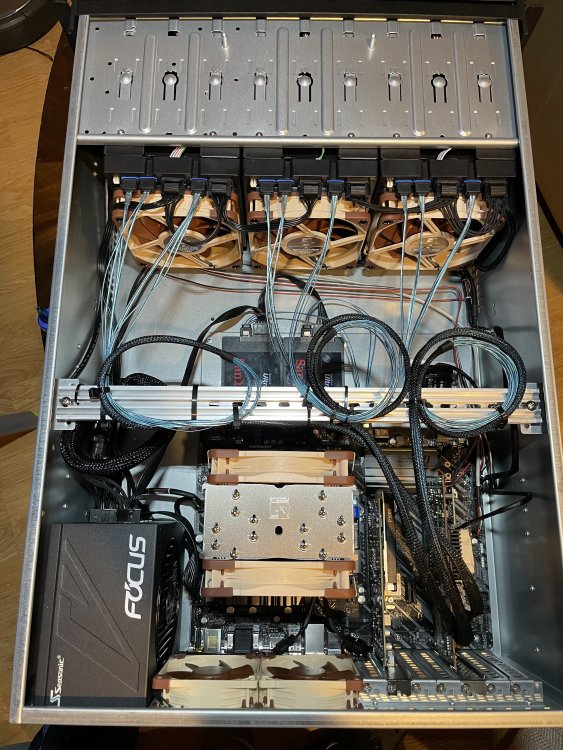
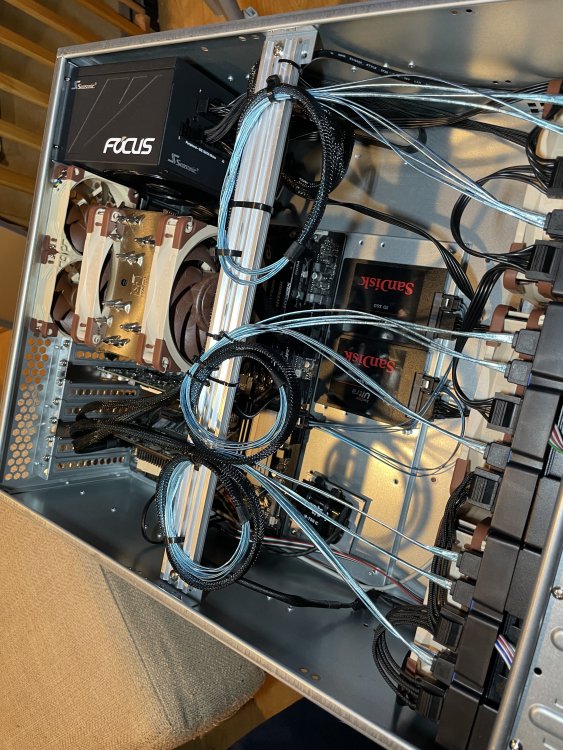
Unraid Pro i7 9700k ASRock Z390 Phantom Gaming-4 CB CB = Custom build, the mobo and cpu came out of a prebuilt gaming computer. 32GB DDR4 2133 MT/s Adaptec ASR 71605 16 Port HBA Quadro P1000 Dual port Gigabit NIC 82575EB chipset, both ports wired to Netgear SXK80 in LAG (NIC not pictured added it after the initial build) Rosewill RSV-L4412U 2x SanDisk Ultra 3d NAND 1TB SSD's for cache (wired to mobo) 1x WD Blue 1TB NVME 2x 12TB Shucked WDC_WD120EDBZ 1x 4 TB Seagate Ironwolf Seasonic FOCUS PX-750 Noctua NH-U12A Noctua fans everywhere, on the HBA too, the stock one was very loud