buddhaboi
Members
-
Joined
-
Last visited
-
Solved! Thank you both for pointing me in the right direction. Seems to have been a combination of plugins that was causing me all these issues when trying to update. 1. Nerdpack & IMPI tools was the cause of the array services not being able to start after the update. Uninstalled before the update and then reinstalled after update. 2. Dynamix system information and statistics plugins were the cause of issue #2 in my first post. After update, uninstalled these and rebooted. System is now up to date and all seems to be in working order.
-
I just tried the following... Upgraded via tools > update OS, initial issue happened, rebooted to safe mode, drives weren't present so did a new config, repopulated drives and started array and ran for 30mins without any of the preliminary issues. However, when rebooting back to normal mode, preliminary issues came back and system would get stuck loading services such as docker or VMs. With that said, what doesn't get loaded in safe mode that I can redo in normal mode? Thanks in advance
-
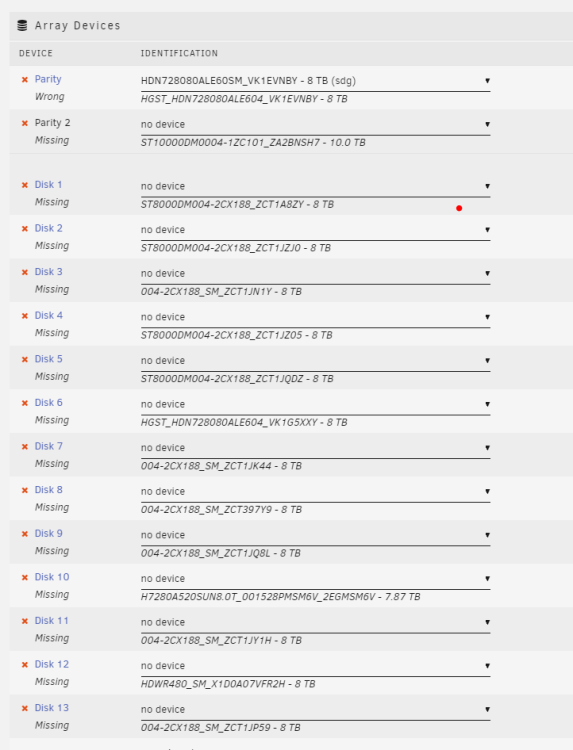
Formatted my usb key, copied over 6.11.1 files, copied the .key, super.dat and pools folder from backup to config folder of the USB key. Booted up and my array drives are showing as missing, even if I repopulate in the order listed, I still cannot start the array as it says too many drives are missing. Did I miss a cfg file? Or can I do tools > new config and repopulate the drives as originally listed? Would there be any data loss?
-
Let me give this a shot and I'll report back. Thank you!
-
Thanks for the quick response. Could you list out which files are essential to copy to make it bare minimum? When I tried something similar, just the key and super.dat files, boot up was similar to safe mode where drives were all unlisted and showed like a fresh install. If I have to do a fresh install, i just want to know what to do exactly to avoid any data loss.
-
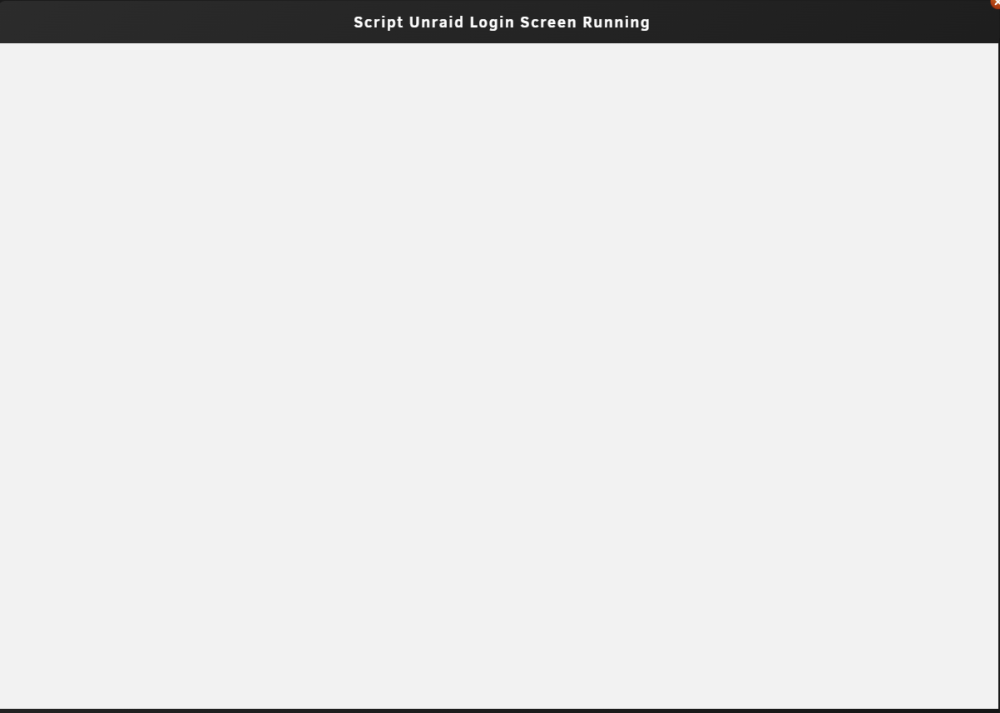
server001-diagnostics-20221012-1131.zip Hello all, I've been stuck at 6.9.2 since every release of 6.1x.x. When I try to update the following issues happen. 1. my array gets stuck at loading services and or VMs. 2. popup dialog windows are blank as per the screenshot. 3. I've tried different USB keys / ports to no avail. 4. I've tried from one system to another and issue seems to follow. 5. After an update, I've tried safe mode and drives don't show up and array can't be started. 6. I've tried rebuilding the USB key from scratch. Copying config folder to a new key with the newest version of Unraid. Still no luck. I have a secondary Unraid system where every update installs fine and without issue. Which leads me to believe there's something wrong with OS / config folder on this USB key. I have no idea what it could be and reaching out to the community for their assistance. Thanks in advance!