Coldrush
Members
-
Joined
-
Last visited
Everything posted by Coldrush
-
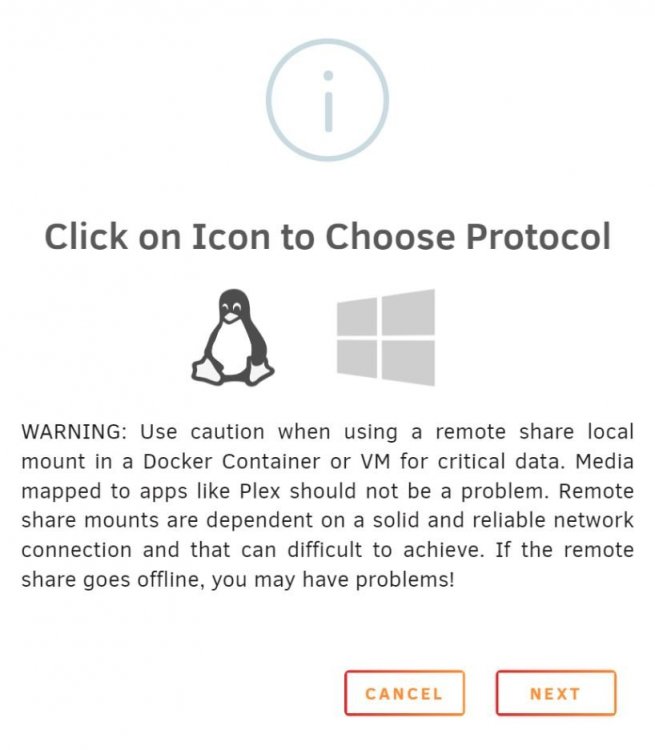
I'm a very happy Unraid user with two servers that I'm using for all sorts of interesting and fun projects. It has been a journey and I'm loving it so far. Now, I also have a Blue Iris server with special surveillance hard drives (WD Purple) that I use for 24x7 recording. One of my Unraid servers is hosting Frigate for everything related to high quality motion/face recording as well home automation. Now, I'm thinking of mounting my WD Purple drives into the Frigate container. Currently, I'm already doing the same with other media shares in a Plex container. This is working great. However, I'm in doubt about doing the same thing for Frigate because the notification when creating a new share explains: "Use caution when using a remote share local mount in a Docker Container or VM for critical data" (see attachment). I'm curious - what are other users doing? And what been your experiences? Anything I should consider before moving forward? Looking forward to your learnings!