





SIlastar
Members
-
Joined
-
Last visited
Everything posted by SIlastar
-
You are a true helper! Thanks a lot! This solved my issue SHort version: if you have a USB flash drive more than 32 GB, use Rufus to format it as FAT32, and manually download the .zip for Unraid, extract it to the Flashdrive and run "Make_bootable.bat" (or the one for Mac if you are running Apple OS)
-
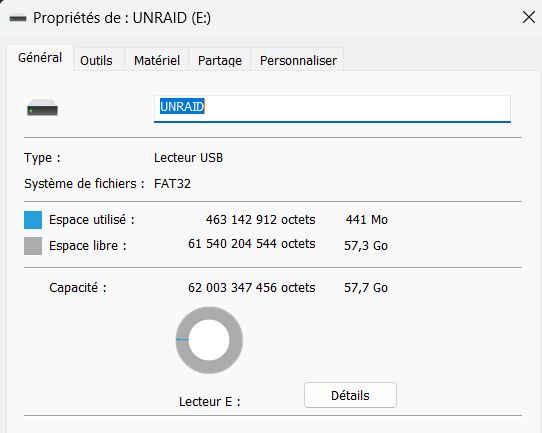
So I tried on my PC and no luck, indeed. I did run the "make_bootable.bat" script before trying it. I'm running a 32 GB thumbdrive on the old server with no issues though. This one is set as FAT32
-
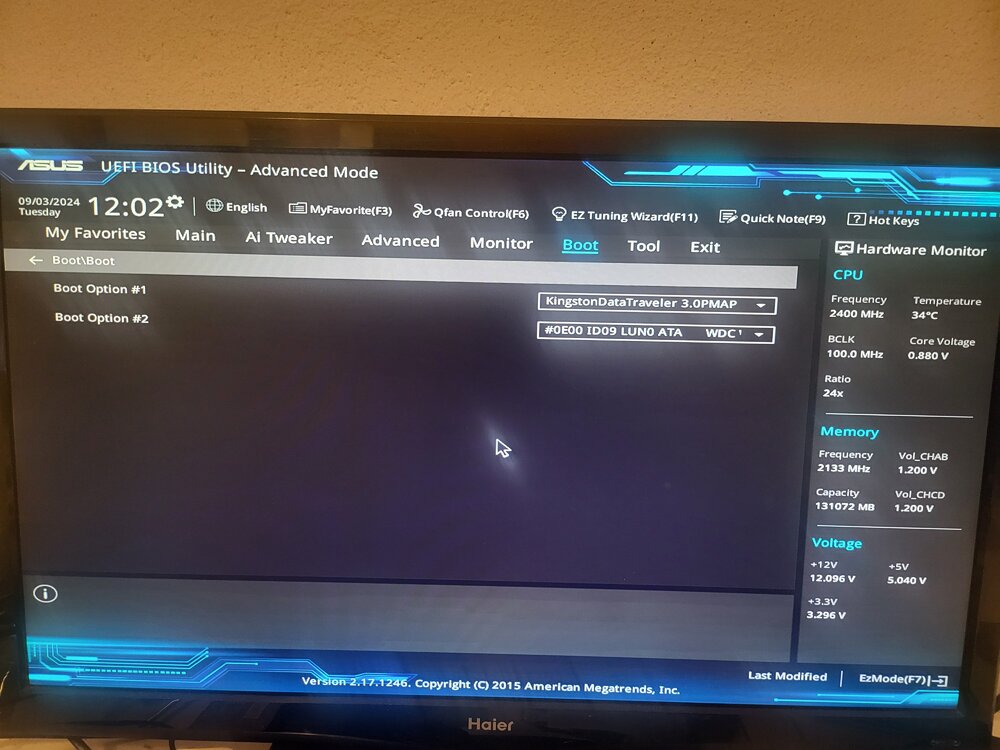
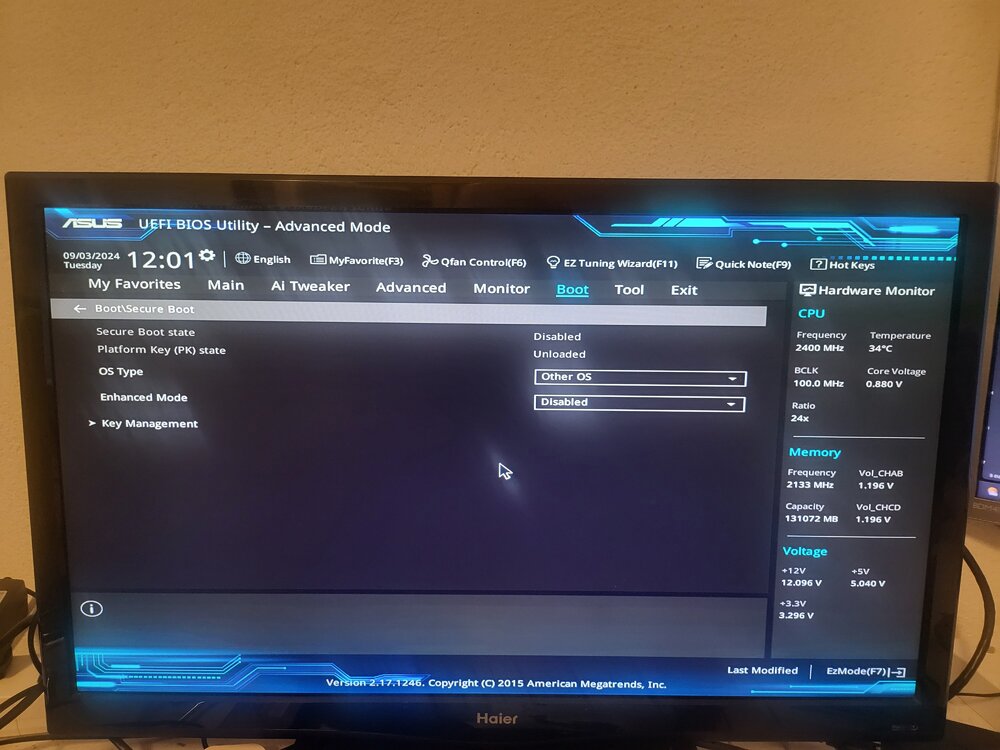
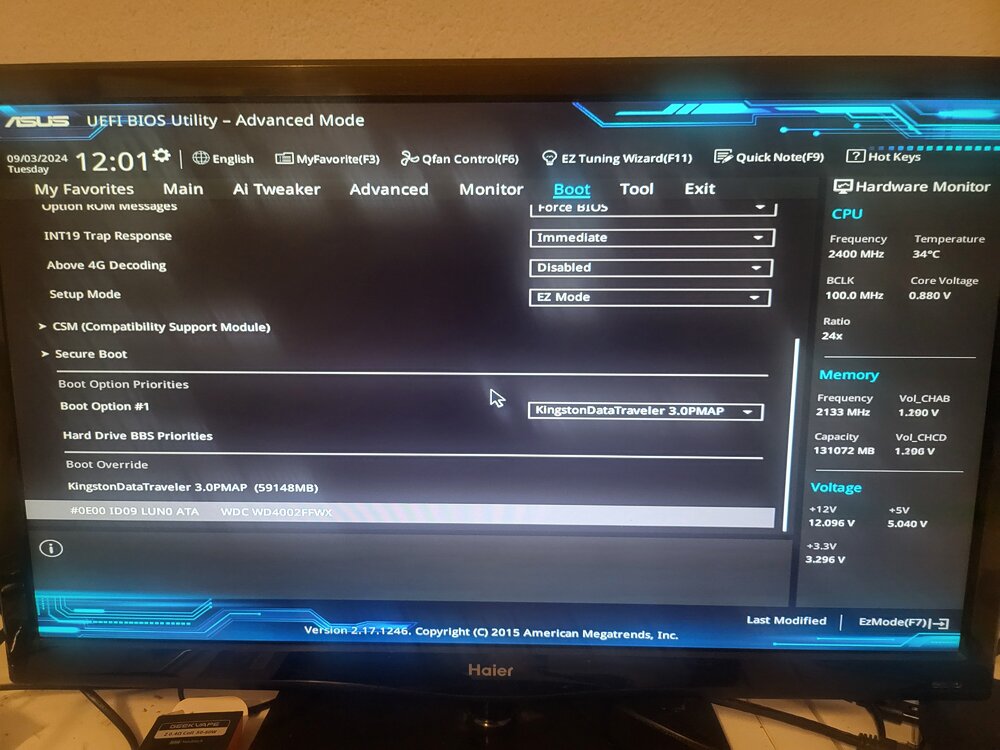
yes I see the flash drive as Bootable. Please find below pics of the BIOS
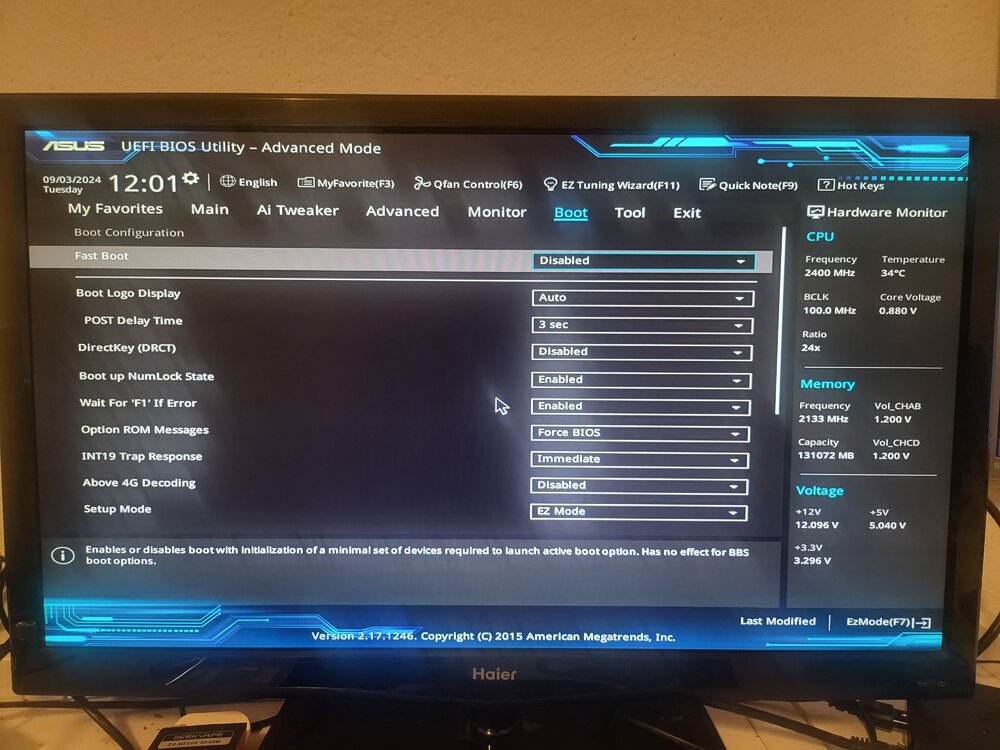
-
Legacy. Renamed the EFI folder to EFI- too Indeed, no menu
-
Hello Unraiders, Got a bit of an issue here: I already have an Unraid server that is working fine (a Poweredge r510), and I'm building a new one with more bays and faster hardware. Specs: Motherboard: Asus x-99 WS USB3.1 2x LSI card in IT-Mode 128 GB or RAM Anyway, I'm creating the USB flash for the OS, popping it in the new server, boot, and.... Nothing.... I'm going back all the time in the BIOS I've disabled fast boot, set the OS to "Other OS", disable Secure Boot. I've tried to set the USB to Auto, Forced FDD, Hard Drive,... Tried many, if not all, combination possible.... Even changed the CMOS battery on the MB Now the strange thing is that.... A live CD version of Ubuntu works, I was able to boot the OS.... Even TrueNAS works! I really want to be able to use Unraid for the versatility of mixed HDDs, and would like to avoid having to resort to using TrueNAS if possible... Anyone have encountered any similar issue with their endeavor using Unraid?
-
Could it be PCI slot in the BIOS?
-
I've been trying to do that but I am on a budget... Living in Switzerland, HDD prices are high and I can't get my hands on large drives right now. But thanks for the input, I'll try to find a temporary backup solution to store the data while I move the disks
-
Hello there! New Unraid user here, migrating from a QNAP NAS TS-871 to a Poweredge R510 12 bays just aquired. I got a migration question: I want to move all my disks to the Poweredge. Currently, all the 6 To HDDs are located in my QNAP (Raid 6, I can lose 2 drives). Got 4 x 4 To drives (1 acting as Parity) + 4 x 1 To that are located in my poweredge (totalling 16 To). I got an external USB drive (8 To) that I am willing to shunk for Parity. Got 30 To of data to migrate. What would be the ideal solution? I was thinking of this scenario: transfer as much data that is possible to the Poweredge, then shunk the 8 To, add it as parity drive, move the 4 To as disk for the array. Then remove two 6 To from the QNAP, add them to the poweredge and to the array, bringing the overall size to 32 To. Migrate the rest of the data, and install the remaining 6 To as replacement for the 1 To. There is the small percentage of chance that a drive in the QNAP fails during the migration, which would be a bummer. What would you fine people recommend?


