XzMrtrevorzX
Members
-
Joined
-
Last visited
-
Hey ICH777, Quick Issue maybe you can help me out. So I setup the container and stuff but when I try to open up the app that it is linked to it just doesn't open it and forces the default ports to be added instead of manual for each container. Issue lays between the OpenVPN Container and connecting to the application it is binded to. I added the extra parameters, added vpn.ovpn and vpn.auth and it connects to external vpn service but doesn't connect to app. Can you give me some guidance on this issue?
-
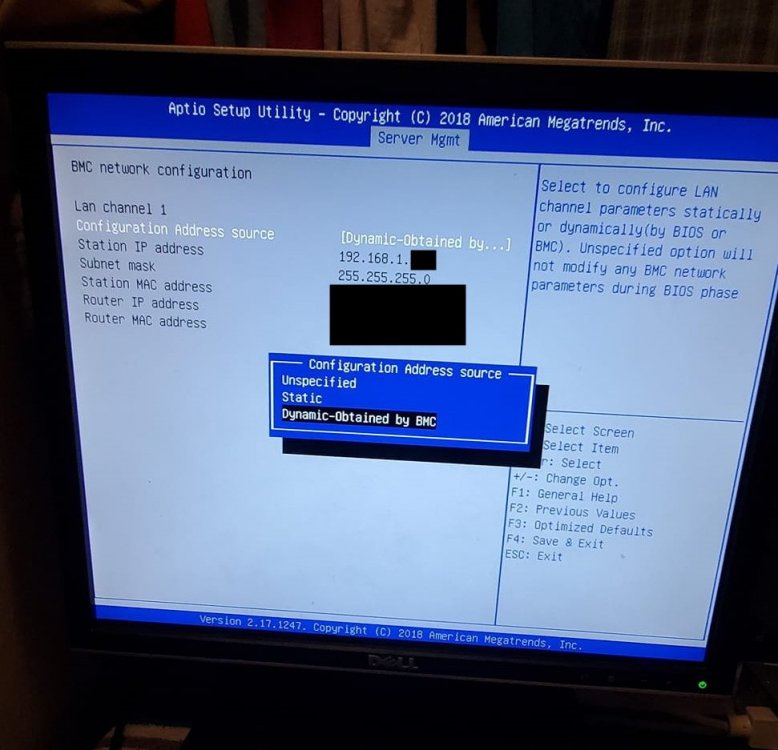
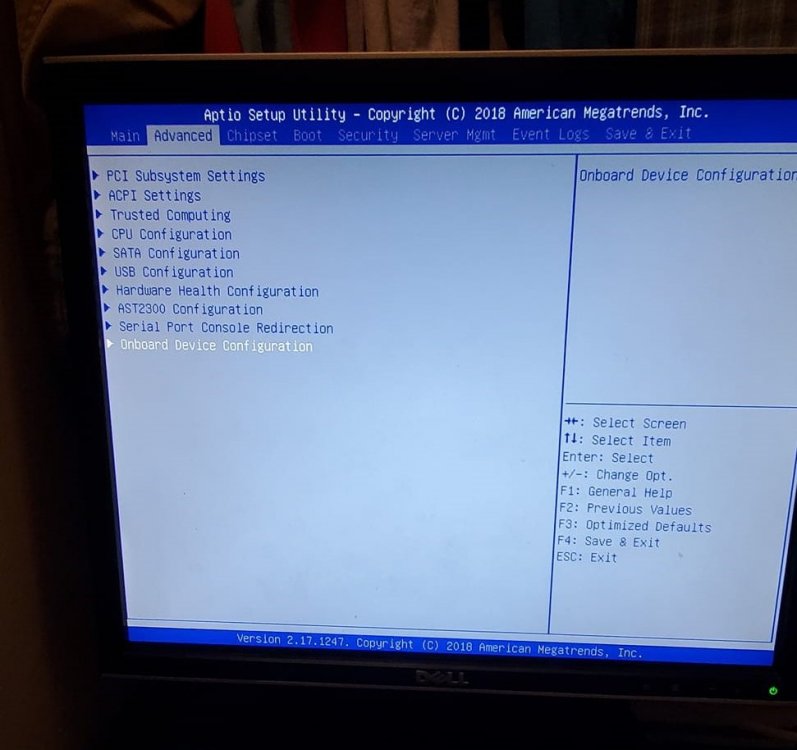
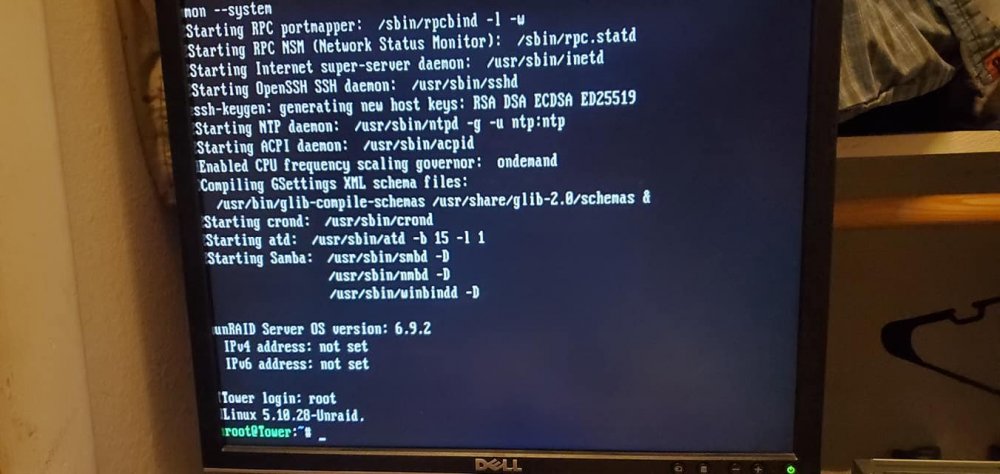
I have a Network problem on a Tyan s5530 Chenbro NR12001 1U SERVER. i am trying to install Unraid on it and am having a problem with enabling the network port on the board. i have an Ethernet cord plugged into it and the 1GB light is flashing on the port but am not being assigned an ip address. I downloaded the unRAIDServer-6.9.2-x86_64 zip and booted through legacy. now trying to figure out how to enable the ethernet port through linux.