





QukI
Members
-
Joined
-
Last visited
Everything posted by QukI
-
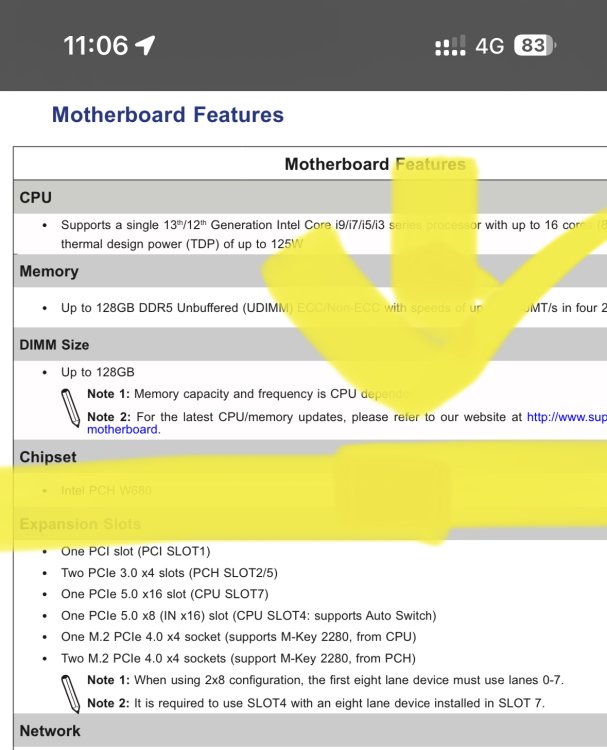
Note 2 supermicro counts pcie slots from bottom to top
-
The manual mention (more or less) that the second x16 slot doesn’t work, if nothing is detected on the first one… and together they only can provide 16 lanes.
-
I got mine yesterday. Ask a local computershop if they do Bios Updates 😉. In the end, I did it my self there, because thy were scared from the command line off the uefi shell. … but it was super easy
-
Not sure if Mainboard will run with 13900k, it says „8+8“ core max support.. but the cpu has 8+16.. and i didn‘t find anything which confirms that combo works… just some days ago, SM added official support for 13th gen. But as i mentioned they note explicit 8+8 cores i had this combo also in mind.. since around 3 weeks, but at this time, there was no cpu support, which they added now…. But i struggle with that other „problem“
