





joninator6
Members
-
Joined
-
Last visited
Everything posted by joninator6
-
I messed up and forgot my token to login to the admin page. Is there a way to reset this?
-
Shouldn't drives be spun down before shutting down? I always thought that it's bad for the drives to turn off while spinning. So, how come unraid always spins the drives up before shutting down?
-
Anyone running a SAS card in a 4x slot? I'm thinking of using a motherboard that only has 1 PCIe slot and it's a 4x. Is it safe?
-
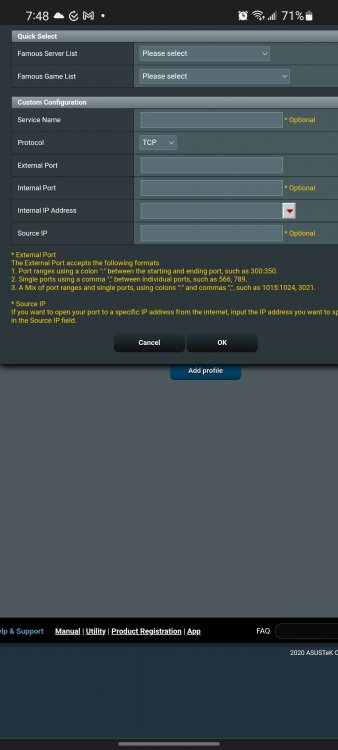
I'm trying to set up swag reverseproxy but I'm not sure how port redirect works for my router. Image I attached is for my router. Http and HTTPS uses port 80 and 443. How do I configure my router to redirect these ports to say....8001 and 44301?
-
Oh gotcha. Is there a tutorial on how to do that?
-
I can finally access the unraid webui outside of my home network. How do I access my Docker containers like radarr, sabnzbd etc...
