





GilbertJames
Members
-
Joined
-
Last visited
-
That was it, thank you so much for your help!
-
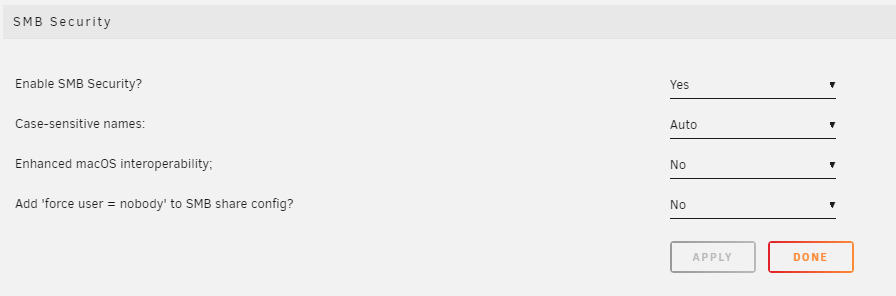
Here are my settings.
-
So I mounted the disk, can cleared the share under the settings icon. The share shows up when i browse the network, but asks for a username password, none of my other shares do that, only when I make the shares via Unassigned Devices.
-
So, I dont use the share under Unassigned Devices i used it und SMB Shares| NFS Shares?
-
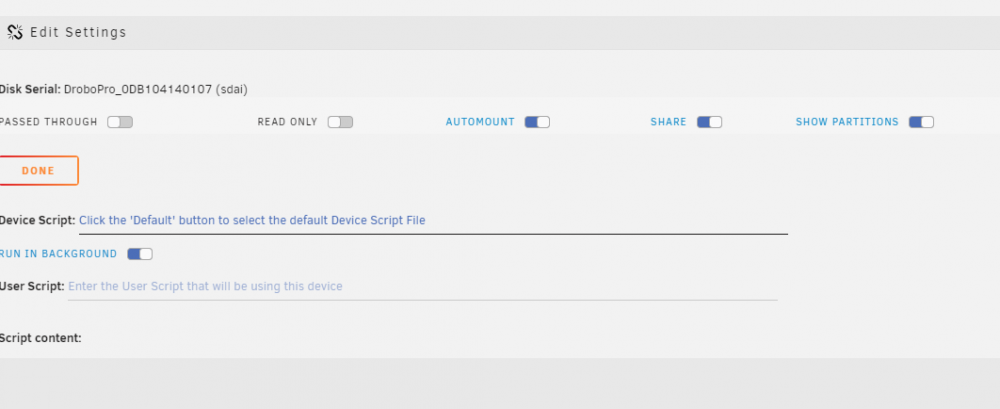
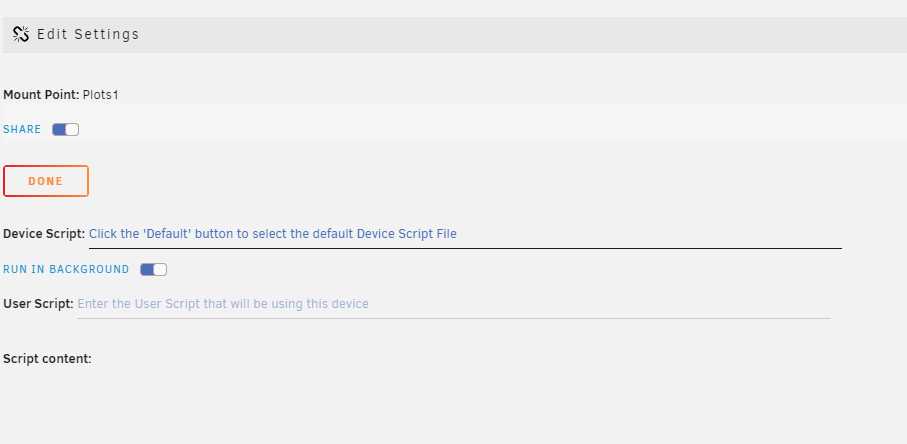
I don't see any place in Unassigned Devices to set a username and password.

-
There wasn't a place to setup the username/password.
-
GilbertJames joined the community
-
I setup Unassigned Devices to share a drive from my drobo unit. When I go to access the share, it asks for a username/password. How do I go about changing it so, no username/password are required. Thanks.

