





Barry Staes
Members
-
Joined
-
Last visited
Everything posted by Barry Staes
-
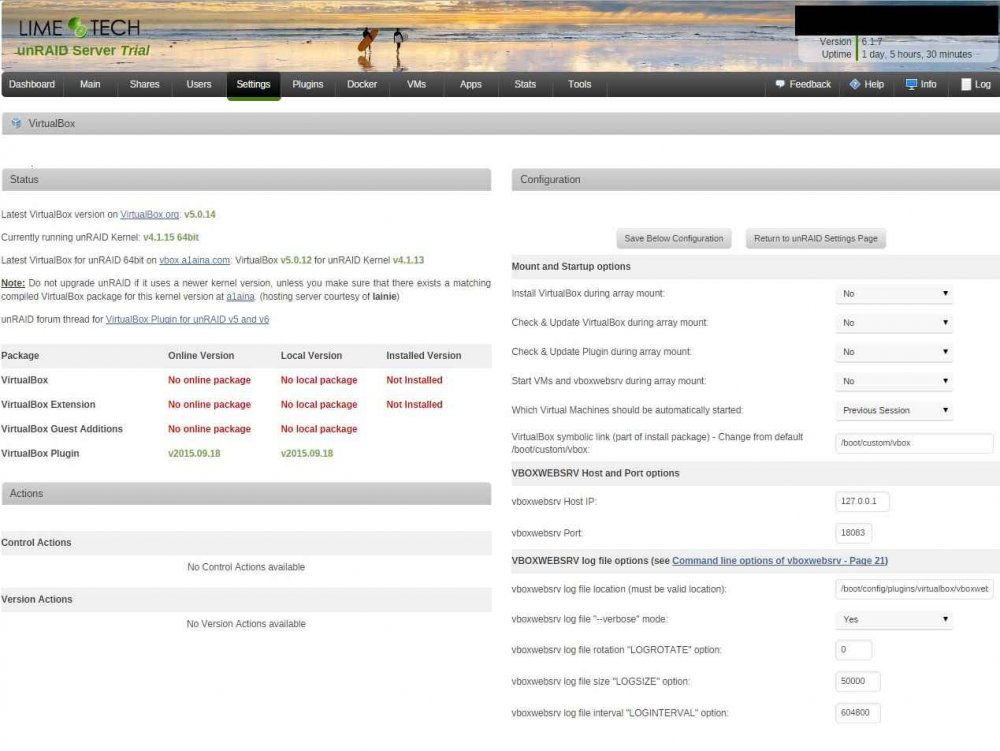
I'm new to Unraid and this virtualbox plugin. I installed it, but its not working. I could not find any tutorial or "getting started" blog post on this. I do see the webui with some config options but thats it.. it doesn't have a "add VM" button. What should i enable to enable such a button? And should i install phpVirtualbox? If so, mentioning that and adding link to that plugin in the 1st post would be of great use for noobs like me. And the Help button does nothing. Mentioning the "goto defaults to get things working" would be practical. Or do the "No online package No local package Not Installed" indicators mean i should "wait for laine" ?
-
Not OP, but my use case: I am new to Unraid and (like any geek) have a few NAS devices* .. and i would like to run them in service of my Unraid server. So i wonder whether i should go with iSCSI or the (discontinued?) SNAP plugin .. which would be simple to setup and recover? *) QNAP TS-410 holding 6TB Raid5. They read at only 35MB/s but thats fast enough for quite a few video streams.
