





KW52981
Members
-
Joined
-
Last visited
Everything posted by KW52981
-
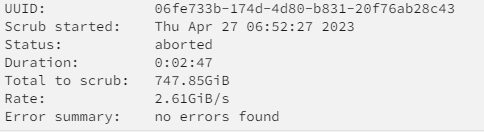
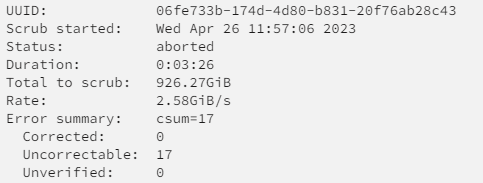
I ended up chasing down the files that were throwing the errors from the syslog and removed them. All were media files, so no real loss there. All containers and VMs seem to be working as expected. Scrub now comes up clean, but still aborts around the 57% point. How big of a worry is that?
-
Attempted scrub twice, and it aborted at about 57% both times. tower-diagnostics-20230426-1418.zip
-
Yaaaasssss. Thank you! Scrubbing now. Will follow up with results and diags in a bit for refrence
-
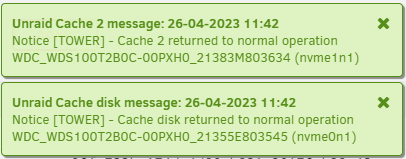
Complete noob here, and fairly lost. I was looking to remove one of my two nvme cache pool drives and attempted to follow this post. After removing the second drive, and starting the array received "unmountable: too many missing/misplaced devices" on the remaining cache drive. I have attempted to remove all cache devices and disable docker/VMs, and add back (as I have seen in a couple of post) and still end up with the above message. How screwed am I? tower-diagnostics-20230426-1418.zip
