Baloba
Members
-
Joined
-
Last visited
-
Hi. Started a transfer with smb share. The transfer is pending between 0 and 30 mb/s Sometimes its frezzes and resumes after about 2 minutes. I ran a dd command and the write speed is really low. It frezzes at 15:24 but I cant see anything in the log. unraidone-diagnostics-20220307-1533.zip syslog.log


-
Hi and thanks for reply. I´ve activated syslog server but I havent had any reboots yet and I cant see any errors in the log. There is still slow writespeed and if I start "mower" manually my containers starts getting slow and sometimes unresponsive. I have a plex container and I get a lot of slow connection to db and errors in sql database. When i´m transfering files through smb the plex streaming pauses.
-
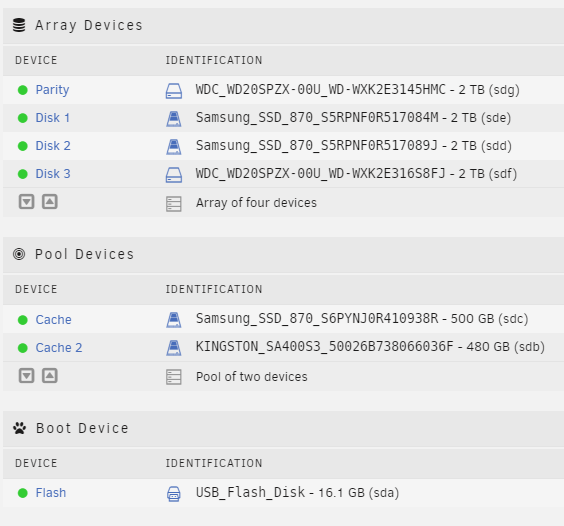
Hi. I have some problems with my unraid server. It sometimes crashes and reboots and sometimes it just frezzes and after a while i starts to respond again. Sometimes my transferspeed frezzes when I´m tranfesring large files over smb. It starts with 80mb/sec and then slowly reduces to zero. I´m using cache drives and when i´m moving files to the array it takes hours to transfer 30 gigs. sometimes it just takes minutes. Parity check always stays around 120mb/s I dont know what to do? Sorry for my English. Hope you understand. Hp Proliant DL380 G8 with P420i set to hba-mode Intel® Xeon® CPU E5-2690 v2 @ 3.00GHz * 2 96 gb of ram unraidone-diagnostics-20220306-1216.zip