Skip to content
View in the app

A better way to browse. Learn more.

Unraid

A full-screen app on your home screen with push notifications, badges and more.

To install this app on iOS and iPadOS
  1. Tap the Share icon in Safari
  2. Scroll the menu and tap Add to Home Screen.
  3. Tap Add in the top-right corner.
To install this app on Android
  1. Tap the 3-dot menu (⋮) in the top-right corner of the browser.
  2. Tap Add to Home screen or Install app.
  3. Confirm by tapping Install.

Nahasapeemapetilon

Members
  • Joined

  • Last visited

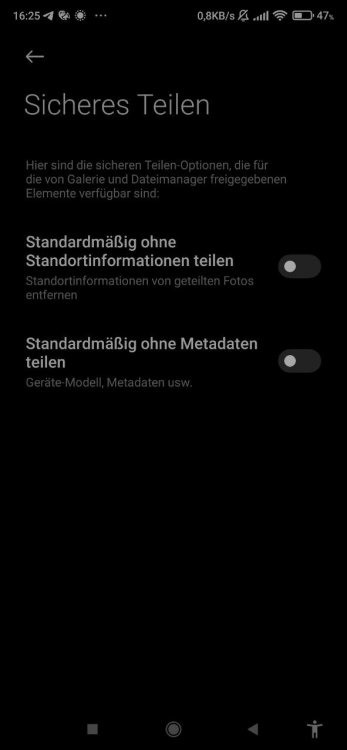
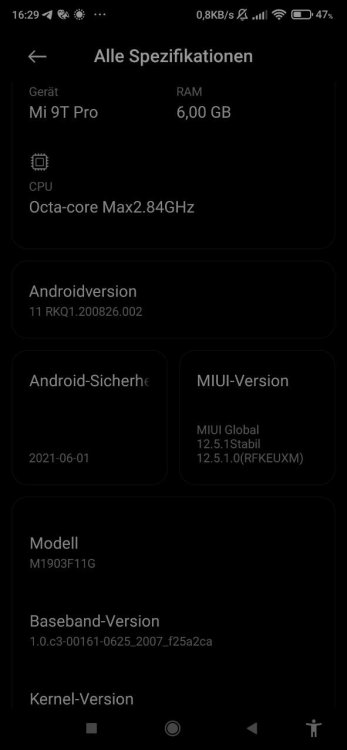
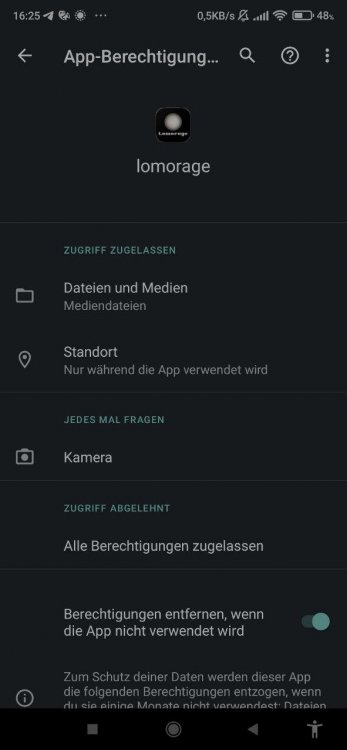
  1. settings for the app standard gallery app phone version before i have synchronized always with foldersync, the app also has no special access rights on the location nevertheless the pictures then have no gps data on the nas
  2. i think the android sync or lomoc importer removes the gps data
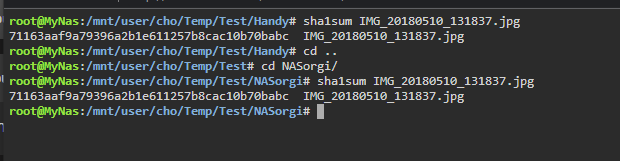
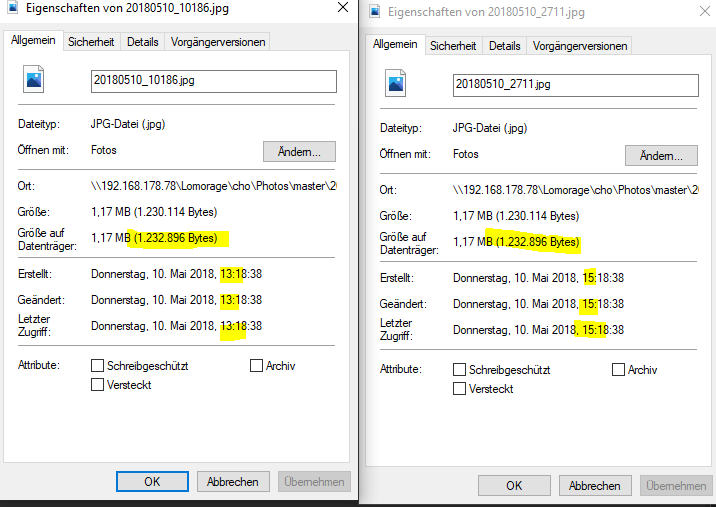
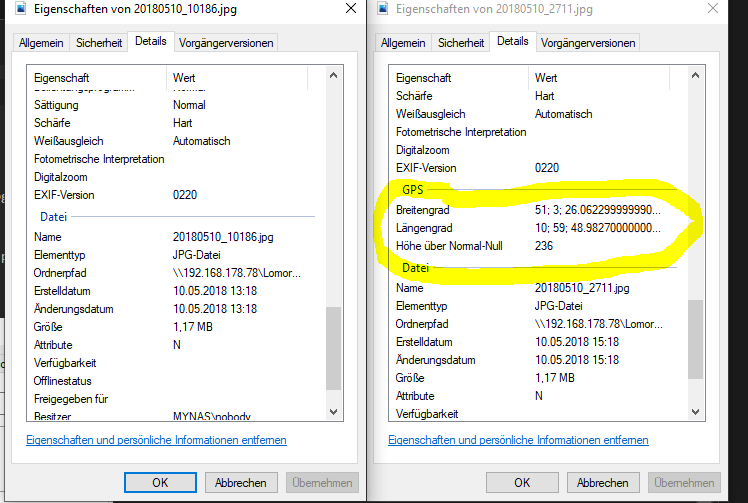
  3. no. one of the file has no more gps information
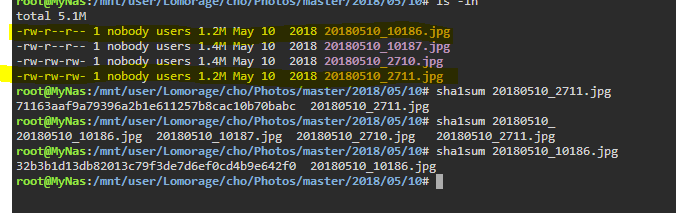
  4. Hi , i import an full backup folder of my pictures with follow commands : -1 i connect to the docker in ssh with putty: docker exec -it --user root Lomorage /bin/bash -2 i started the import process ./lomoc import name pass /importFolder/ after the import i connect with the phone and push the sync botton now i have a lot of duplicate images in lomorage have i done something wrong and how can i clean this up ? thanks

Account

Navigation

Search

Search

Configure browser push notifications

Chrome (Android)
  1. Tap the lock icon next to the address bar.
  2. Tap Permissions → Notifications.
  3. Adjust your preference.
Chrome (Desktop)
  1. Click the padlock icon in the address bar.
  2. Select Site settings.
  3. Find Notifications and adjust your preference.