DCN
Members
-
Joined
-
Last visited
-
Update for anyone who stumbles onto this in the future... I have successfully "fixed the server" unfortunately it is not clear on what the "fix" was. I replaced the HBA card which did not immediately change anything, I replaced the mini-sas cables which did not immediately change anything, I pulled all of the drives out booted and then re-installed everything while monitoring the HBA card which still did not see any drives. I was about to order a new backplane when I stumbled into the fix. After days of squirreling around with no results I happened to re-seat the HBA card, re-seat the mini-sas cables, re-seat 1 molex connector, re-seat the IPMI connection, and pull out the unRaid Boot USB with all of the drives out. I had verified that power was still going to the board/backplane/HBA and I was checking the individual connections on the backplane. So I booted the system and put 1 drive back in while monitoring the HBA card and IT ACTUALLY READ THE DRIVE AS PRESENT!.... Slightly panicking I gingerly put a second drive in and it saw that one to! I put all 21 drives back in and to my utter shock they all showed up! I shut the system down and replaced the unRaid boot usb and voila everything came back and my unRaid system acknowledged that all drives had been restored. Yes, I know that you are supposed to only change 1 thing at a time but this was the 6th day of troubleshooting and I was just throwing things at the wall to see what stuck. Hopefully this will help someone or maybe just keep their hope alive haha. TL;DR sometimes the planets align in a certain way that allows for the same action to be repeated yet different results occur haha
-
The drives are not spinning and nothing shows up in the bios (although I may be looking in the wrong spot). The drive indication light does turn on/off if I pull a drive and put it back in. Although that is probably un-related and just a feature of the backplane. I went ahead and ordered a replacement HBA card on the off chance that this one died.
-
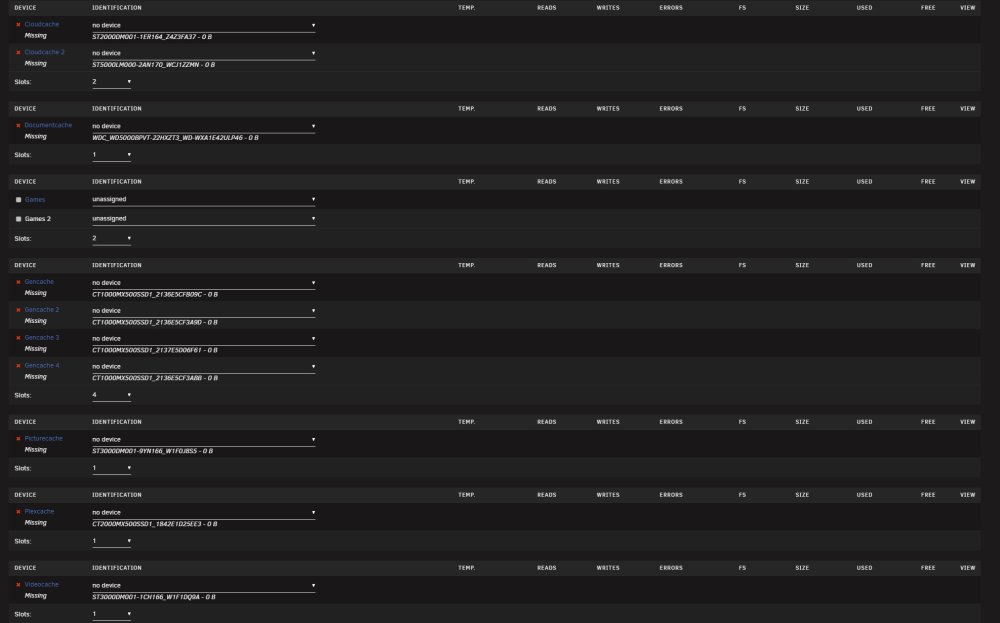
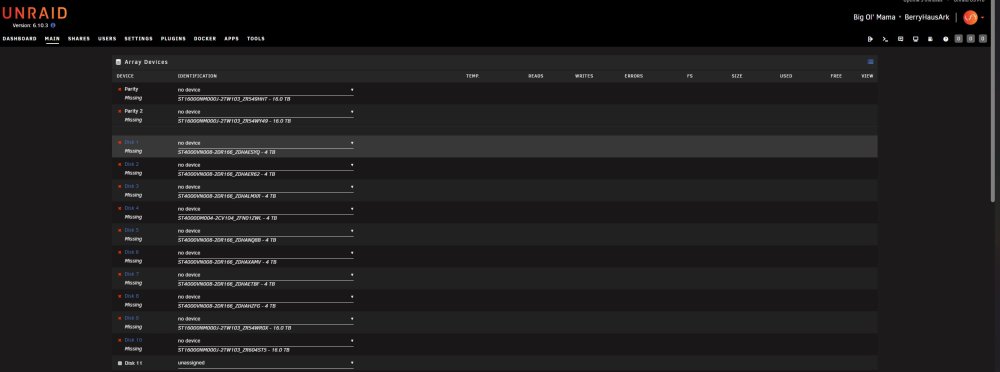
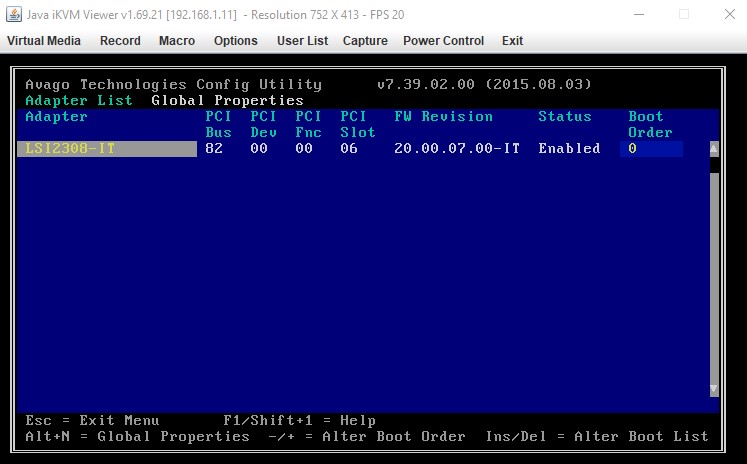
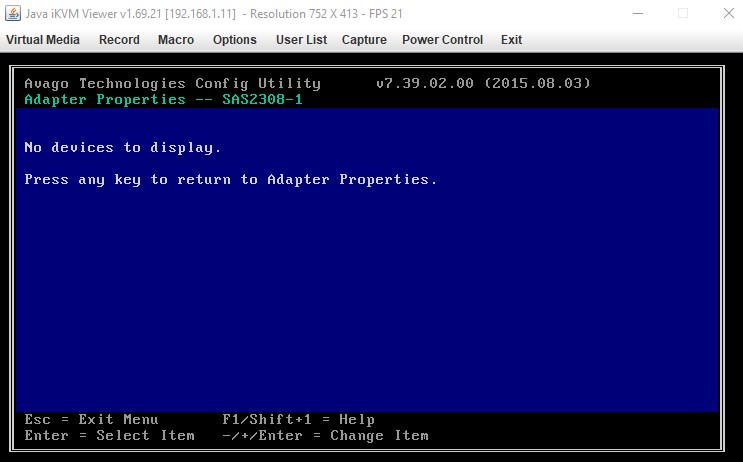
As the title says all of my drives are now missing after my UPS initiated shutdown (at least I hope that's what happened because I was out of the house when the power went down). I'm attaching my diagnostic zip for review along with two screen shots of the array tab and my missing devices. I think the error is in the syslog @ 06:35.03 when a device inventory is run. It shows mdcmd (1): import 0 then md: import_slot: 0 missing it does this for each slot in the array. Also, in the vars.txt file it shows each disk with the DISK_NP_MISSING status. I have tried multiple reboots, re-seating my HBA card/connectors, pulling out all drives and re-seating them, and even praying but sadly nothing has worked. Any advice/help would be amazing! Thank you in advance! EDIT: I have also verified that my HBA card (LSI2308-IT) is being seen and is enabled (see attached screenshot). But digging into the card, specifically into the SAS Topology it does not show any devices attached to it. I'm not sure if this is correct but this may be the smoking gun. berryhausark-diagnostics-20221011-1137.zip