omygoodness
Members
-
Joined
-
Last visited
-
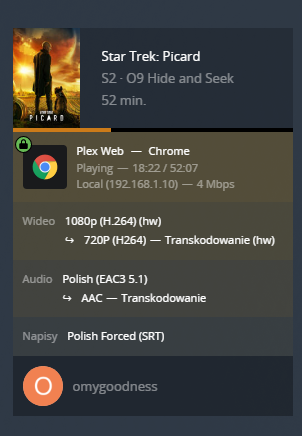
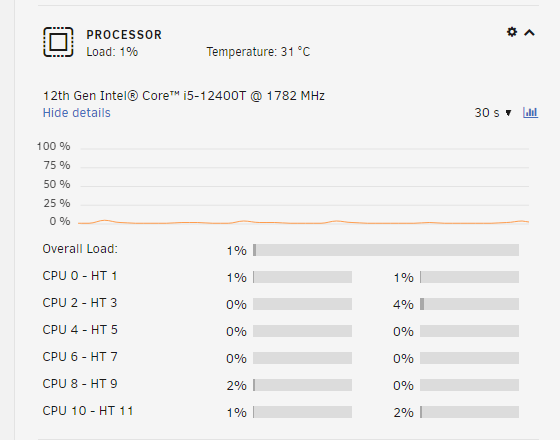
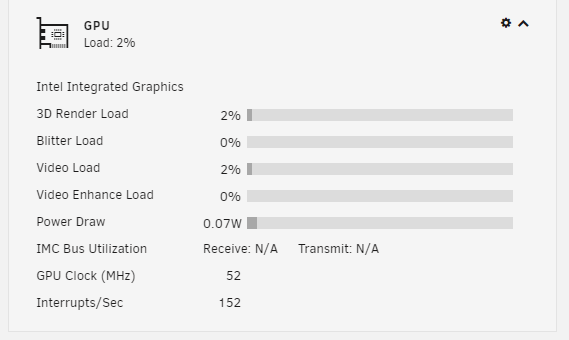
In my case most of plays are direct too but I can switch to HW anytime. I was suprised to see that people have so many issues with 12th gen. My guess is that might be a problem with E-cores. 12400T has only P-cores and it is working fine.
-
I did restart it today because of RC8 update but I was running for 30+ days with those settings and not a single crash
-
I was asked in different topic to share some steps which might help someone. I am using i5-12400T and I managed to run Plex HW without any issues on 6.10.0-rc3, rc4, rc5. What I did: Created /boot/config/modprobe.d/i915.conf and added blacklist i915 Rebooted chmod -R 777 /dev/dri Installed Intel GPU TOP plugin Passed /dev/dri into Plex docker container Done I did update to rc8 today and it stopped working so I restored rc5 and everything is working as expected.