





Zapfmeister
Members
-
Joined
-
Help please? Got no idea how to switch back without the former stable image.
-
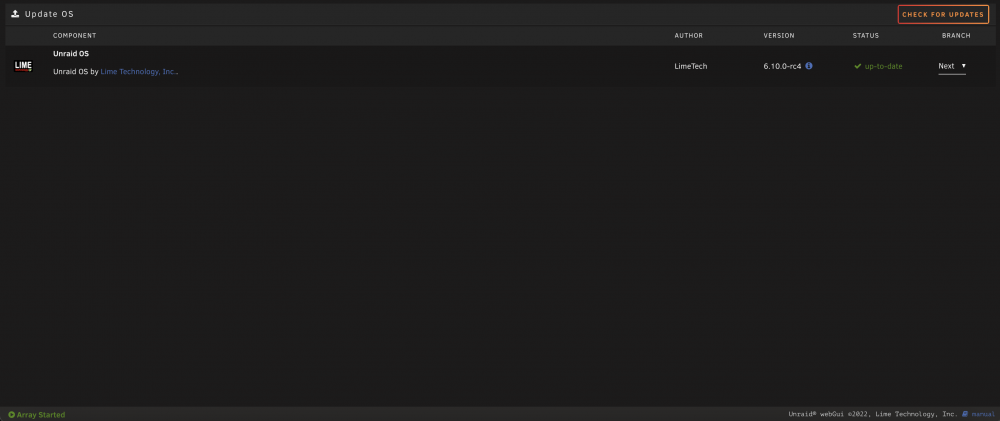
Hi, i had to restore my unraid usb stick from the "my servers" backup. Seems i was running on the beta version of unraid during that time. When trying to switch back to stable, nothing happens. Is there another way to switch the branch then via the webui? Br Zapfmeister
-
while true do python3 github-backup.py /home/docker/github-backup/config/config.json chown -R nobody /home/docker/backups sleep $SCHEDULE done https://github.com/lnxd/docker-github-backup/blob/master/backup.sh Seems to set user to nobody. Maybe we should set group as well. And maybe use IDs instead of words?
-
For me its shows owner and group as nobody. Which meant i cannot access the folders via SMB. I think the group is supposed to be "users". After changing the group it worked for me. I also tried to set the PGID in the container but it seems it doesnt make a difference.
