benxfactor
Members
-
Joined
-
Last visited
-
Okay I set this. I hope that was the issue! Thank you!
-
syslog
-
Looks like the problem persists here is my diags with syslog turned on. Thanks! tower-diagnostics-20231013-2102.zip
-
Started it just now and all issues seem to have gone away. I went ahead and replaced that disk as well. Thank you for the reply.
-
Hello, this issue started last night when plex died while watching an ISO. I went to look at the unraid interface and that was unresponsive so I gave the system a re-boot and I was able to get into the GUI and start the array it would run for all of 3-4 min before another crash. After trying it another time and a having the same results. I started it in maintenance mode and it seems to be running just fine for 30+ min so that leads me to believe that the USB failing isn't the issue. The system itself stays running when this crash happens so I assume it is not hardware related. (like RAM or CPU dying). I did update to the latest stable Unraid OS but that didn't seem to make a change. I do have an existing issue with my second parity drive throwing an SMART error (It looks like throughput issues nothing that made me want to pitch the drive) but I wouldn't think that would be the issue unless that can cause issues with an HBA. I will upload my diagnostics in another post when I am able.
-
I'll give it a shot. Thanks!
-
attached tower-diagnostics-20220907-2200.zip
-
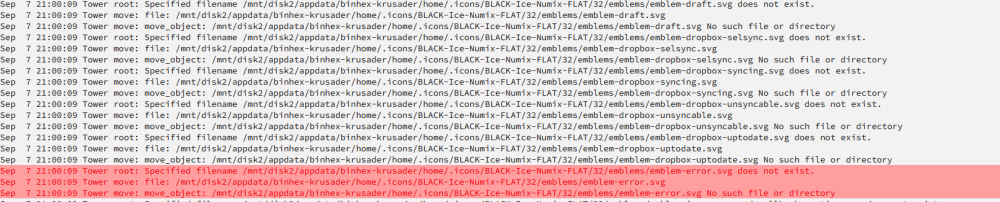
My log files are showing as full or close to full because of this error how do I clear this task in krusader?