





Peelson
Members
-
Joined
-
Last visited
Everything posted by Peelson
-
I‘m sure I used /mnt/cache/...
-
-
not yet
-
@ich777 hi~ we found a issue of lxc plugin.When I update to unraid 6.10.2,I lost all of my shares after a normal reboot.Dockers and vms are not working anymore...It resolved by removing lxc plugin.
-
我也遇到了==
-
6.10.0.stable.log
-
https://gitlab.freedesktop.org/drm/amd/-/issues/1598@ich777 I got some logs by system~ Is that usefull? amdgpulog.logIt has play failed by Incompatibility Problem 😭I will try it tonight and btw I try to use emby by stop video for about 1min and continue play, it encoding 4k 120mbps fine......wtfthat's why i'm trying to make my 5600g workThanks a lot! I will try more on it and may find more thingsMaybe I'll buy a new Nvidia... 😭When I started transcoding, my GPU usage went like this, and my unraid system froze,i can do nothing. I got logs here, are there helpful?
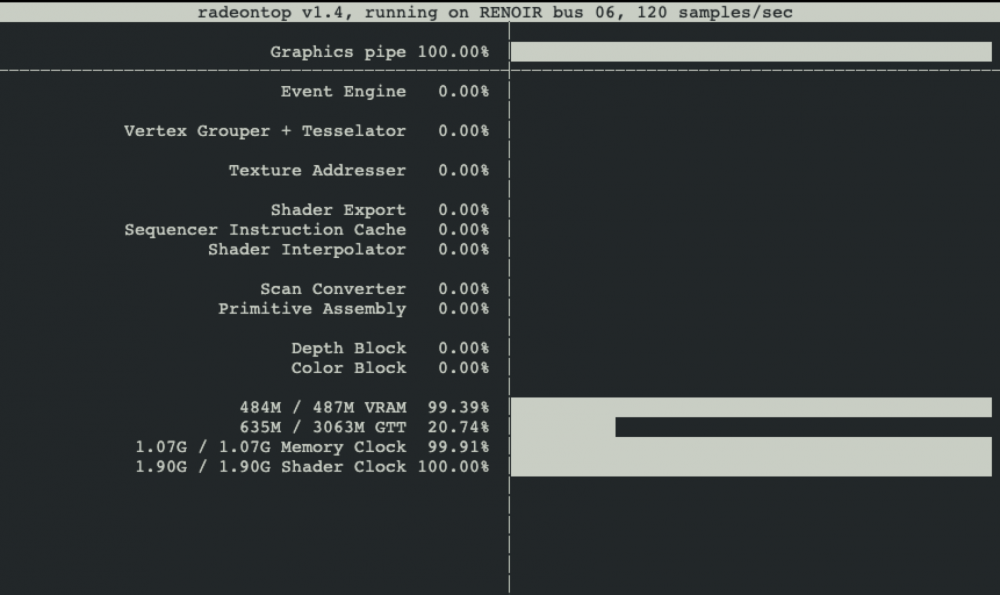 @ich777 Perhaps there is a way to get rid of emby's transcoding limit or limit GPU usage under maybe 90% to avoid unraid stoppedyes, exist
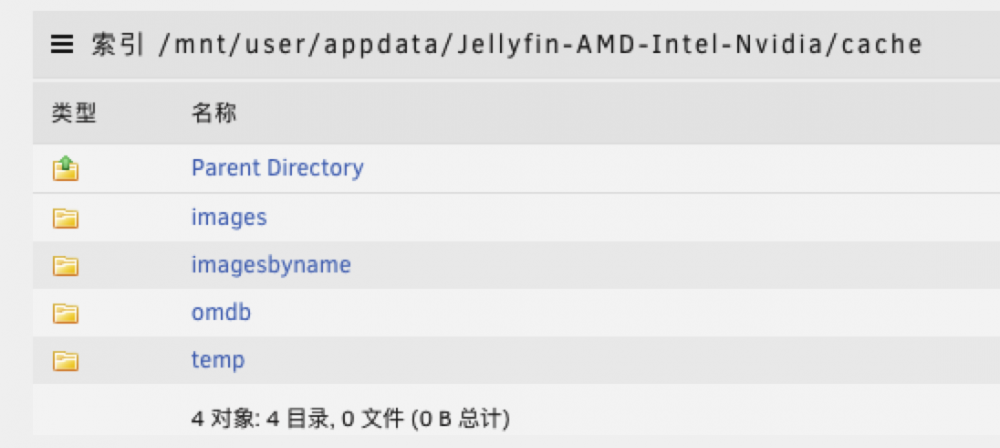 Is there cause and effect? How can I avoid itMaybe I mislead you, what I really care about is that MY GPU usage is 100%, And My unraid stopped,only ssh work.I have 16G RAMLuckily I connected to Unraid by SSH,I restarted it and these are logs. jellyfin.log FFmpeg_001.log FFmpeg_002.log FFmpeg_003.log FFmpeg_004.log FFmpeg_005.log FFmpeg_006.log FFmpeg_007.log FFmpeg_008.log FFmpeg_009.log FFmpeg_010.log
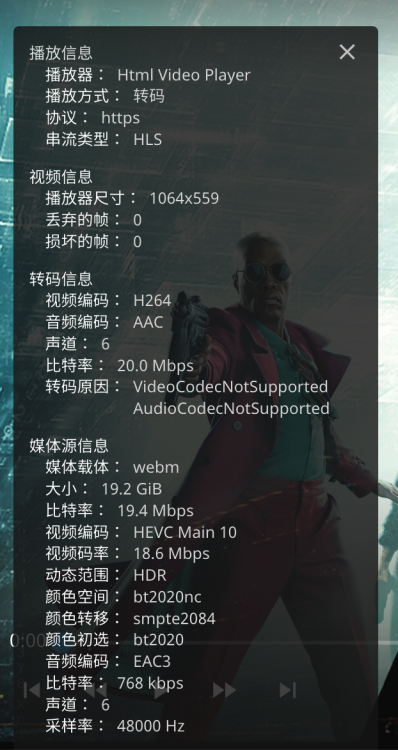 I think there must be a bottleneck somewhere between decoding and streaming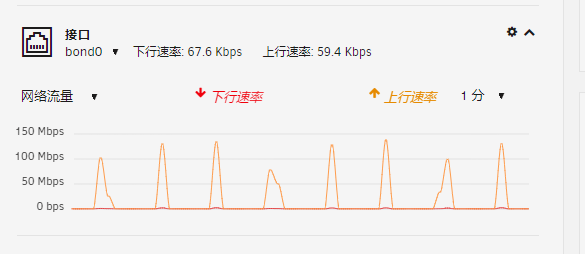


Account
Navigation
Search
Configure browser push notifications
Chrome (Android)
- Tap the lock icon next to the address bar.
- Tap Permissions → Notifications.
- Adjust your preference.
Chrome (Desktop)
- Click the padlock icon in the address bar.
- Select Site settings.
- Find Notifications and adjust your preference.
Safari (iOS 16.4+)
- Ensure the site is installed via Add to Home Screen.
- Open Settings App → Notifications.
- Find your app name and adjust your preference.
Safari (macOS)
- Go to Safari → Preferences.
- Click the Websites tab.
- Select Notifications in the sidebar.
- Find this website and adjust your preference.
Edge (Android)
- Tap the lock icon next to the address bar.
- Tap Permissions.
- Find Notifications and adjust your preference.
Edge (Desktop)
- Click the padlock icon in the address bar.
- Click Permissions for this site.
- Find Notifications and adjust your preference.
Firefox (Android)
- Go to Settings → Site permissions.
- Tap Notifications.
- Find this site in the list and adjust your preference.
Firefox (Desktop)
- Open Firefox Settings.
- Search for Notifications.
- Find this site in the list and adjust your preference.