





funcrush
Members
-
Joined
-
Last visited
-
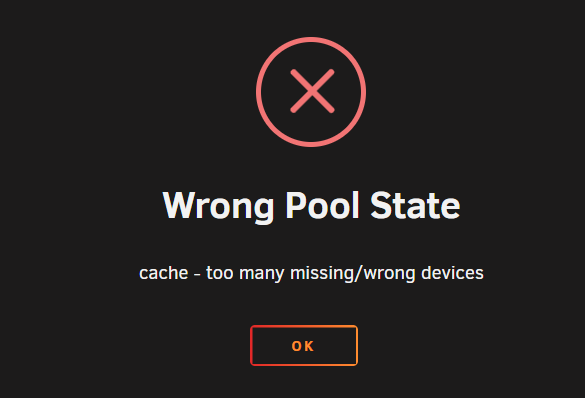
Thank you! I'm running through that process, however at step 3 "Start the array" I have no ability to do it as i get the error "wrong pool state". I just want to be sure i'm making the correct changes before moving forward as I dont want to cause any more issues. If anyone is open to helping me today via discord, I'd happy reimburse you for your time. PM me here if you want to connect.
-
I think one of the pool devices a while back i had issues with, and wasnt able to re-add it, things were working fine at that point without that device so I didnt really address it. I dont believe i did that recently, and if I did - it wasnt my intention. Should I attempt to add that device back to the pool? I'd like to rebuild, but not sure how to initiate that process.
-
candyman-diagnostics-20231215-1019.zip diags added
-
Thanks - I see that now re:pool. I'll hold off until I receive further instructions.
-
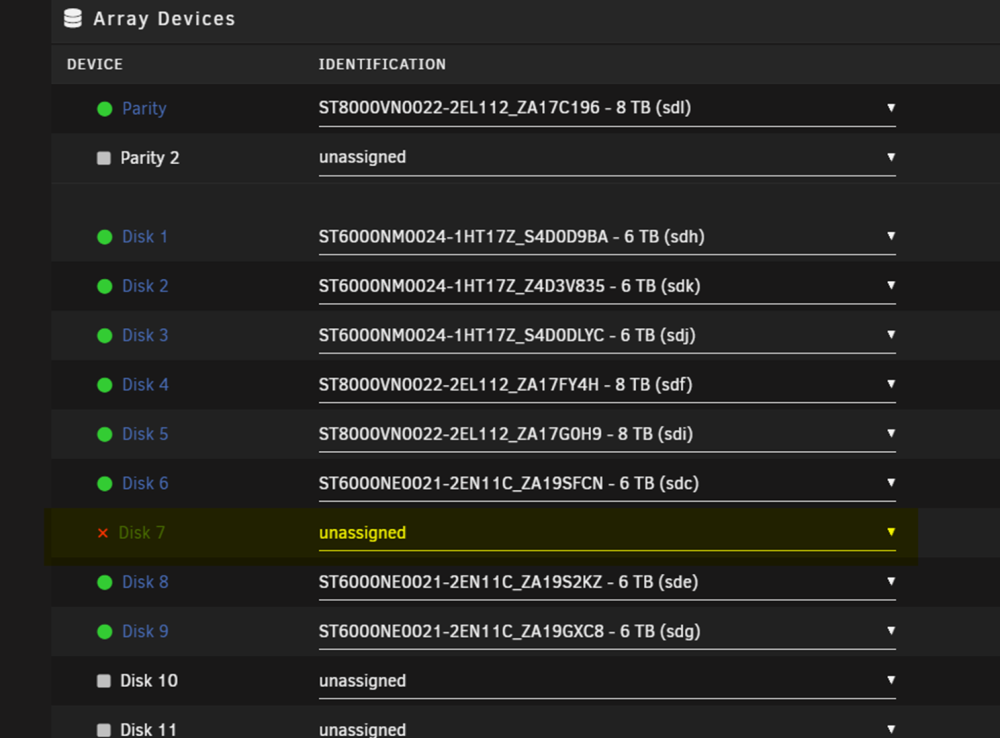
FYI when I set disk 7 to unassigned, and attempted to start the pool I ended up with the same initial error.
-
Ok - holding off. The erase comment was from another troubleshooting thread, I'm definitely not trying to take any shortcuts here. Appreciate the help.
-
I was planning on just pulling that drive, and replacing it with a spare I have around (or I can purchase another drive of the same size, but i doublt thats necessary?) Whats my best course of action in your opinion? Working on that now.
-
Yes! I believe disk 7 failed recently - Is it ok to 'erase' it, then readd it to the array, and start? Should that be my first move, or should i work on rebuilding the cache/parity drive next? Truly appreciate the help.
-
Here you go - Yea one of my cache disks seemed to have failed a while back, and then 7 went offline recently. Should I attempt to rebuild the cache pool? Thanks so much for the replys, both of you.
-
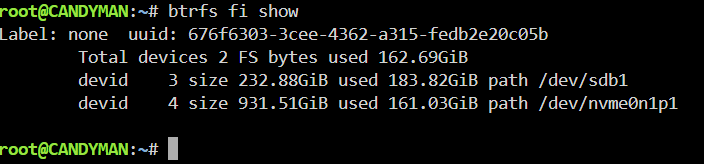
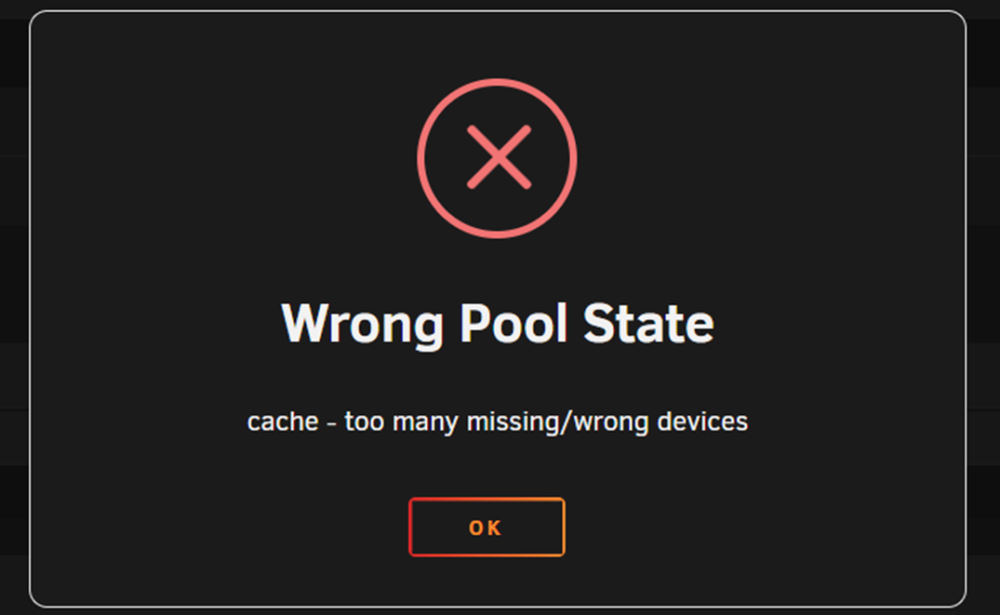
Hey all - Came home, and server was offline. Seemed hung, rebooted. Attempted to start the array and it seems disk 7 maybe failed? Getting the error above when attempting to start the array. Read elsewhere that I should potentally erase the bad disk, then reassing into the array? I've added the diagnostics. Appreciate any pointers.! candyman-diagnostics-20240214-1731.zip
-
Here's an updated diagnostic candyman-diagnostics-20231215-1019.zip
-
Looks like I messed up by adding a 2nd device to the cache pool, stopped array, removed 2nd device, started array and looks good? Whats the best way to add a 2nd device to the cache pool? I'm also fighting a dead drive - might just need to replace it.Updated my unraid to 6.12.6 shortly after bringing the array up noticed then that the cache pool disk is showing an Unmountable disk present (See screenshot) I also noticed that disk 7 in my array is offline - oddlyenough. Might be that i just need to replace it, and the timing is just coincidental. Attached the diag - this is mostly used as a plex server, so if i need to format/rebuild its not the end of the world, but hoping to recover this. Thanks for any help. candyman-diagnostics-20231214-1802.zip

