





GAntonsen
Members
-
Joined
-
Last visited
-
I installed a new PSU. Been running without a problem for two weeks. Thanks for help
-
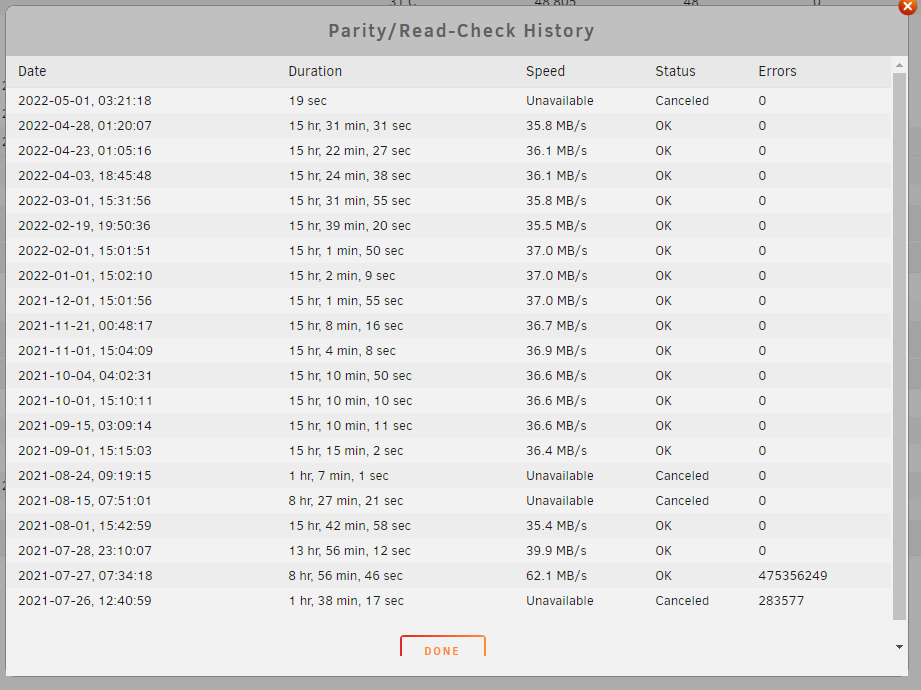
I am fearing a hardware issue. Maybe I should try to change my PSU? My mainboard died a few months back, got a new identical one that I installed. I started a parity check now, but it seams like turning out OK.
-
Thanks for replay. Here is syslog file with to crashes, and a full diagnostics. Both crashes caused by transfering files. Streaming from NAS does not cause a crash. tower-diagnostics-20220505-2017.zip syslog (1)
-
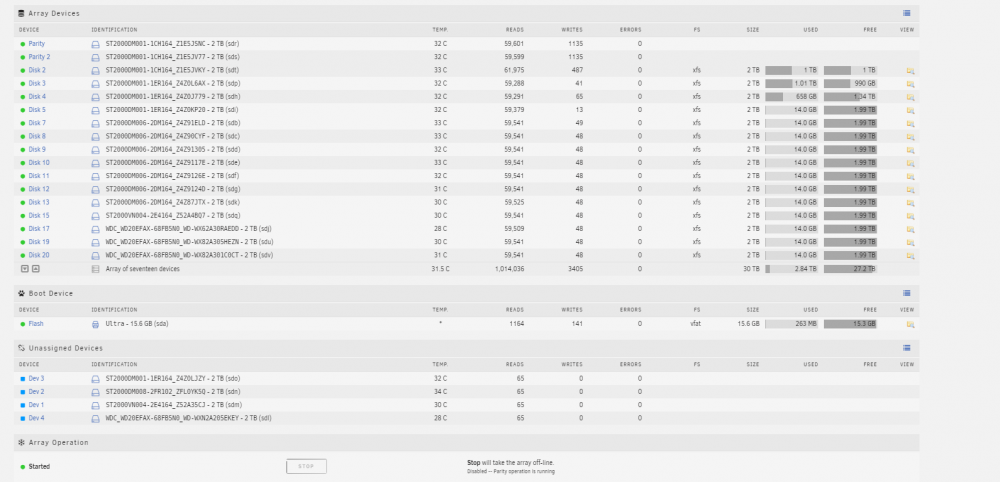
Hi, Been running unraid sucsesfully for almost two years. Main use is as a file server for my htpc and backup. 17 2Tb discs installed. It has always crashed once in a while, but mostly stable. I have some errors from the fix commom problems plugin, but it doesn't seem to be any serious issues. However, during the last two weeks, everytime I try to transfer some pictures from my main computer to the nas, it crashes after 10 seconds. It dosent matter if i try to transfer one folder, or every picture folder. Tried to attach the syslog, but I don't know if the pre crash data is the log. Just restarted and made the syslog file. Any help or hints are appreciated. Version: 6.9.2 Sorry for the bad english. tower-syslog-20220505-1738.zip

