veglasagna
Members
-
Joined
-
Last visited
-
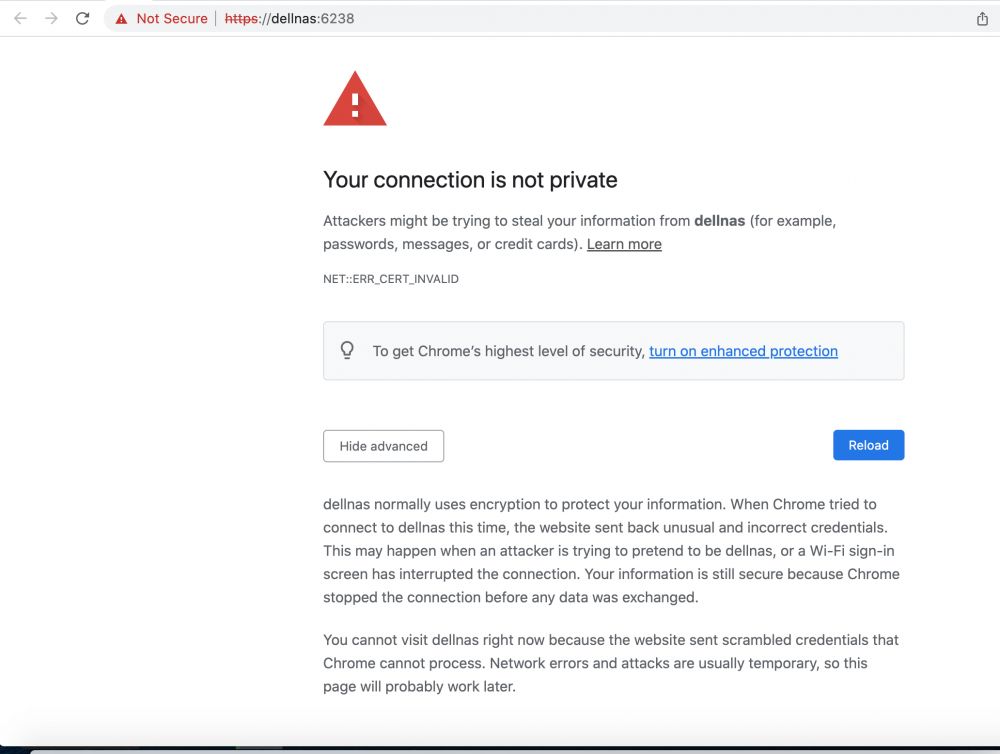
Sorry, I should have mentioned that it still does not work even when you click advanced (in Chrome 101.0.4951.64). The screen shot is from Chrome. I just double-checked with other browsers, and Safari 15.4 & Firefox 100.0 allowed the override. Ok, so at least I can use the app! If the developer has a chance to see this post, be aware that Chrome is blocking that work-around.
-
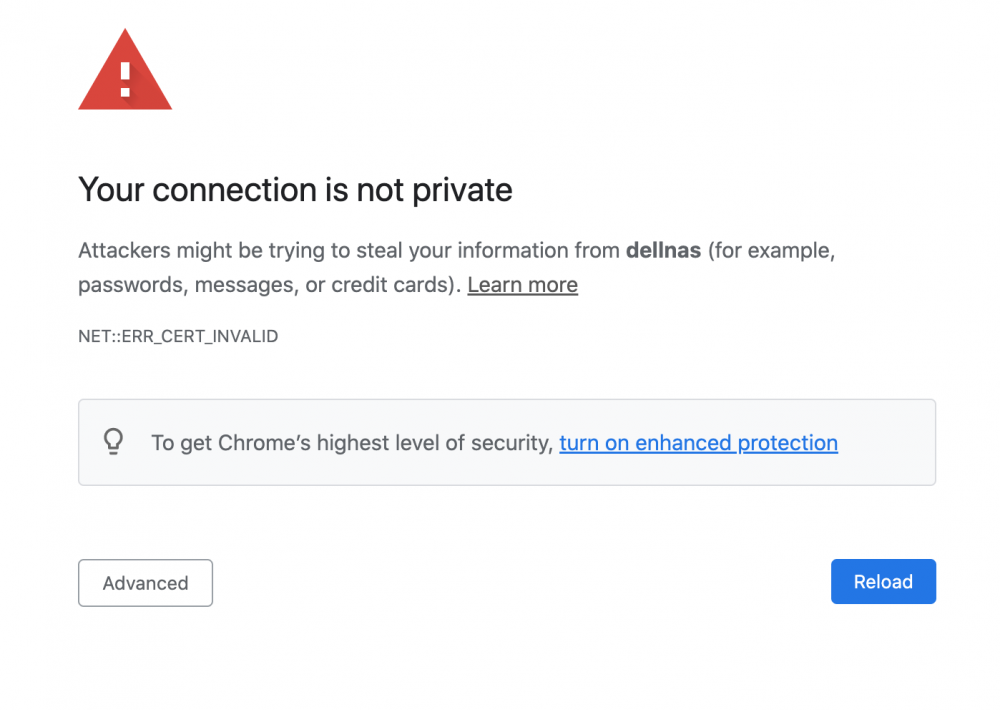
I am unable to use this app, as soon as I click open the Web GUI, I get this certificate error. Chrome does not allow me to continue, nor does Safari. I used my router to give my nas a named static ip, shown as dellnas in the error.
-
Thanks!
-
veglasagna changed their profile photo
-
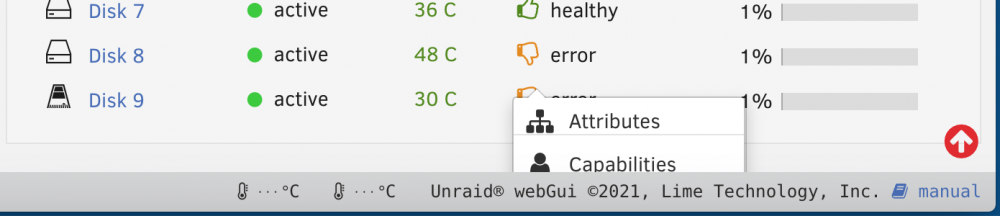
I'm new to using UNRAID, I'm using v. 6.9.2. Just letting you know about an issue with the web GUI. On the dashboard, I'd like to click "acknowledge" for the smart error on a drive. However, the little floating menu is hidden off the bottom of the screen. I'm not finding an alternative place, like in the disk details page, to be able to acknowledge this. If you have suggestions let me know! I'm not sure if I should be filing a bug report for this. Thanks!