





Viscounto
Members
-
Joined
-
Last visited
-
yeah, still not working. I've added eth1 to include listening (new setting on 6.12)
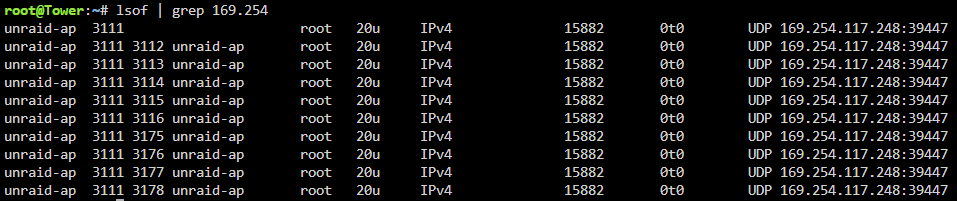

-
So if I set eth1 as static I get the warning "Interface Ethernet Port 1 is down. Check cable!" Ping still works though.
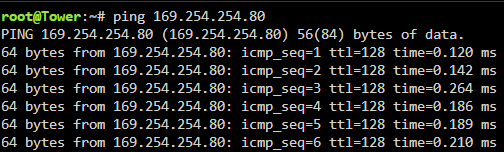
-
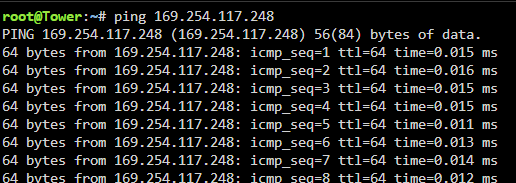
Here we go, ping seems to work. tower-diagnostics-20230628-0818.zip
-
Now for the newbie element from me, how exactly to I ping each of them? I’ll post the diagnostic file tomorrow morning.
-
The pc and server are directly connected hence the local link IP address range. They are set as static on both sides, the settings all come over fine on the update. on 6.12.0/1 it just isn’t listening on eth1. I wonder if it’s something with avahi-daemon. (Like eth1 is set to disabled) But I can’t seem to find where it’s config is
-
(I'm still kinda new to most of this, so apologies) My server has dual ethernets, ones is plugged into router and the other is directly connected to windows machine. After upgrading to 6.12.0 or 6.12.1 I cannot access the server or GUI through the dedicated ethernet. (the standard router address works) reverting back to 6.11.5 solves the issue The syslog on 6.11.5 has this line switching the interface on: "avahi-daemon[3277]: Joining mDNS multicast group on interface eth1.IPv4 with address 169.254.***.***" on 6.12 it no longer does and only has it for the router address I'm pretty sure its something simple I have to allow eth1 somewhere in a config

