fattrain
Members
-
Joined
-
Last visited
-
What's the best method to make sure / migrate it all to cache?
-
tower-diagnostics-20220809-1614.zip
-
Once again! Coming through with the knowledge! TY TY
-
Looks like I am able to go back and manually add them one by one via the Add Container -> Tempaltes Dropdown and my config settings are still there. Scary Day but coming out unscathed I think. Thanks again.
-
Welllllll not quite solved.... All my docker containers are missing now 😞 Any idea there?
-
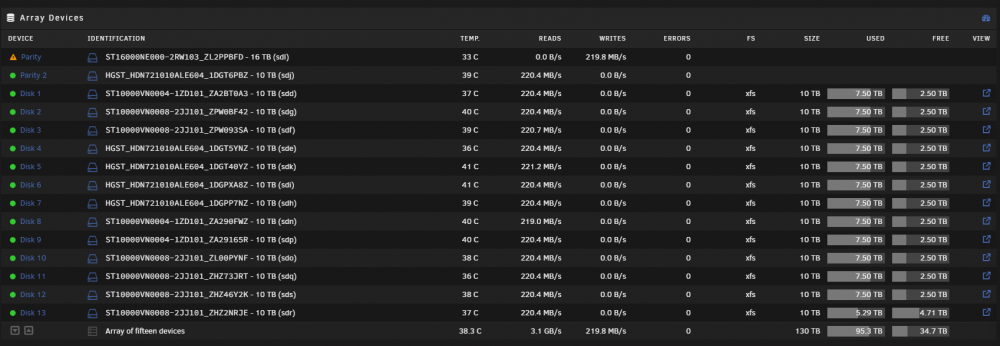
Welp, I guess you weren't kidding lol I shutdown the entire system, booted it back up a few minutes later and we're good I think
-
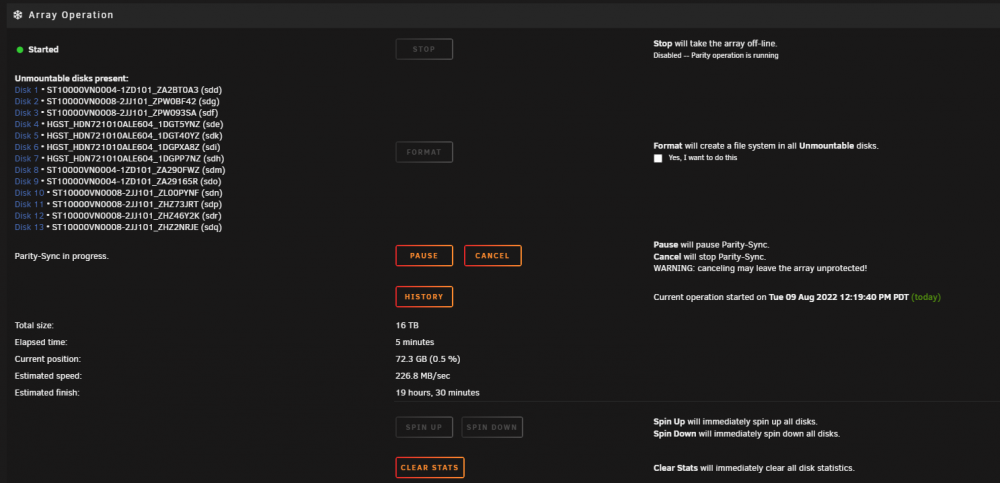
I mean I changed literally nothing other than removing the drive and replacing it with another drive and it's a in a pretty solid rack mount setup.... I will stop the parity rebuild and give the machine a fresh reboot and see if the problem persists Was my procedure otherwise correct for replacing / upgrading my parity drive from a 10tb to 16tb ?
-
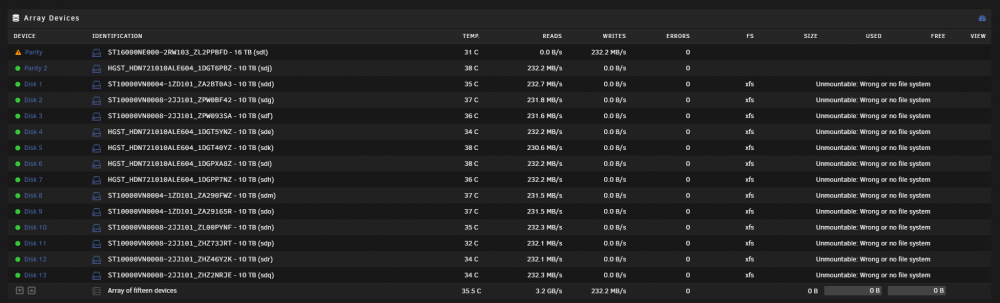
Thanks a ton in advance for your help! Diagnostics Zip File Attached! tower-diagnostics-20220809-1442.zipMaybe I screwed up this process but here is what I did.... I have 2 parity drives (10tb each) and wanted to upgrade them to 16tb drives. I figured the best process was to do this one drive at a time and let each re-build. - I stopped the array from the GUI - physically removed Parity drive 1 (10tb) - physically replaced with a new 16tb drive - selected the new 16tb drive in the gui for Parity Drive - started the array and now all my other disks give me the Unmountable: Wrong or no file system error I'm trying to remain calm but definitely feel the nerves kicking in lol. Can anyone please point me in the right direction to not completely screw up my entire server haha. Please and thank you 🙂