





tusculumgolfer
Members
-
Joined
-
Last visited
-
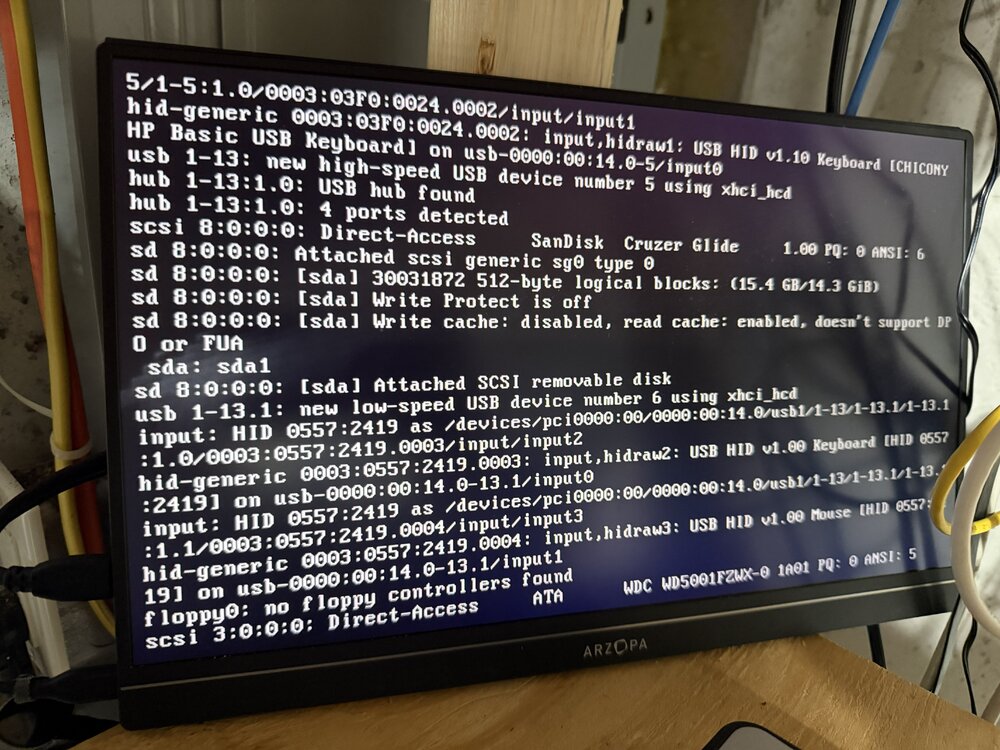
I'm having trouble recently and believe it's due to the Nvidia driver. When I reboot my server it hangs on the boot up process (photo). When I hard restart it again, it boots us fine, but screen shows a lot of warnings related to Nvidia (photos). It runs fine, but appears my dockers can't access it like they were previously (i.e. Plex can't do HW transcoding, using CPU). Server has 3060ti installed. Running Unraid 7.2.5 with Nvidia Driver 2026.05.01/595.71.05. Any advice would be helpful.
.thumb.jpg.fbdb183b1b6918a27adbf86f9f5e0868.jpg)
-
This worked. Thank you!
-
I've tried restarting server and still doing same thing. Have any suggestions for resolution?
-
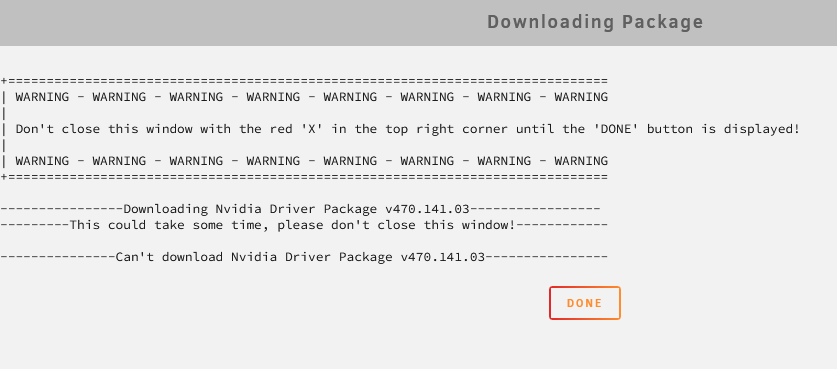
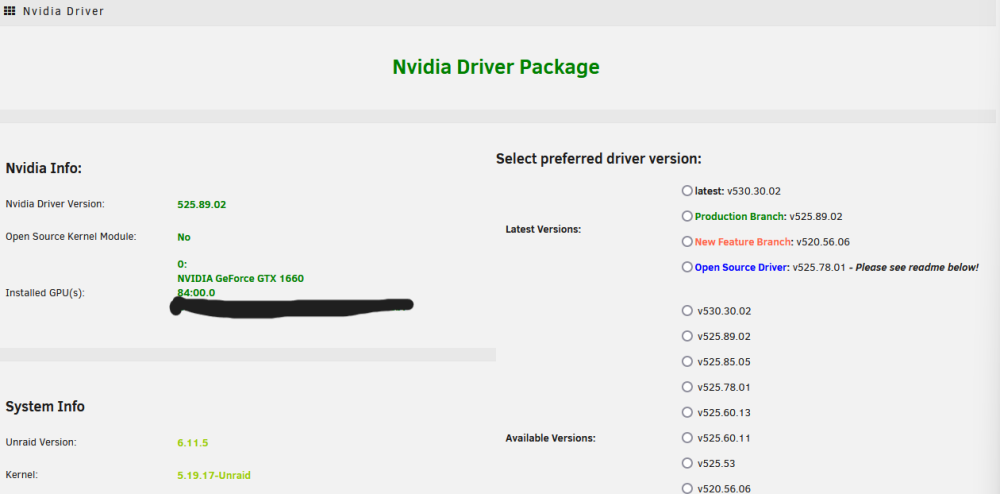
I'm currently having trouble trying to update the NVIDIA driver. I am running the newest plugin, 2023.03.02. When I select "latest" or manually select "v530.30.02" it still acts like it is trying to download v470.141.03 and spits out "Can't download Nvidia Driver Package v470.141.03". Is this a plugin error or something with my server?
-
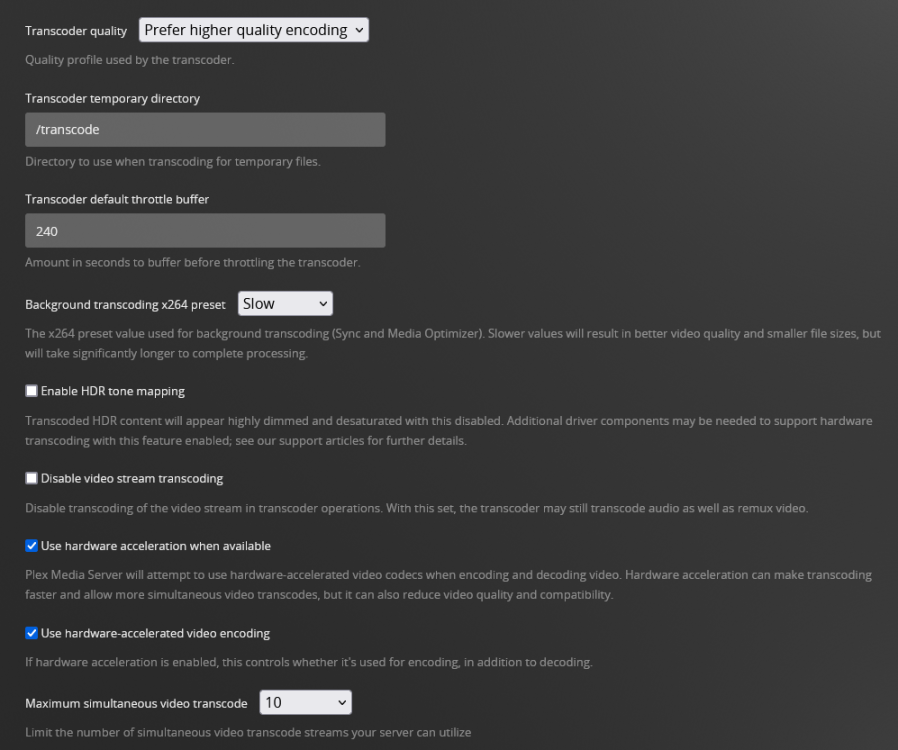
@ich777 I installed a 1660 into my unraid server to utilize with your docker image. I'm having an issue where the GPU registers in the system (with the nvidia plugin), but when I try to utilize the GPU for transcoding, plex just throws a black screen and never actually transcodes. Hardware transcoding does work with Jellyfin which is what makes me think it's an issue with the docker image. Any help you could provide would be greatly appreciated. I have disabled HDR tone mapping as a troubleshooting step as I saw others were having trouble with it in the plex forum. It did not fix the issue. PacMan_UpdateContainer_Redacted.pdf pacman-diagnostics-20220905-0758.zip

.jpg.2cafe4246a74e87a35c34b69e7d217c1.jpg)


