





Marc Bush
Members
-
Joined
-
Last visited
-
I've fixed it by turning off remote access and setting up my own domain name.
-
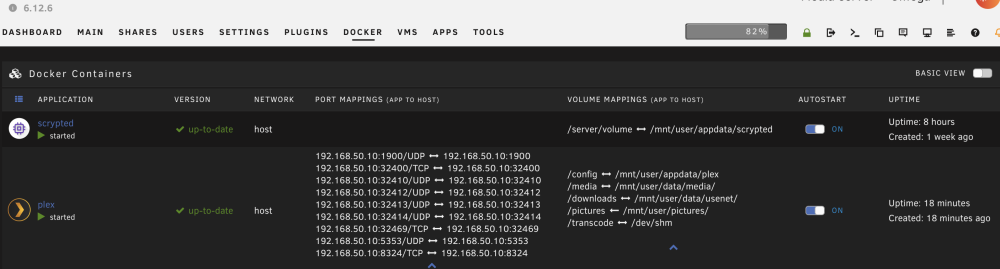
Yes that is correct. Although port is open, and the container is host, plex is not reachable at IP:32400
-
Try using the unraid tool of new permissions in the media directory. It will reset things to nobody. The folders with root users most likely can’t be written to by Plex. At least I think that’s how it works.
-
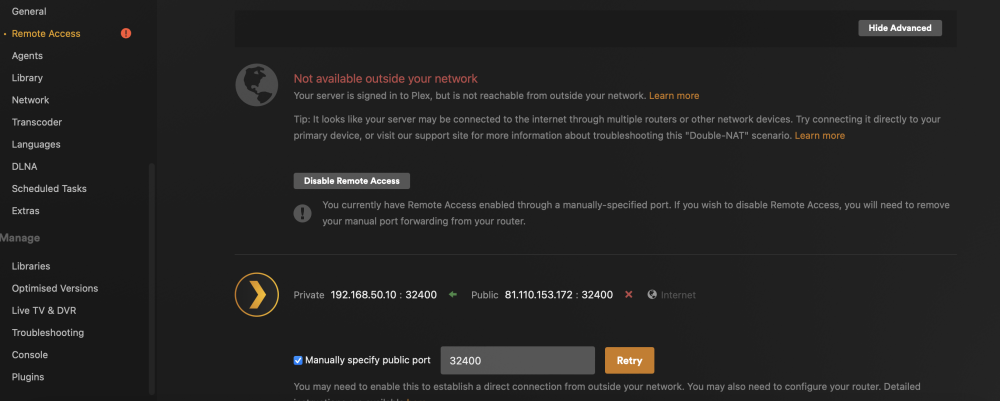
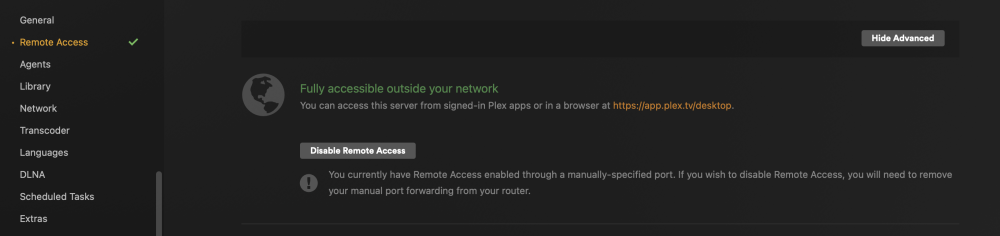
It's every remote client though 😕 around 10. Even my own devices when not on my LAN. The remote access just keeps changing from accessible to not accessible. Please see screenshots
-
No they are remote, some in different countries, some in same town Locally I am able to direct play, except sometimes playing something will result in a "connection is not fast enough" error and some buffering but thats not happened in a few weeks.
-
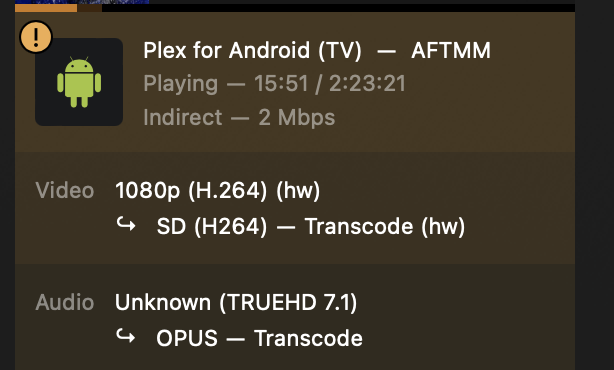
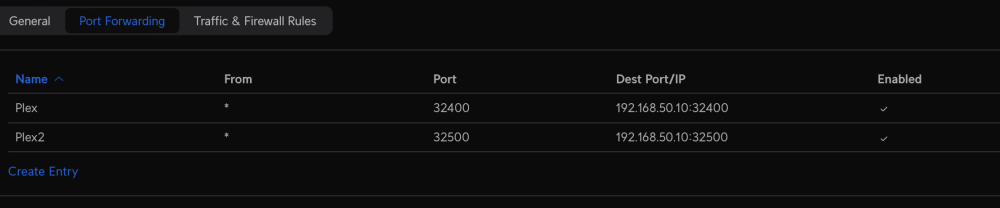
Hi all I need some help as I'm banging my head against the wall. Plex has been fine for a very long time. Recently ive noticed remote clients are transcoding. I ask the users to go direct (even though they had been before) and they say plex warned them it was indirect, and max quality option is 720. In my server settings it shows remote access is not available. I've checked and my router has port 32400 forwarded, and I have that port set manually in plex. The container is also set to host. I have tried some steps that people took on pages ~215 like signing out all clients, reseting password, reclaim server (tried via docker variable, by the button in the web ui and by the curl console command) and rebooting docker etc but still no joy. The remote access screen still shows as not available, and when you press retry on the manual port it will go green for about 10s saying it is accessible and then change to not accessible. I've tried changing ports too and forwarding them on my UDM-SE. I am at my wits end. Some clients cant even connected anymore, and others are forced to transcode via relay. So I am hoping someone has some advice for me. Im on the latest linuxserver image `lscr.io/linuxserver/plex:latest` Thanks
-
Hi all. I have an interesting problem. I performed a large upgrade of my unpaid server, adding more drives and replacing cache drives etc. Everything went great, but for some stupid reason after it was all done (and parity rebuilt) I deleted my docker.img file. thankfully I was able to get all my dockers back with their settings using the app centre "previous install" area, but Plex wasn't there. So I've installed it again from scratch but now it has created a new server, and in settings I could see my old one as "unavailable". I've slept on it and tried again but now the old server is gone. The docker settings are pointing /config at appdata/plex as before so I don't understand! Does anyone have any advice on how to get it back? There's literally nearly a decade of library and history and shares etc 🤣 // Edit It appears my original library was simple at appdata/plex whereas the "new" server is under appdata/plex/Library/Application Support/Plex Media Server Perhaps I can just copy the old stuff into this new location.. // Edit 2 Yes that's done it. Carry on


