




Skip to content
View in the app

A better way to browse. Learn more.

Unraid

A full-screen app on your home screen with push notifications, badges and more.

To install this app on iOS and iPadOS
  1. Tap the Share icon in Safari
  2. Scroll the menu and tap Add to Home Screen.
  3. Tap Add in the top-right corner.
To install this app on Android
  1. Tap the 3-dot menu (⋮) in the top-right corner of the browser.
  2. Tap Add to Home screen or Install app.
  3. Confirm by tapping Install.

A1exMinato

Members
  • Joined

  • Last visited

  1. wow... it works XDDD I shall check the plugin upgrades more frequently...
  2. I've rebooted the system but it didn't solve the problem. Diagnostic zip file has attached. I also re-checked both the Update and Downgrade page and they only loaded contents from the local server and nothing from other domain(s). alexhomeserver-diagnostics-20240218-1936.zip
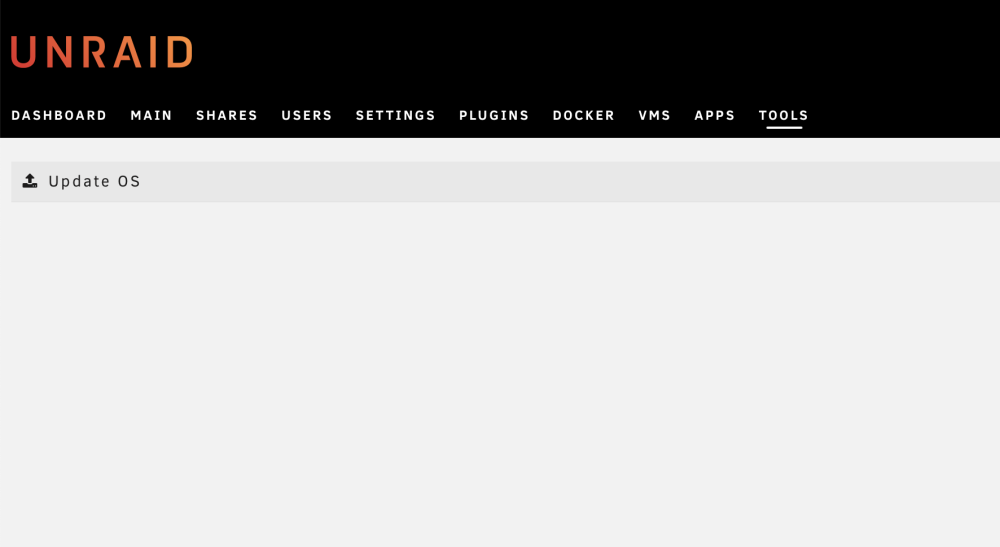
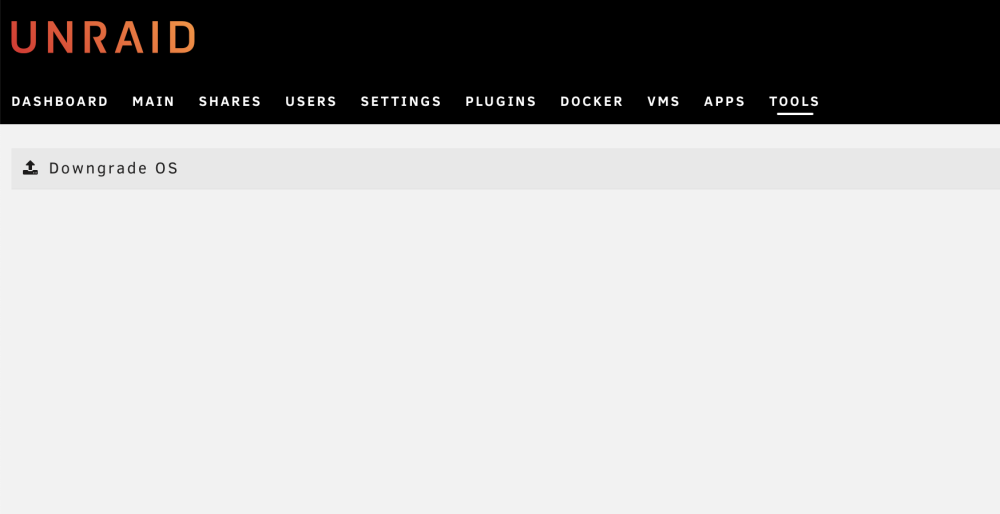
  3. Recently I updated my unraid server from 6.12.6 to 6.12.8, and after the update, the version number doesn't show up on the top left under the unraid logo as usual. And when I access the Update / Downgrade OS in the "Tools" page, both pages show nothing but an empty page. I tried to restart nginx but it doesn't solve the problem.
Account

Navigation

Search

Search

Configure browser push notifications

Chrome (Android)
  1. Tap the lock icon next to the address bar.
  2. Tap Permissions → Notifications.
  3. Adjust your preference.
Chrome (Desktop)
  1. Click the padlock icon in the address bar.
  2. Select Site settings.
  3. Find Notifications and adjust your preference.