dustinyo
Members
-
Joined
-
Last visited
Everything posted by dustinyo
-
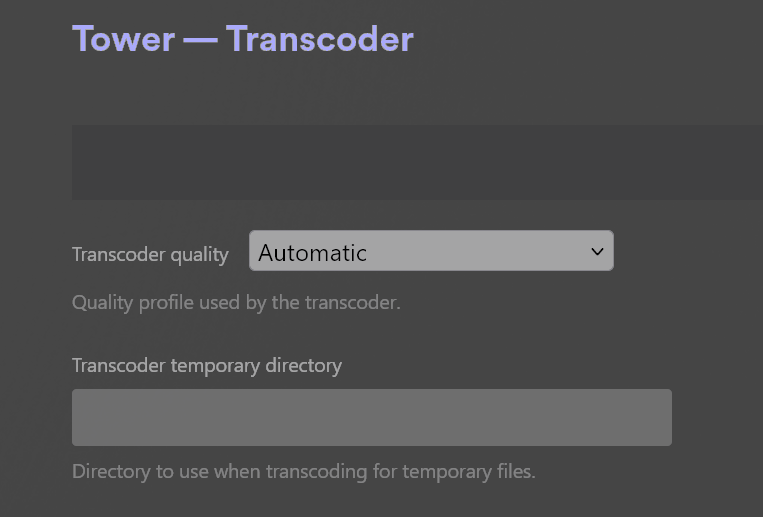
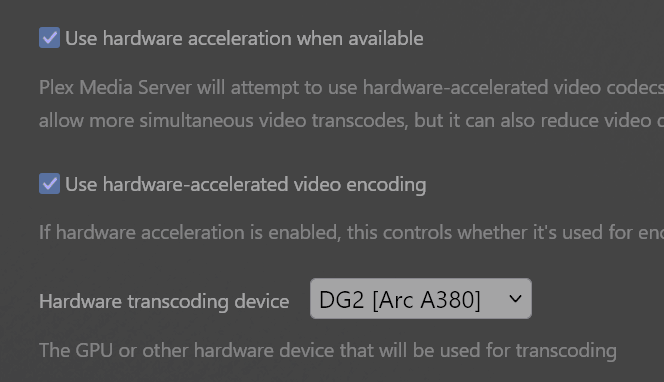
Edit: I think I found the info I needed actually https://github.com/binhex/documentation/blob/master/docker/faq/plex.md Edit 2: Ok, well I'm still having issues here, so specifically, I cannot get Plex to use my Arc A380 to transcode. I've passed /dev/dri as a device, I'm on the beta UnRaid 7.0 release, and I have the latest Intel GPU TOP installed (from 6/27). Plex settings show the 380 as an option to transcode, but it just will not use it when I actually transcode. Does this work with Intel Arc? This is possibly a very dumb question, and it may have already been answered before so I apologize in advance. For the transcode folder, the Docker config has it as a variable rather than a path. So would this mean I do not need to specify a temporary transcode folder in the Plex transcoder settings? Should I leave this blank or should I fill it in with /config/transcode to match the Docker config?