MrMii6
Members
-
Joined
-
Last visited
Everything posted by MrMii6
-
Wish I knew that sooner... oh well. Hope it gets fixed in the future, but judging by how long this has been an issue I'm guessing it's not high priority.
-
Alright, good to know that it's a known issue. As long as it's spurious, it's just a minor annoyance and not a problem. Hope there will be a fix for it at some point. Thanks for the response!
-
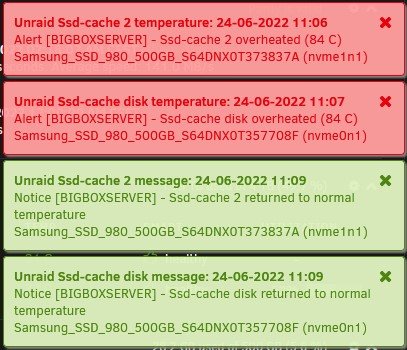
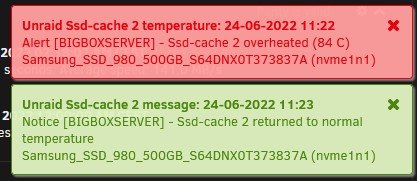
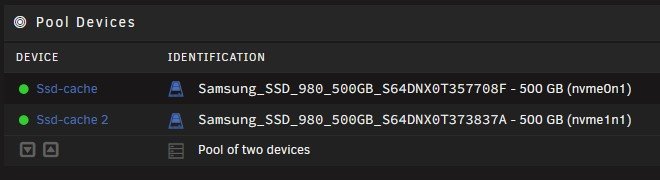
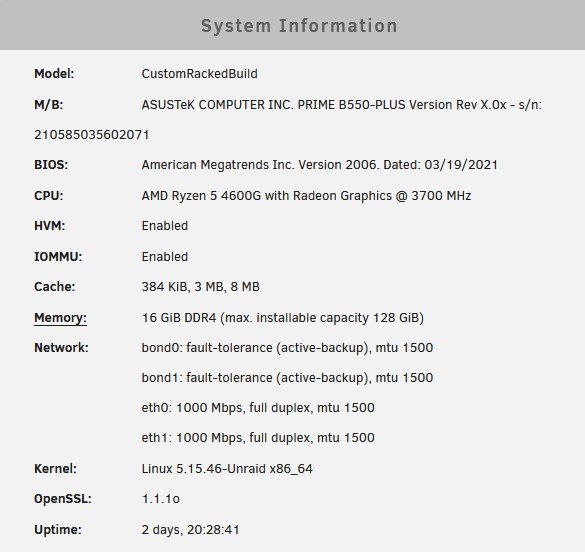
This is my first post here and I'm loving unraid so far. Coming from Synology DSM and having recently upgraded to a self-built server. There has been one issue though; both my cache SSDs seem to often be spiking to 84°C, only to go back to normal temperatures minutes or even seconds after. It's always a spike too, they don't gradually get hotter or colder. This even happens when they are not being written to / read from. This seems like a false positive to me, only I can't figure out what's causing it. I carefully touched one of the SSDs while it was supposedly overheating and the temps felt perfectly normal. I tried several reboots and looking through bios options but that doesn't fix anything. I could put heatsinks on the SSDs but I doubt that's going to fix anything. Is this perhaps a known issue? Is there a known fix? I'd appreciate any help with this! I've attached some screenshots with more info. (specs, notifications, motherboard, ...)