yusuf semih koçak
Members
-
Joined
-
Last visited
Everything posted by yusuf semih koçak
-
ı have recreated it. but ıthink go files still doesnt present what should ı do now tower-diagnostics-20241217-0941.zip
-
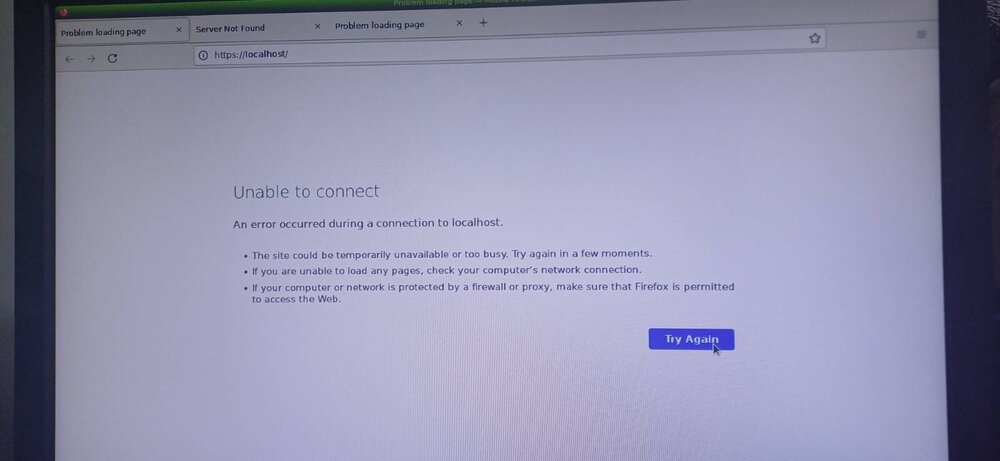
now ı also tried unraid gui sections during booting it seems something also going on there
-
ı have moved to another city and ı have tried to set up server again. but ı am unable to reach my server ı have looked many form topic that the similar issued had been discussed. but none of them worked for me may be ı am misdoing something. firt my older flash didnt worked so ı rebuilded it in new flash with my previous backup flash zip file then ı put it to server instead of older one. at first time ı was able to reach tower.local. but ı hadn't put my prokey inside it so ı reput it inside of my flash and replug it to my server then till now ı am not able to reach tower/local nor to ip address which is shown up on the server (by the way ı have entered the username as root and ı think it worked) and also ı have checked my router. ı will give screenshuts of them. and then ı thoght ı misdid something then ı rebuild the flash again without putting prokey to see if it works but still doesn able to get the tower and ip address. what should ı do thank you very much in advance. here is the diagnostics. ı have tried 192.168.1.100 192.168.1.100/Tower http://192.168.1.100/Tower http://192.168.1.100 tower.local http://tower.local/ and some other combinations and also ı have tried different browsers (brave chrome edge yandex ..) and even tried to clean caches and disable my norton antivirus program incase of interferenece. none of them worked. there was a port arrangement in one form ı dopnt know if it i,s related to me. but ı tried to arrange it somehow. ı dont understand those issues quite perfectly in which part ı am doing wrong? ı have also put some photos of my router since ı dont know which parts are relevant tower-diagnostics-20241217-0713.zip



-
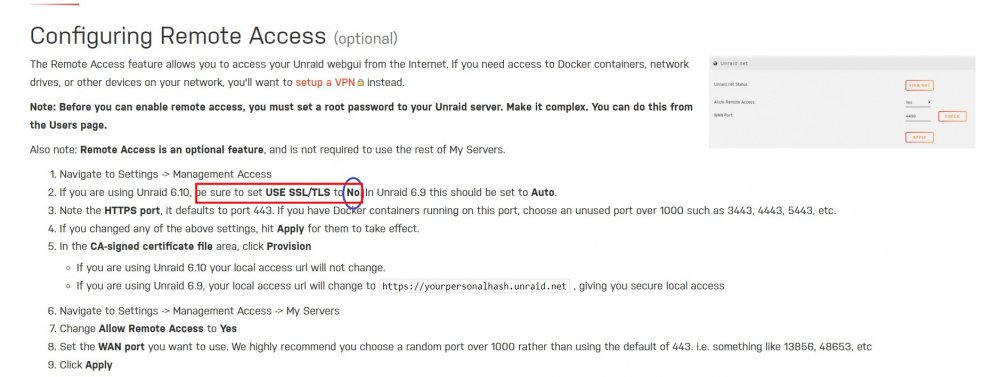
ı have corrected form the config fle ssl/tsl to yes again now ı am able to login again. for the isp side ı have called them and even bought a static ip address but ı dont where am ı doing wrong. still try to understand the issue. thanks for you interests. the only thing ı wonder now that should ı make ssl/tsl tono to be able to remote access my server or files or doesnt it matter thanks again
-
please someone help me
-
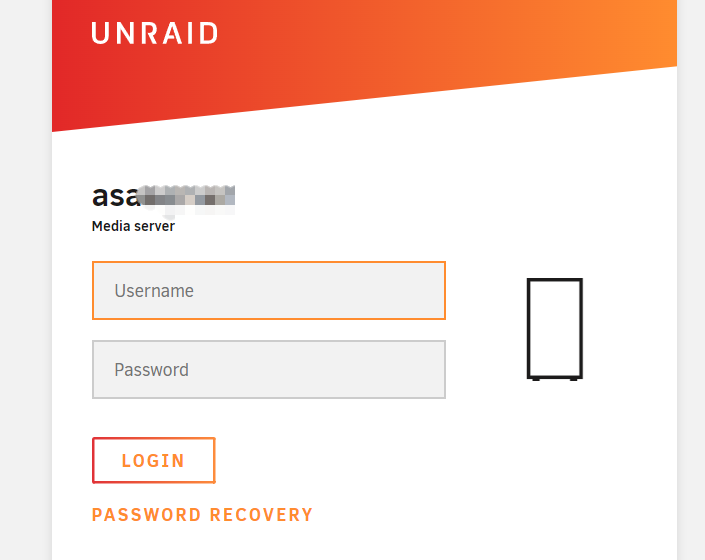
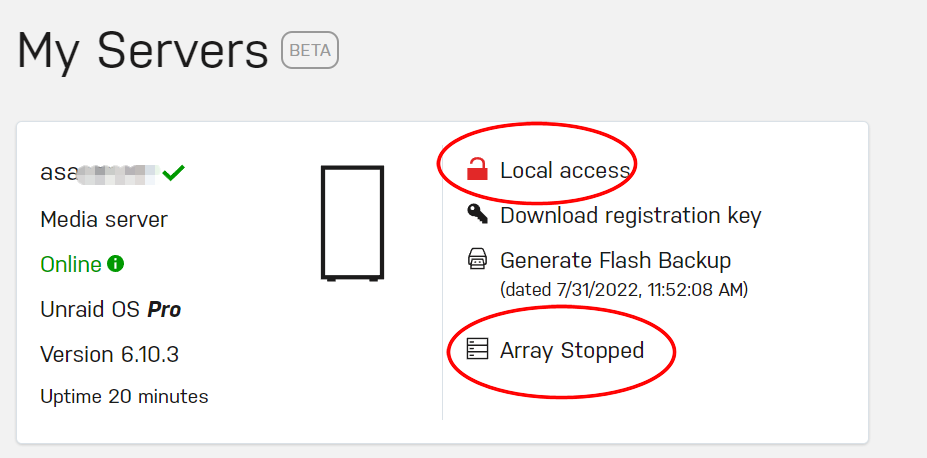
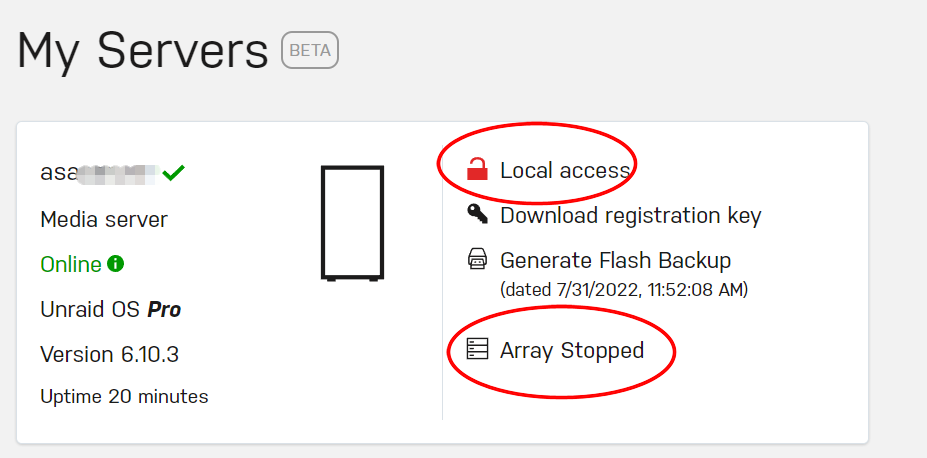
Now ı have a bigger problem. After ı have follow the instructions from the unraid wiki to solve the problem; now ı am not even able to sign in to my server and in my server local icon seems to be broken!! here is what ı did: Before it was like this after doing this instructions: now it is like this And no more ı am able to acces to my server.. the server login site pop up but when ı try to enter nothing happens:
-
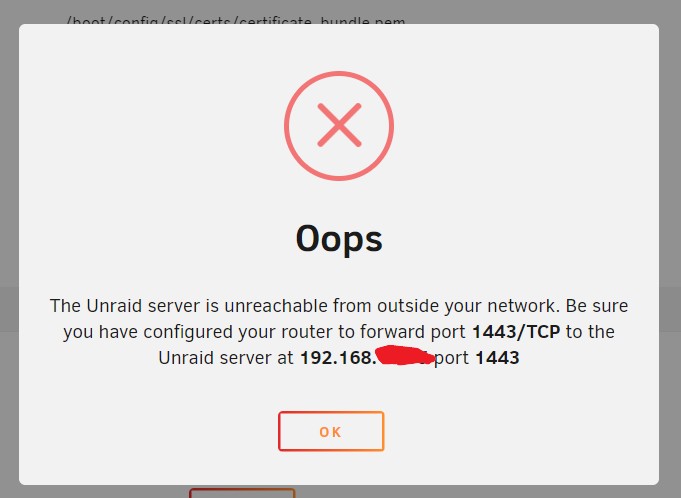
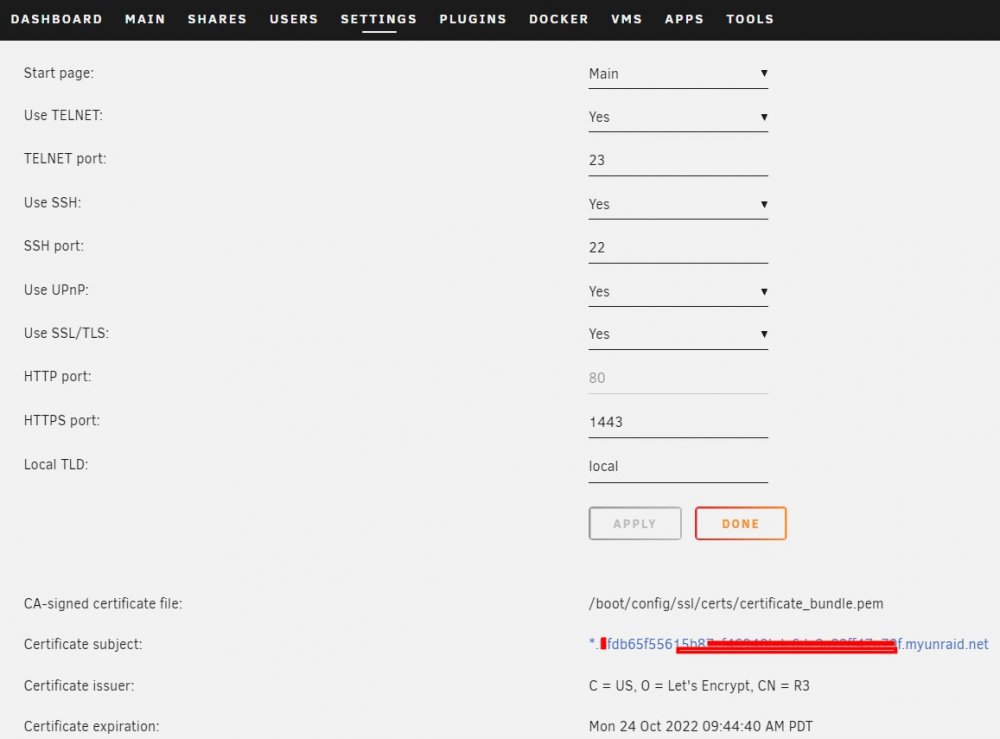
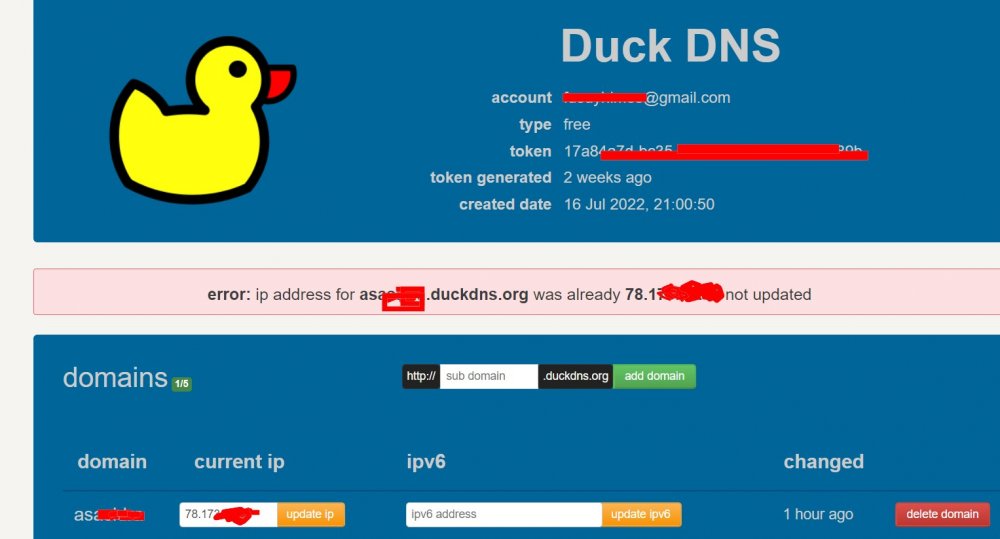
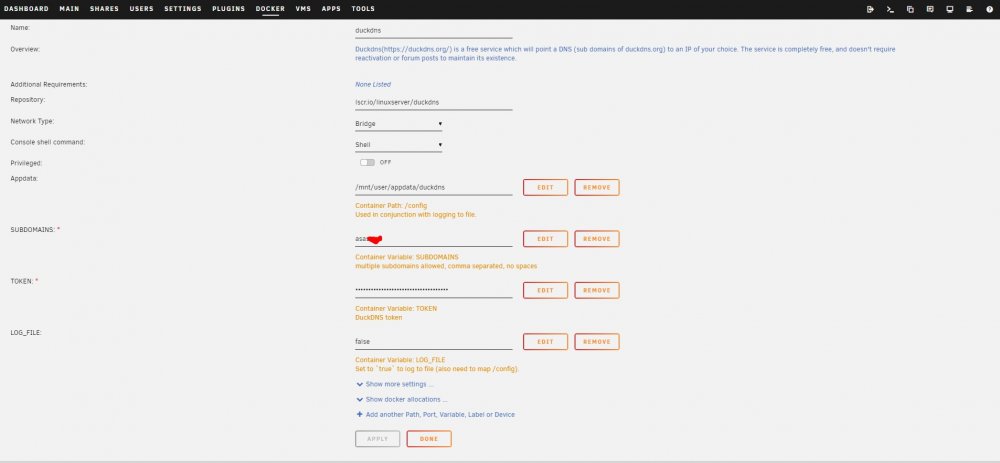
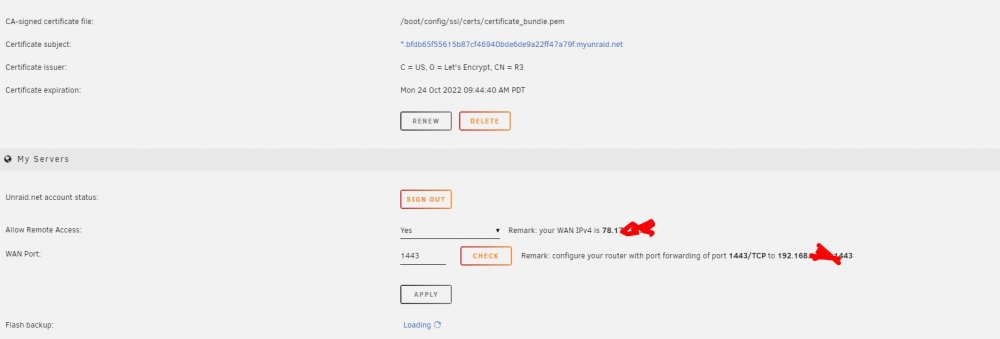
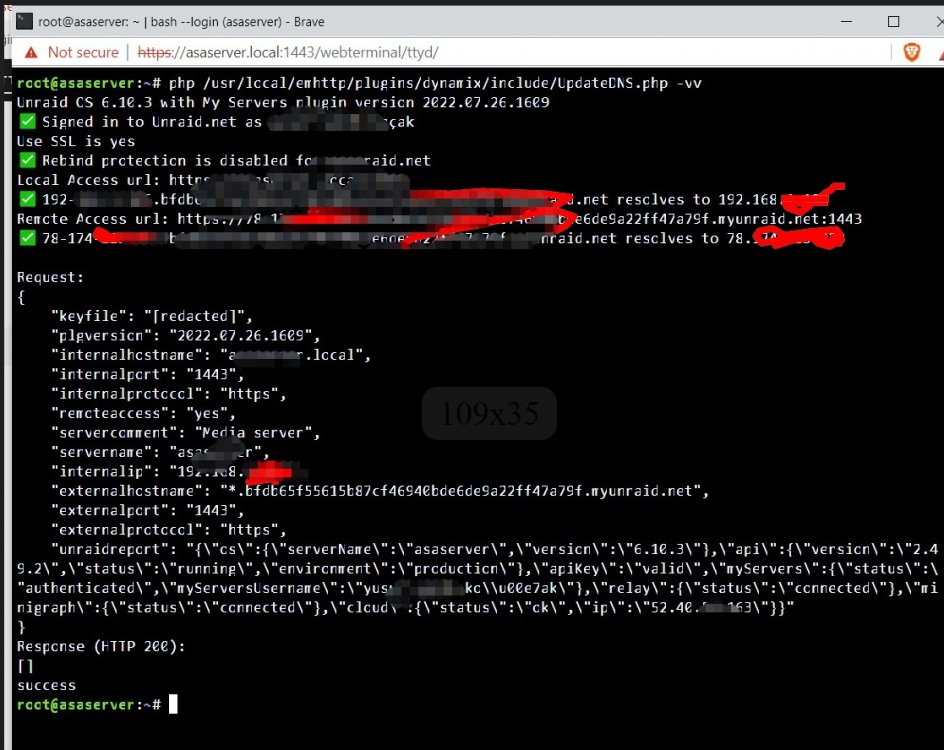
First of all ı admits that ı am very new in this area. And I would appreciate for any help. for maybe at least 2 weeks ı am trying to reach my server as remote tunneled acces or use reach it to use ftp and reach them from outside of my network remotely. But no succes so far. while ı am trying to solve the problem ı watched tens of videos from youtube and also read a lot of from the forums. ı have applied what they recommended as far as ı can but still at the end ı am here. But from what ı reached the main point of the problem is related to management acces when ı click the button check an error message come out and it says be sure that you port forward your router bla bla although ı made it correctly(or ı believe ı made it correctly) here are some screen shots and files that you may need to help me out. Thanks again for any help.. And also ı made this that one of administrators in the forums recomended. my management acces setting ı made all of them yes as ı couldnt reach any achievement. ı also have a duck dns and its setting as docker in unraid as ı learned from the youtube here is the diagnostics what else you need ı dont know asaserver-diagnostics-20220731-0113.zip