





gunner20163
Members
-
Joined
-
Last visited
Everything posted by gunner20163
-
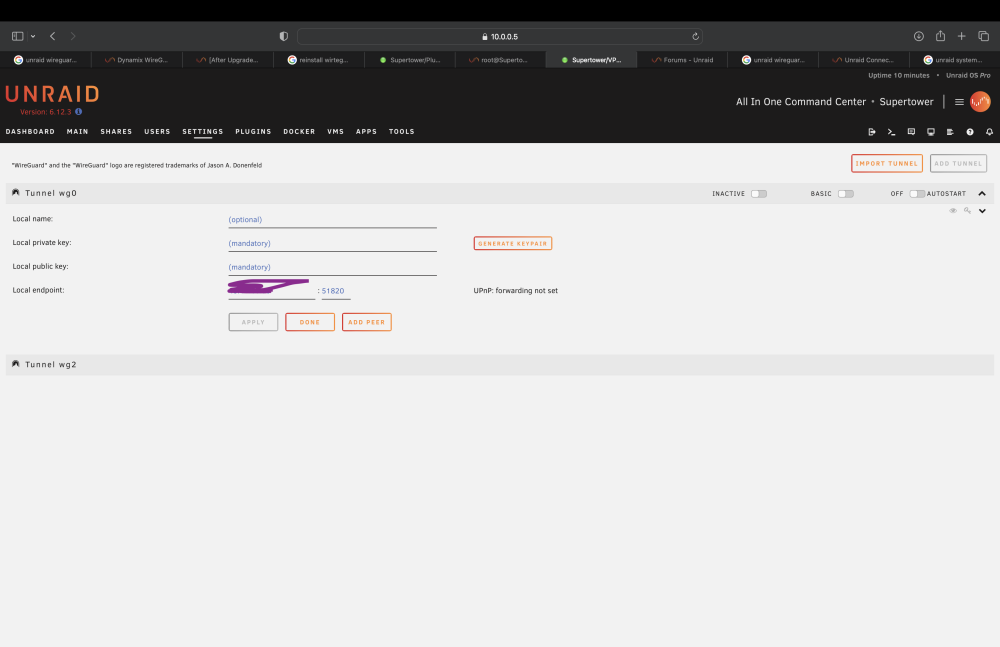
Hello, I was attempting to connect to my PfSense on my hetzner instance and when I tried to import the file, the page refreshed and I was no longer able to apply any settings for wireguard anymore. I deleted all vpns and tunnels and I'm stuck here even if I fully fill out tunnel and peer settings for any vpn of any type. There is a tab that says tunnel wg2 but it cannot be expanded.
-
I can not, for the life of me, get docker to give my pi-hole container an ipv6 address. I set up ipv6 on my Unraids NIC as well as well as enabled custom subnet for docker.
-
I have not a clue how to operate this forum, I am new. Sorry.
-
Hello, I have been attempting to set up ipv6 for my pi hole docker container for some time, however I am unable too. I set up the docker ipv6 settings in the advanced tab in settings and Unraid has an ipv6 address..
