Sarequl Basar
Members
-
Joined
-
Last visited
-
I have followed these steps but still showing "Docker Service failed to start." I have attached new Diagnostics file. Please check it. Thank You tonystark-diagnostics-20240215-0056.zip
-
is there any way to delete all the containers then try to start the docker service again? also have you checked these screenshot? what's wrong there?
-
Hello, array has been started after disabling the docker. but got same notice/messages on the main window (screenshots). Please help me. also how can I fix the docker issue? Thank You
-
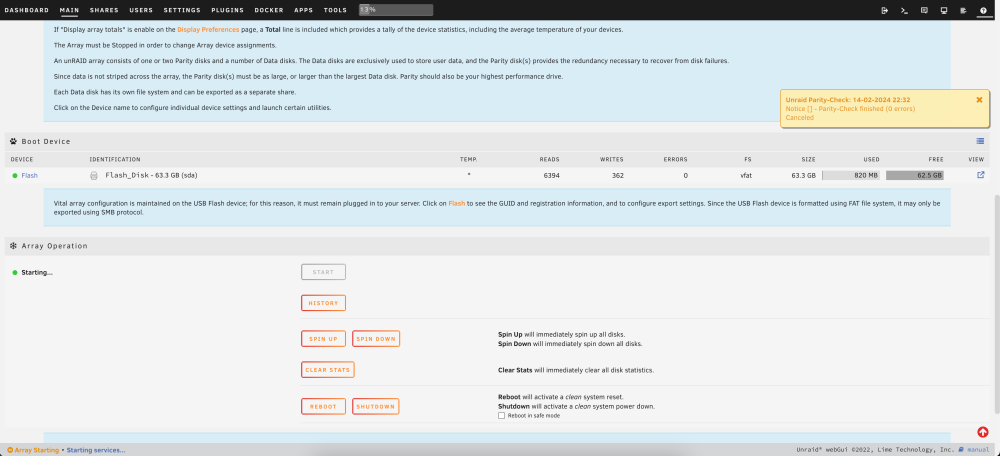
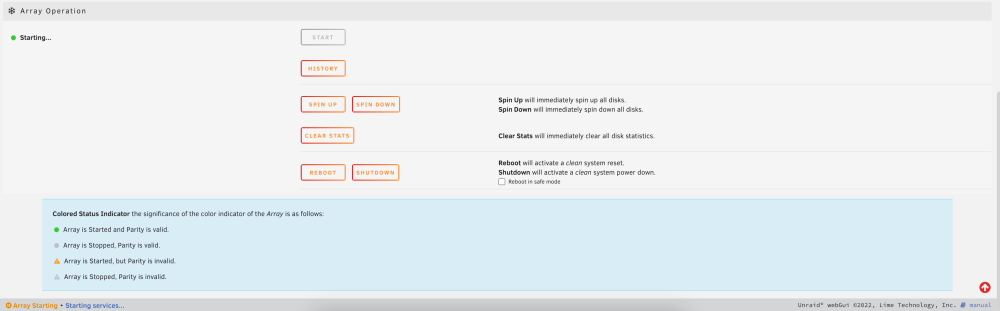
I am not able to disable the docker service. When I go to docker service from settings, it's shows loading infinity. looks like connection lost or something. I have attached a few screenshots of the main windows of the array. Please look into it. Thank You
-
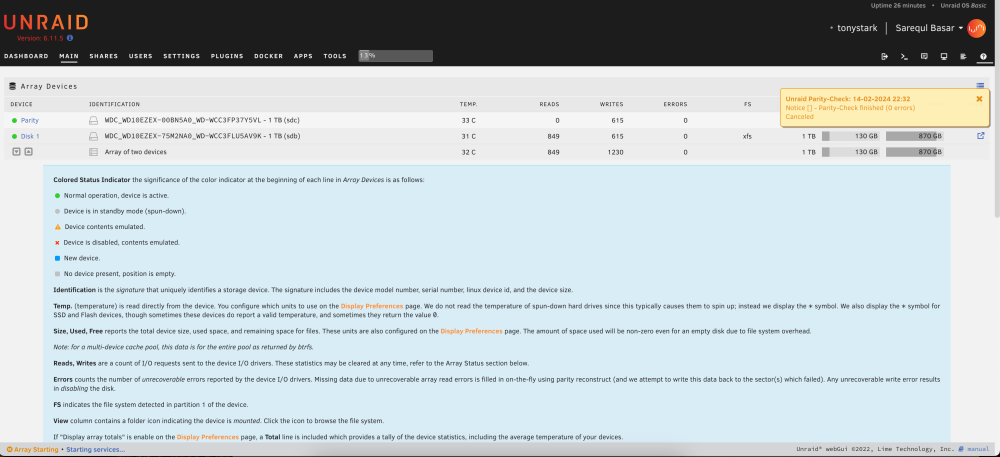
Hello, My unraid was shutdown for a few month. Recently I have started the server but it stuck on "Array Starting•Starting services...". I have attached the diagnostics zip. please help me. Thank you note: I have changed the case, while doing it I might mixup the sata cable on the motherbaord. I can't remember which drive was on which port. I have only 2 drive. tonystark-diagnostics-20240214-2115.zip
-
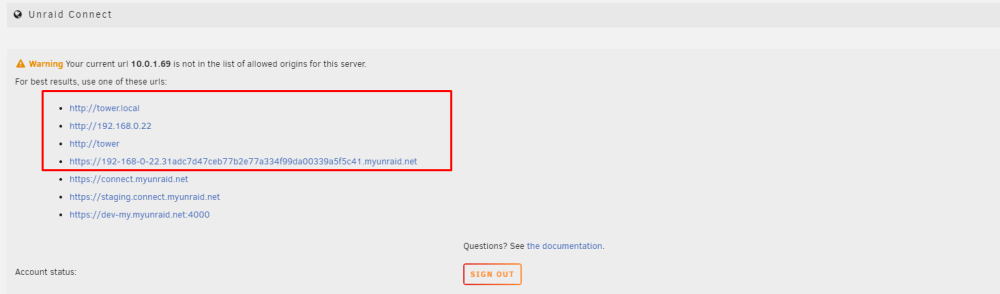
Hello, the cors issue fixed when I used these urls. also the plugin got update I think. my pc is connected directly to the mikrotik router. and my server is connect to my local network router. as most of the time I use my pc, so I use port forwarding to use unraid webui. is there any way to fix this for my 10.0.1.69 url? Please let me know. Thank You
-
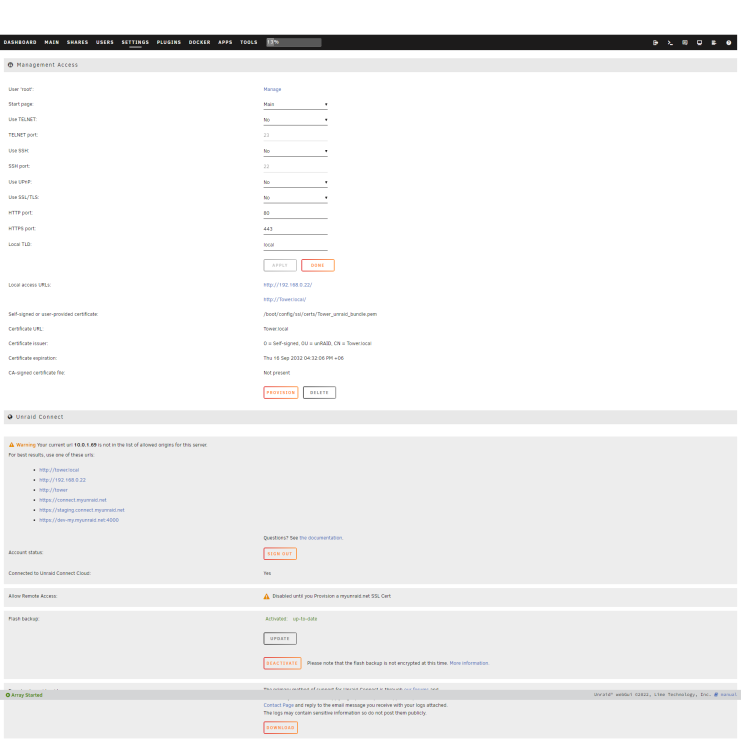
I have update the nameserver to 8.8.8.8. still same issue. update 1: after changing the dns to 8.8.8.8 and 8.8.4.4 I was having cors issue. so I go back to my local dns as 1st dns server and 2nd dns is 8.8.8.8. let's see if the cors issue fixed or not. update 2: still facing the cors issue. Please help me.
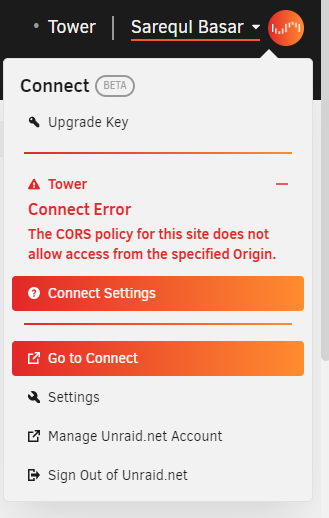
-
Hello, Thank you for the response. and sorry I have deleted that message as it was fixed after waiting a long time. but I am facing another issue. probably because of my unraid version is old. I have attached the screenshot. would you please help me?
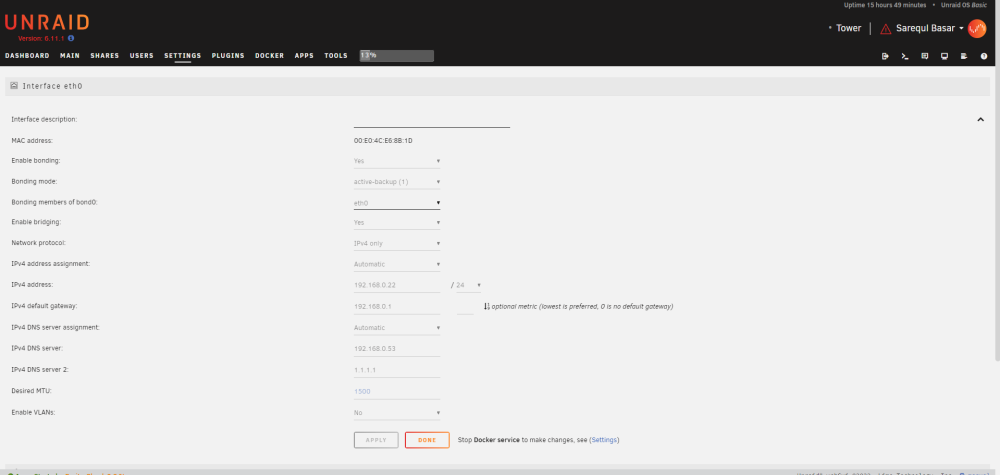
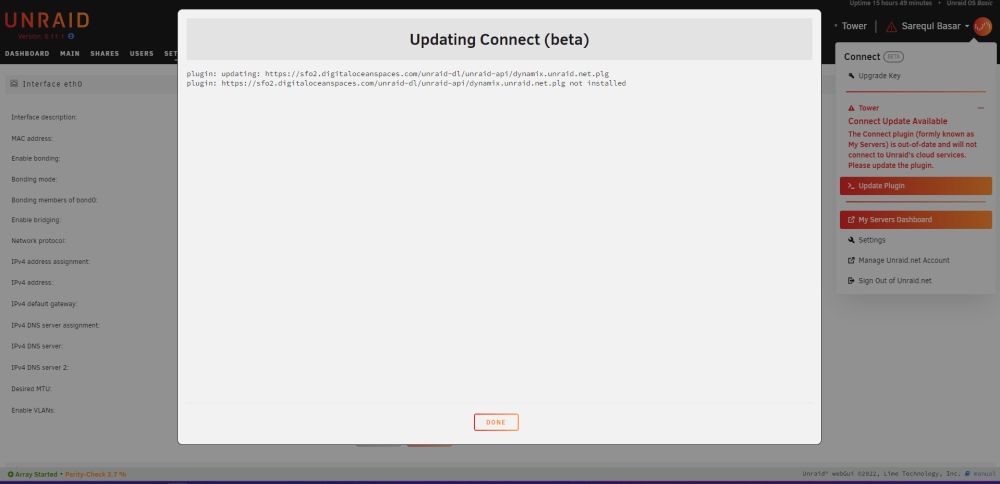
-
Hello, Thank you for the response. I have attached the diagnostics file. Please help me. Thank You tower-diagnostics-20230514-1835.zip
-
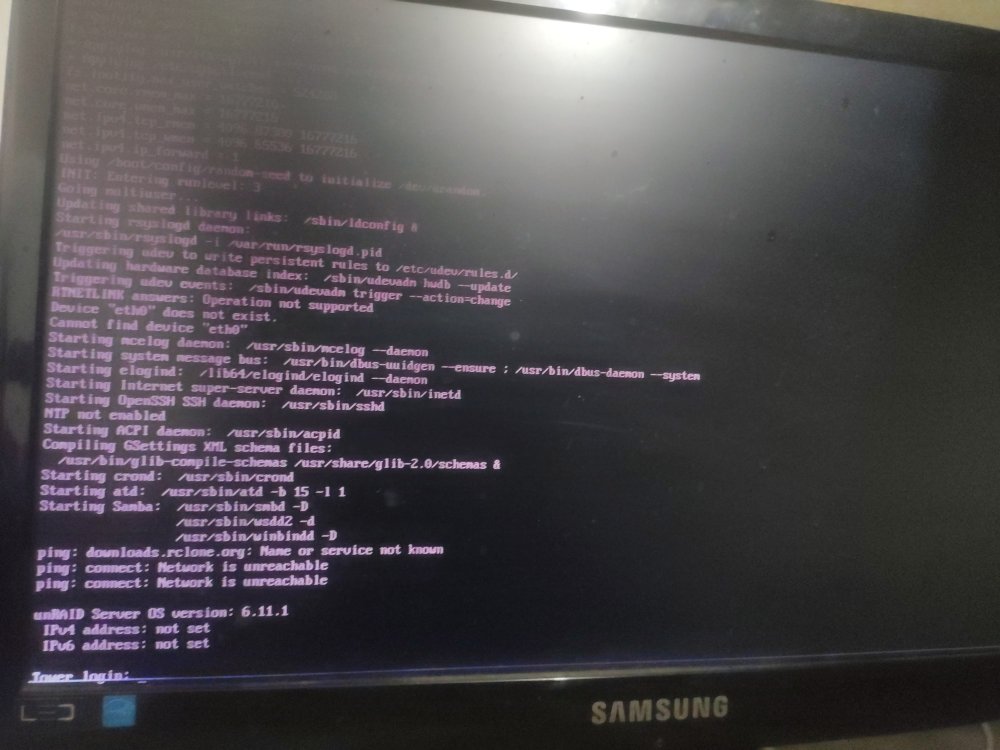
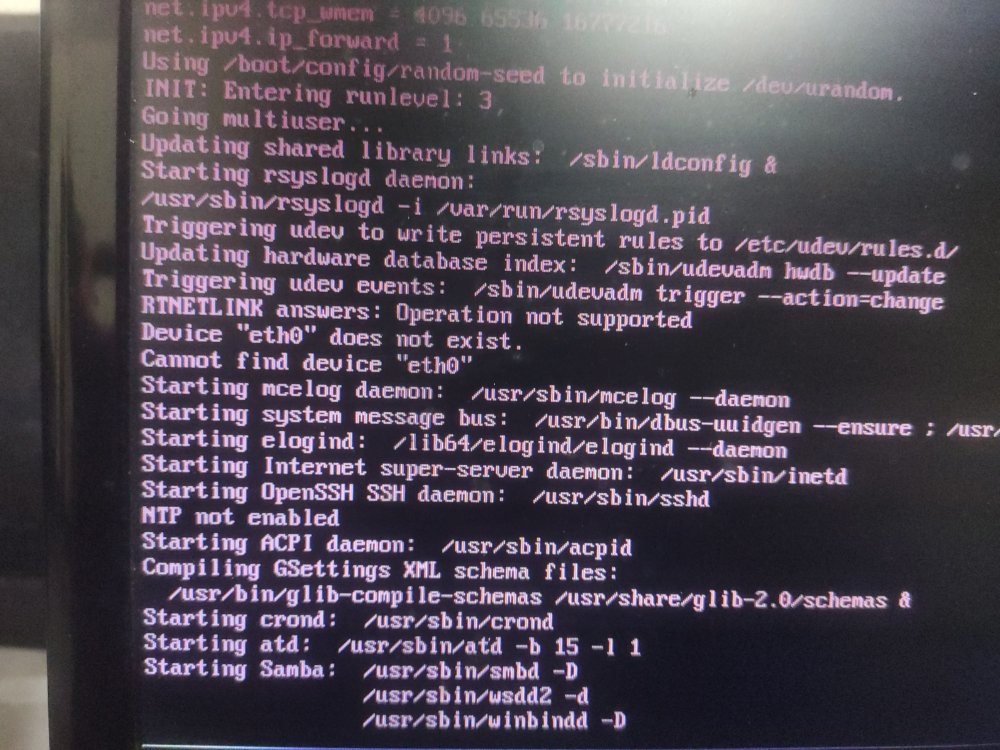
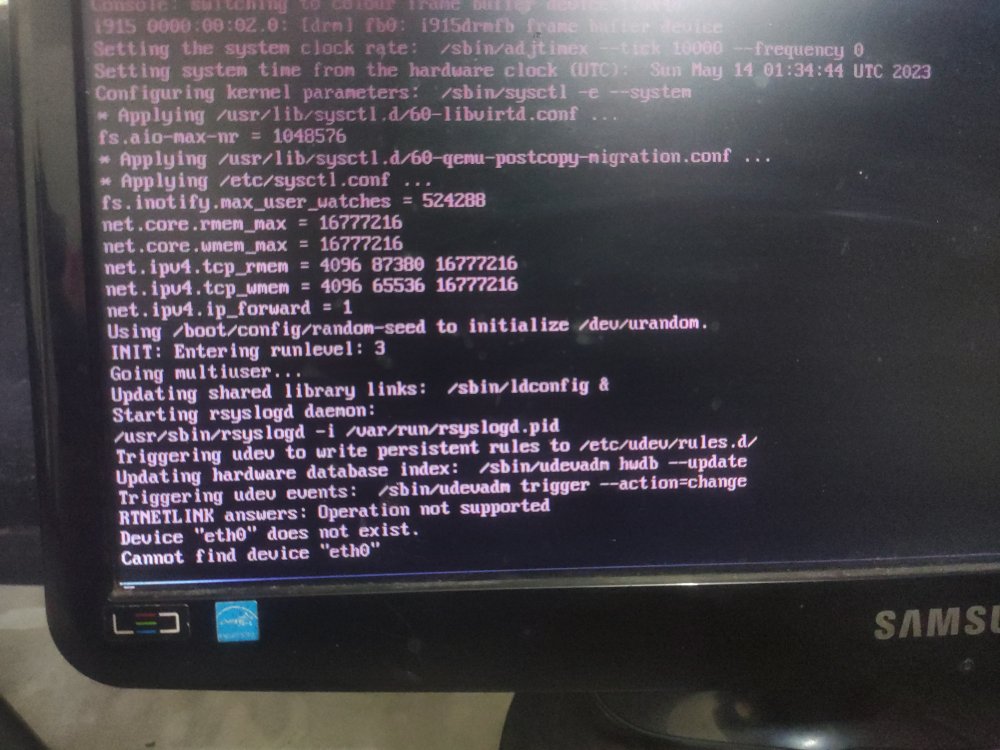
Hello guys, I haven't used my Unraid server for like 3 months. today I started my server it was working fine. then I had to move pc to another room. Then started my server, but it's showing the "eth0 does not exist". I have rebooted multiple times (from console), and changed the cable. (even Lan light was not coming). then I had unplug the PC and plugin again. then the Lan light shows up. but still showing "eth0 does not exist" (but lan light is blinking). I have attached photos of the console/terminal. Please help me. Thank You