meomapvn
Members
-
Joined
-
Last visited
Everything posted by meomapvn
-
Should i share it from here? I success to download after i close browser and open it again.
-
When it freezy! It also don't allow me to download diagnostics
-
Oh! I just purchase new USB 3.0 Port to test a new system again. Let me do it next time too.
-
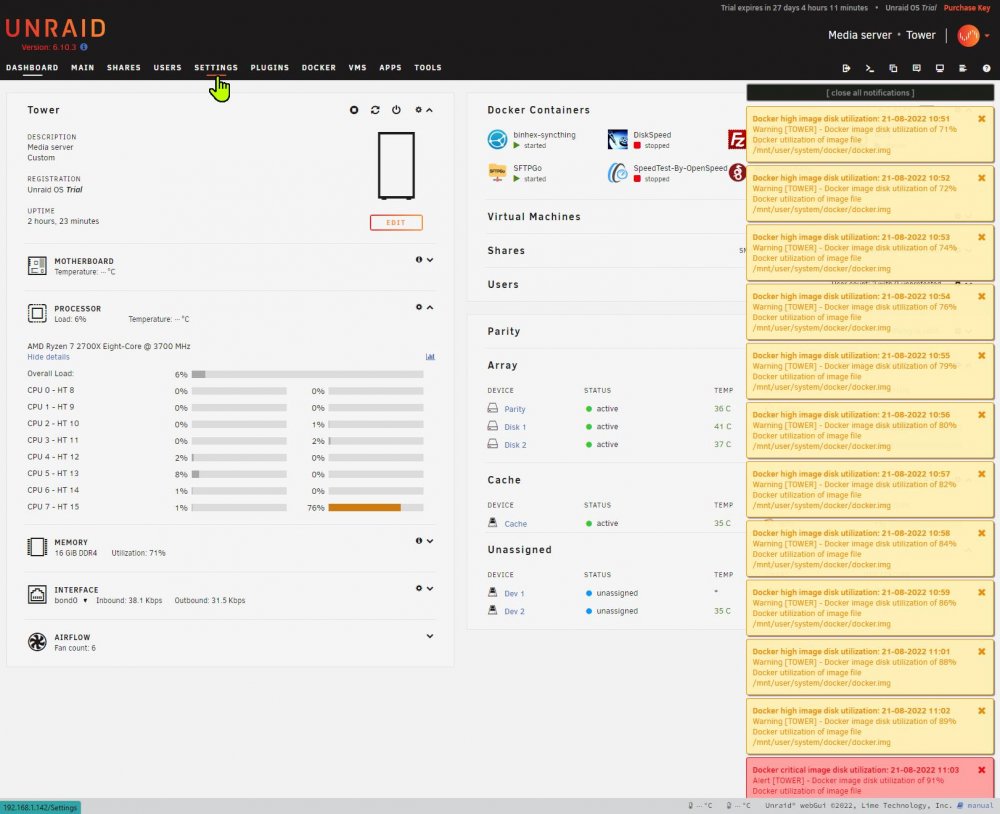
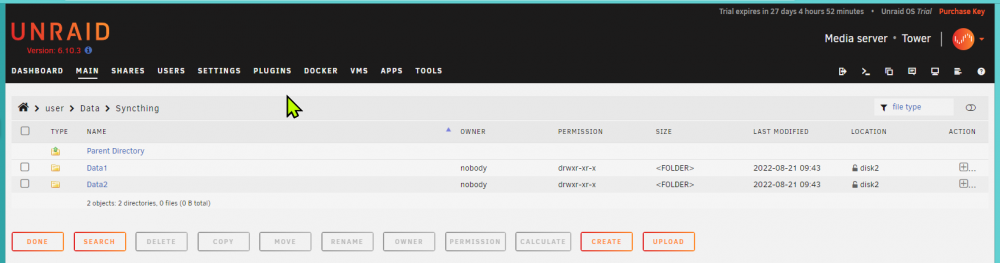
Data1 Data2 Is empty folder that i test with this syncthing docker: linuxserver/docker-syncthing (github.com) I tested your docker. With default setup, it store data on docker.img!
-
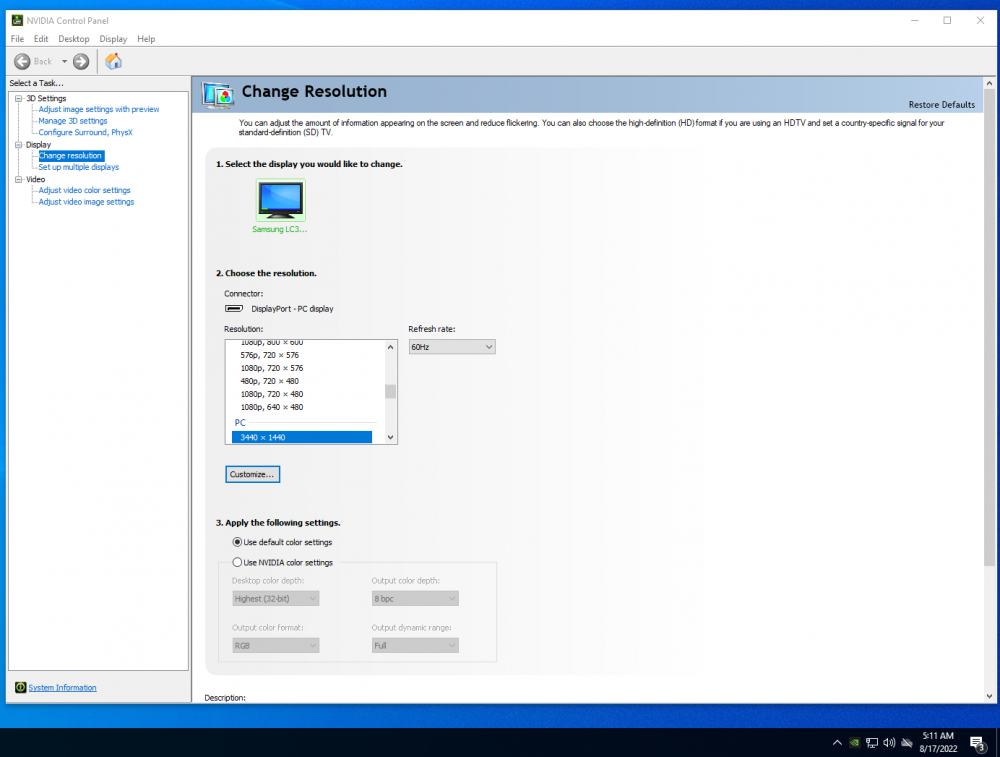
Hi, Thanks you for follow up this case. Yes! My monitor is 34 Inch 165 Hz but i run it 100Hz. Panel on monitor say 100 Hz but display output for 60 Hz???? What is your means for "ppl go"?
-
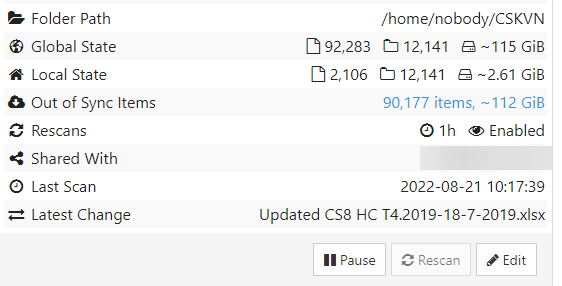
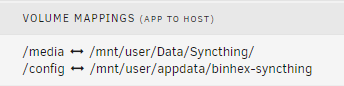
Hi, I test your Docker but i don't see where data store on my Disk.... Folder patch: Mappings: Nothing on patch: /mnt/user/Data/Syncthing/ But Sync still running with very low IO data transfer??? It write to docker.img??
-
Hi, I am newbie. May i ask this? What is different your docker with this? https://github.com/linuxserver/docker-syncthing#readme I found the docker with a lot of download have some difficult to config patch to my folder in another location of disk 2
-
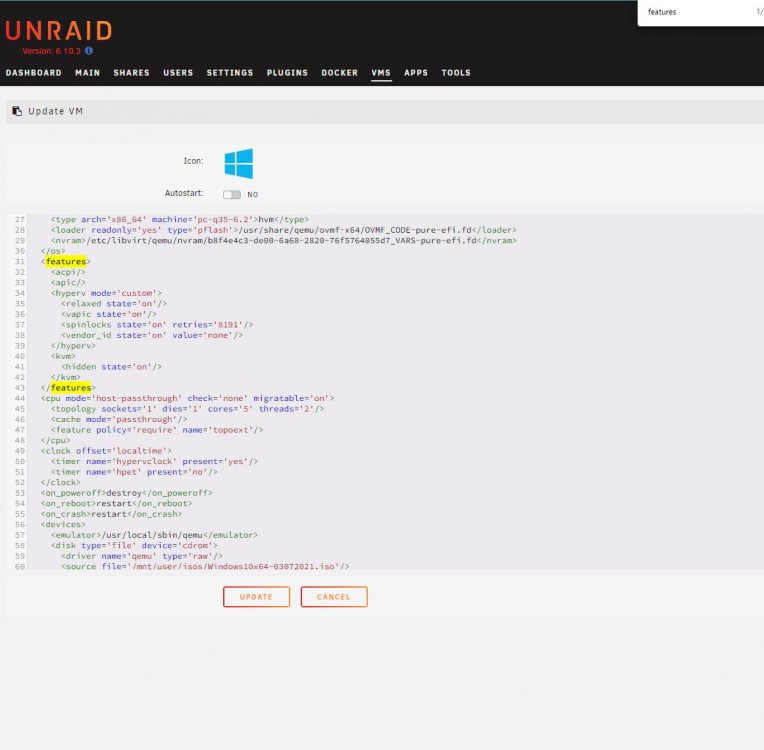
I already add follow that but i don't see that resolution selector and find native....
-
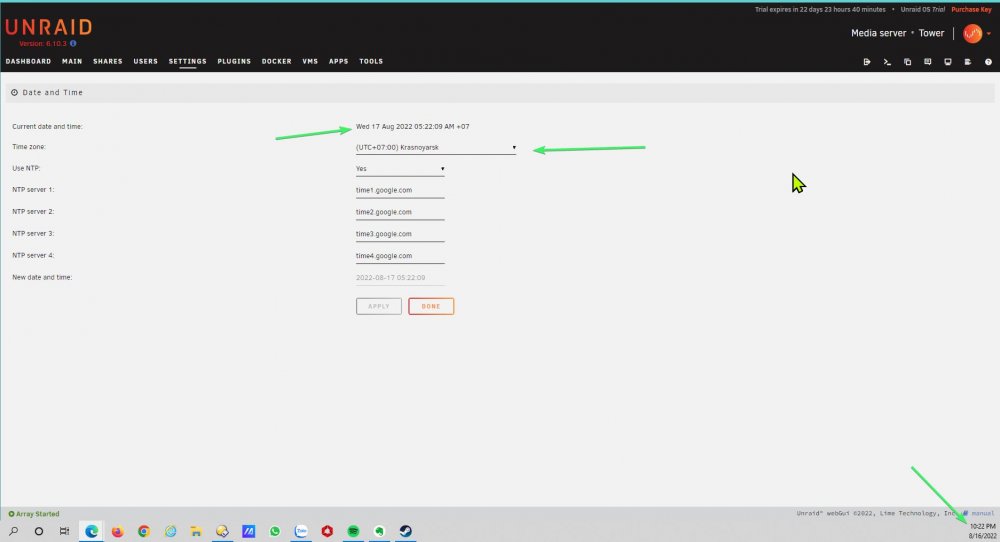
I change it by manual and change it back to Time Zone +7. It work! But it never work on first time that i use UTC+7. May be this is bug?
-
Hi, I already check BIOS time is correctly. Zone GMT+7 setup correctly too. But time still showing wrong on my Unraid Trial server. What did i miss? Could someone help me? Thanks you so much.
-
It is very strange that Display port work right port. VM Ubuntu should use 100Hz but VM Windows 10 use only 60Hz.
-
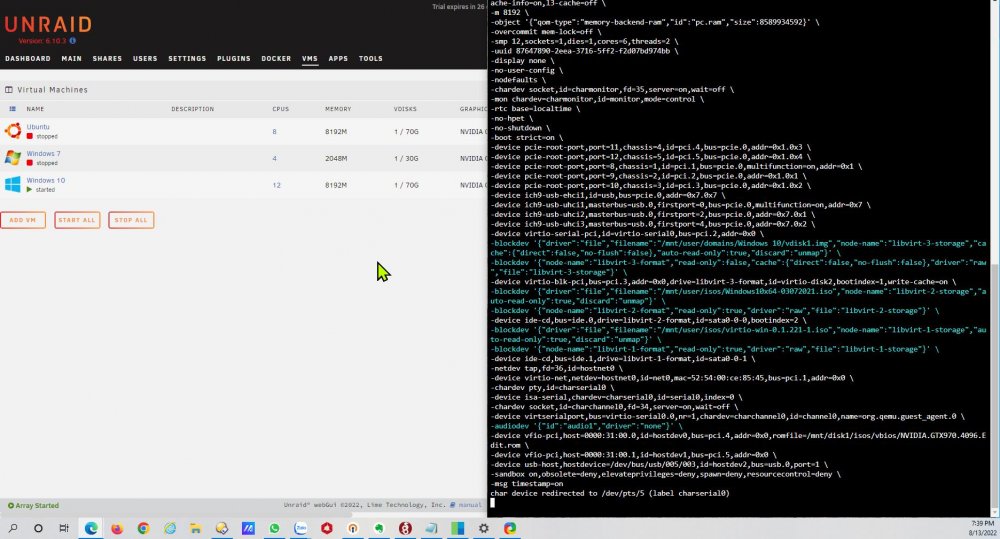
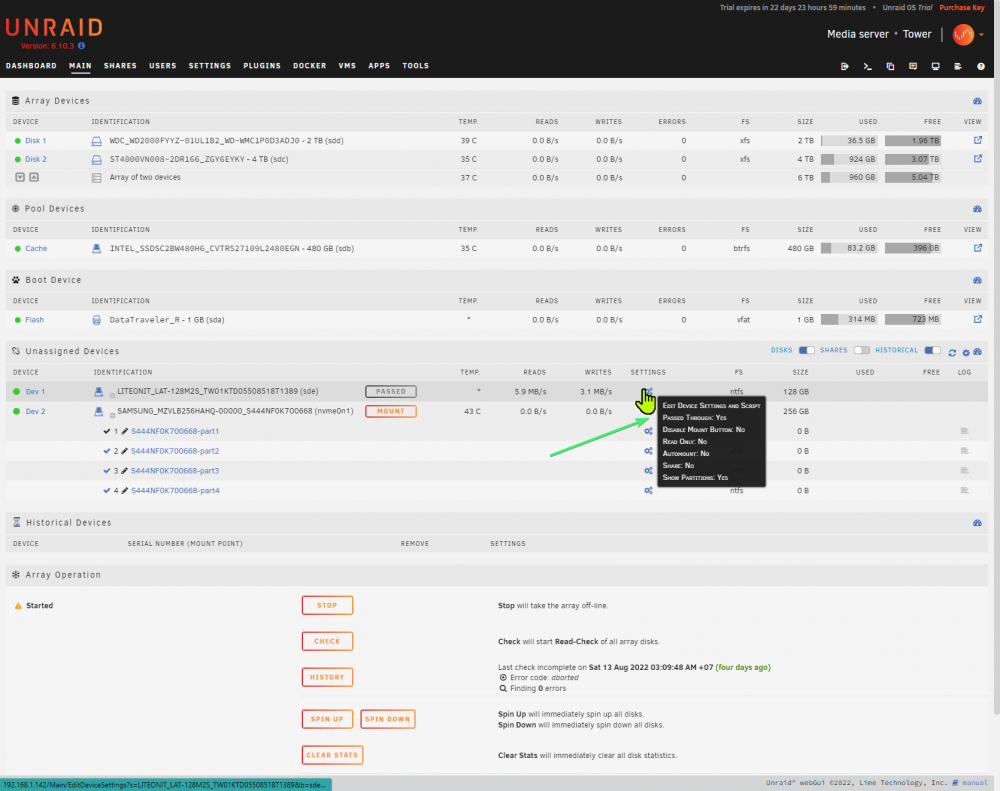
I success to boot again VM Windows 10 now. I found that Unassigned Plugin UI is different last time. I Share image here to let another member found it:
-
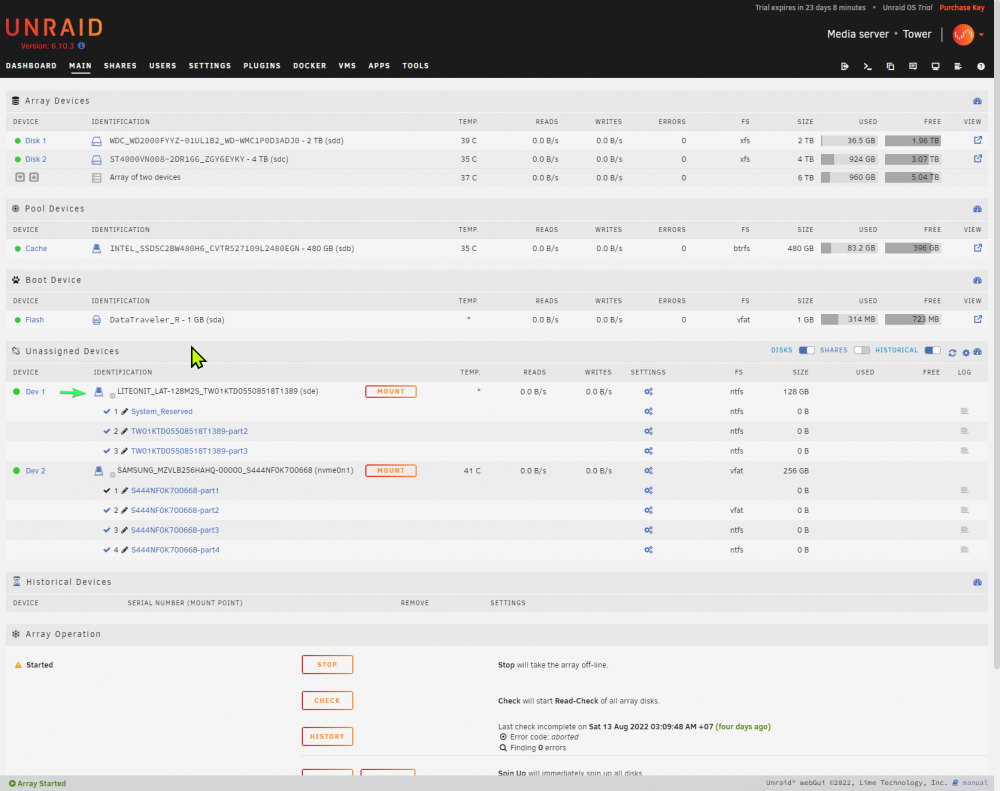
It is unassigned. I already convert vdisk.img to physic disk:
-
Oh! I had big mistake by GB and TB. I just input again and it 's right.
-
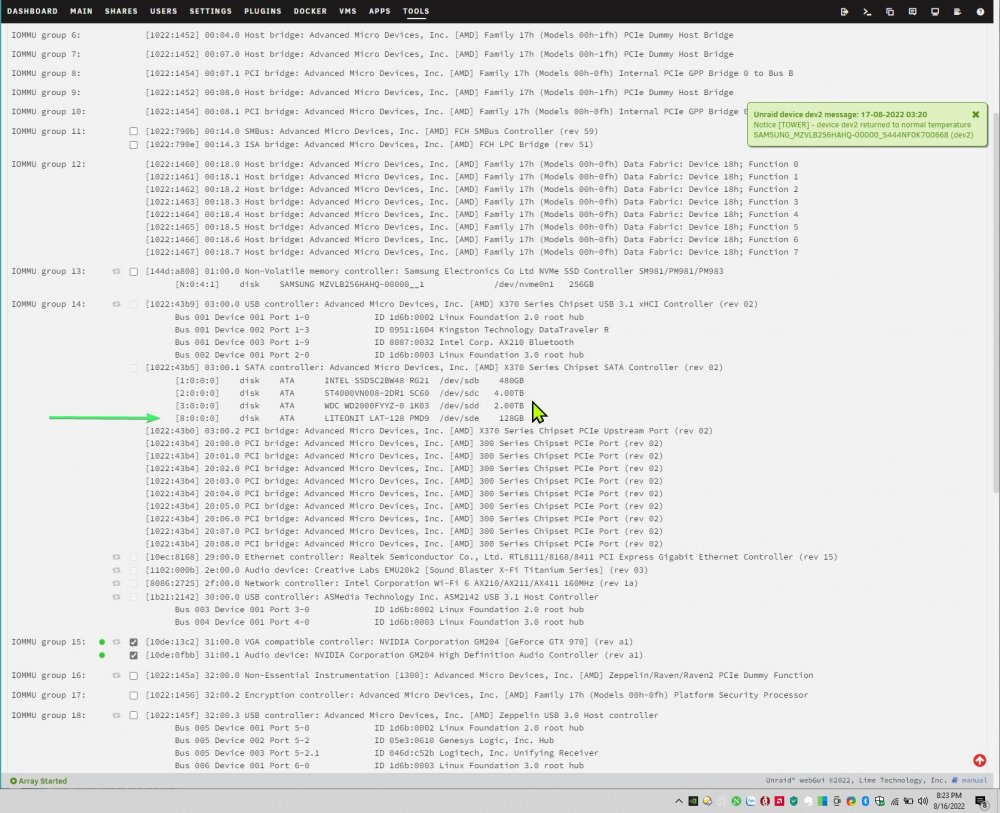
Hi, I follow that command to passthrough SSD to my VM Windows 10 but it does not allow me without blind PCIE group 14:
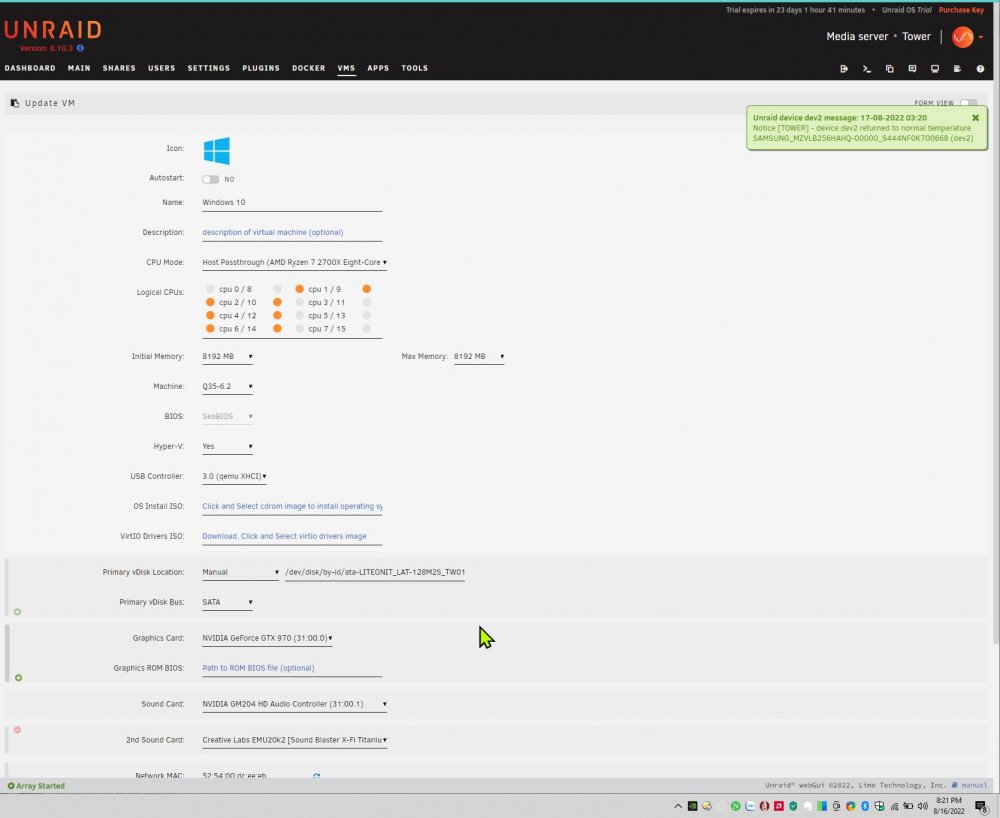
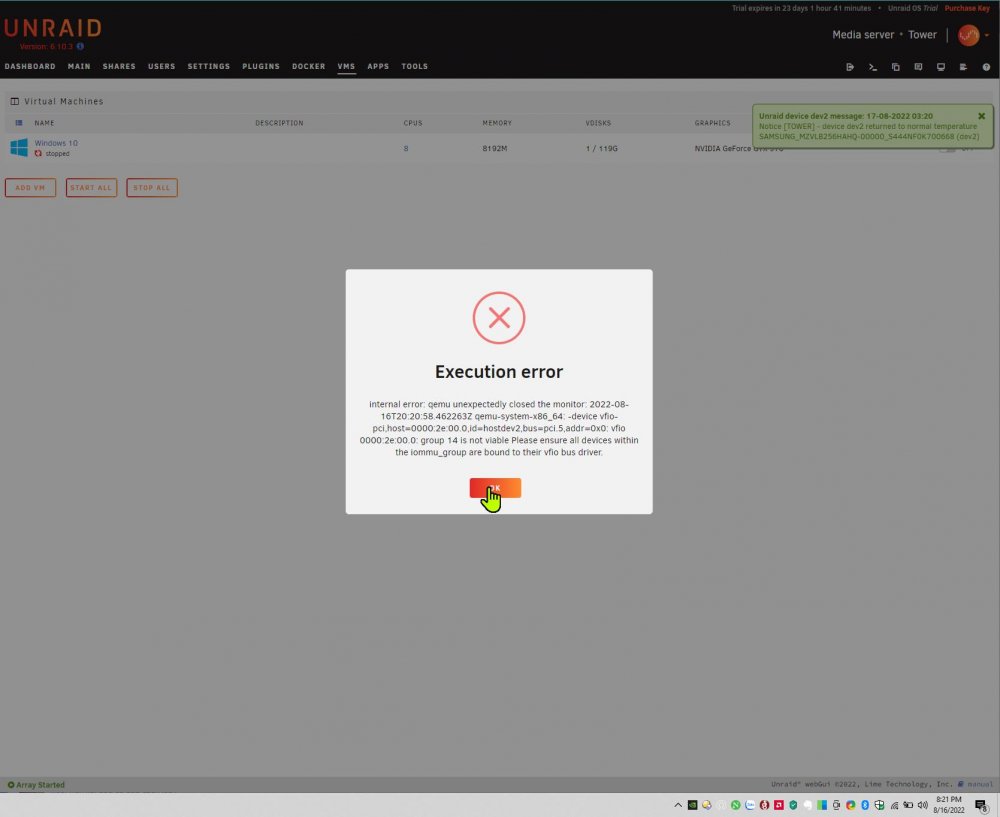
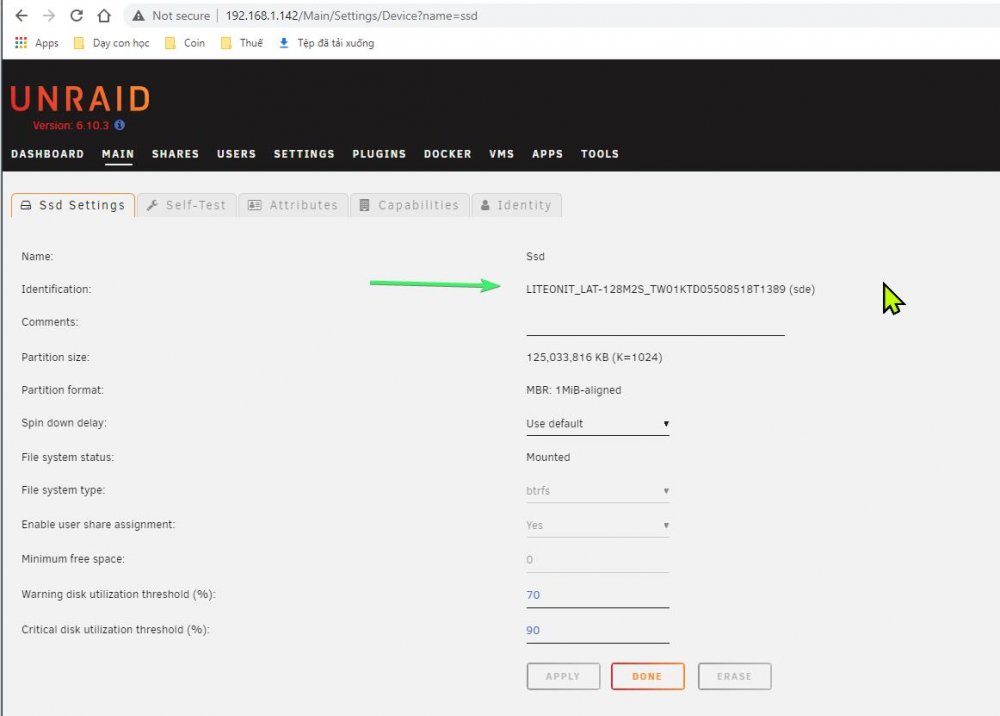
-
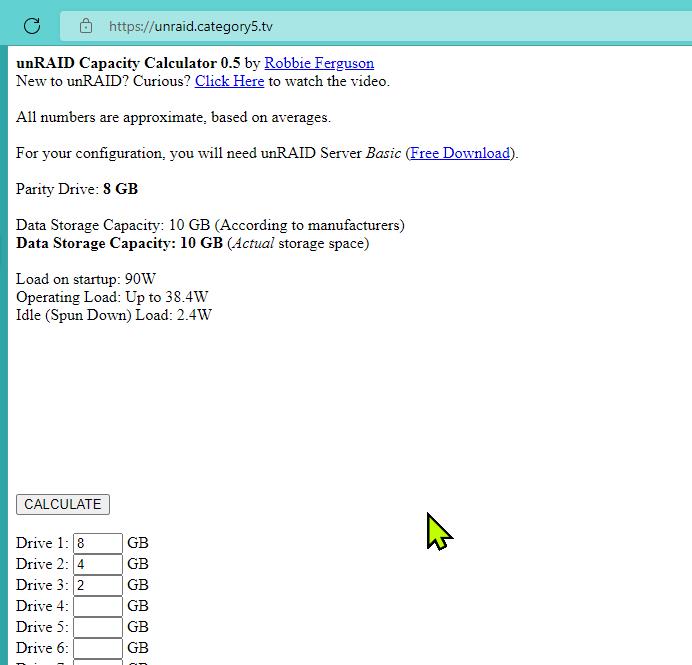
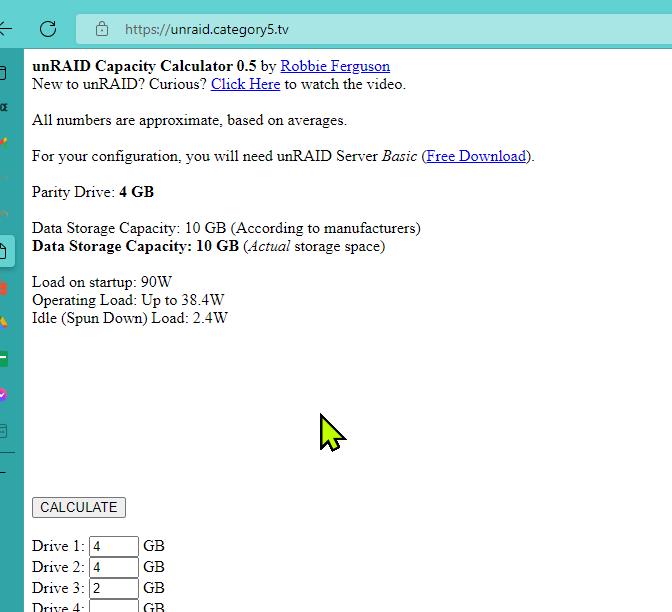
Here is screenshot for my means:
-
Sorry! I forget to tell that i calculate base on Robbie tool.
-
Hello, Sometime, my trial machine freeze GUI on Web Brower like video attached. I should access SMB and upload and download data from server. How should i fix this? msedge_IfGB2GNyLO.mp4
-
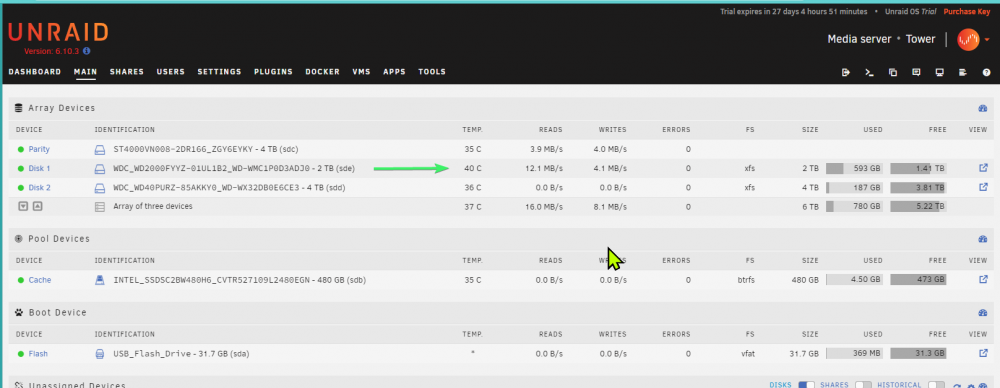
Hi, I checked: Party = 8TB Disk 1 = 4TB Disk 2 = 2TB Data Storage Capacity = 10TB ? Party = 4TB Disk 1 = 4TB Disk 2 = 2TB Data Storage Capacity = 10TB ? I am new with Unraid and i still find the way to understand Array and Party.
-
Hi, I already install and config to run success SFTPGO Docket: https://github.com/drakkan/sftpgo I already search around but i don't see any guide. I am new with docker. I check around file system but i don't see where to install this plugin for SFTPGo Docker: https://github.com/sftpgo/sftpgo-plugin-geoipfilter#readme Could someone give me some advice? I appreciate so much!
-
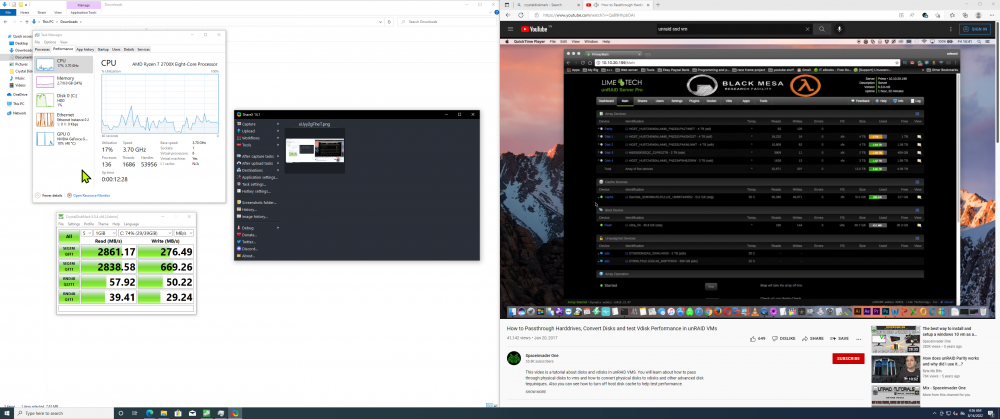
This vBIOS does not success to boot VM with same config that i success with my Dump vBios <70kb. This is my Graphic Card: Link I found another problem that Display Port Output don't cover 100 Hz. It run only 59Hz......
-
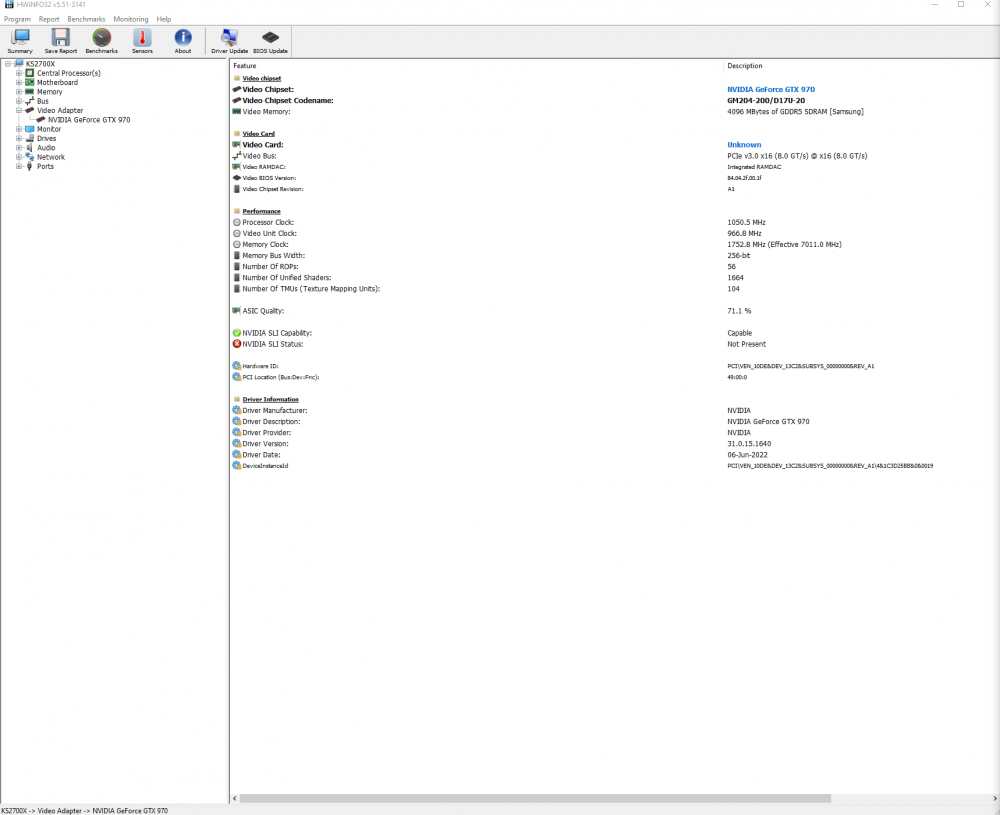
Biostar GTX 970 (May be engine samples??). I don't see this bios on TechPower.
-
Thanks you many times again for your help! I fixed it follow your last post. #VNC + GTX970 as secondary graphic card: It work! After that i install driver and reboot with GTX970 as primary graphic card. It work like your suggess about BIOS legacy. But it show only screen after i success boot into Windows 10. How should i fix this problem? I want to show VM Bios when it start. Is it possible? #Ubuntu VM: I found only Ubuntu logo. I don't see any tinycore logo.
-
Thanks you again to help me. #VNC: I already tried to install VM Windows 10 with VNC success. But it does not show anything on my monitor after i change the Graphics Card to GTX 970. #Attach graphics card without turn off?? How should i attach the card into VM while it is running? I only have 1 way is turn it off to change Graphics Card. #Vbios: I dump it by this video: But my vBios is <70kbs. What the hell is going? I already tried to dump 3 times: - First time is Secondary PCIE - Second time is Primary PCIE - Third time again with / without Blind Graphic Card before i dump vBios. 3 times show only 1 same file. What did i lost / miss? GeForce GTX 970.rom
-
Thanks you for your help. I already put audio part and don't pin 0/8 CPU. It does not work.... I upload log here: