





L8RS
Members
-
Joined
-
Last visited
-
Ok, thank you. Moving appdata back top the cache was transfering at about .8 MB/s on average when I did the math on the transfer. Nothing I read left me with the impression that it should be that slow but given the difference between large and small files, I can understand that that is the boat I'm in. I'll proceed as if that is normal. Thanks for you help and quick response, Jorge. L
-
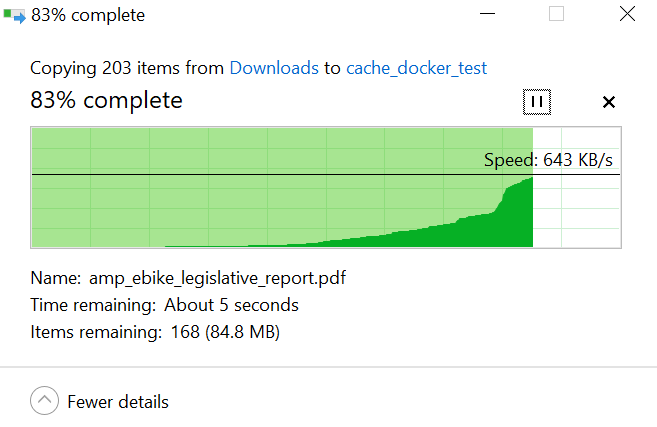
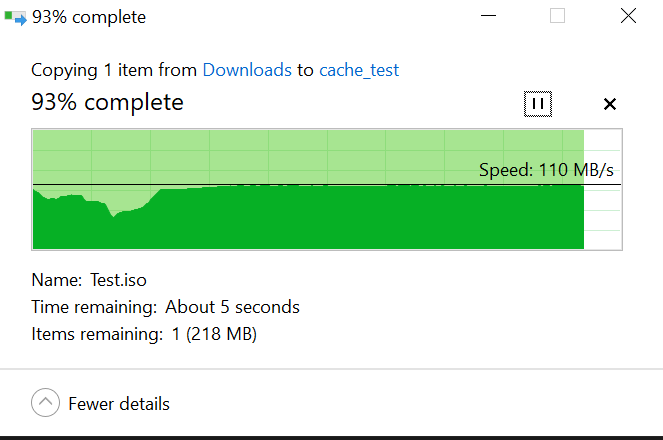
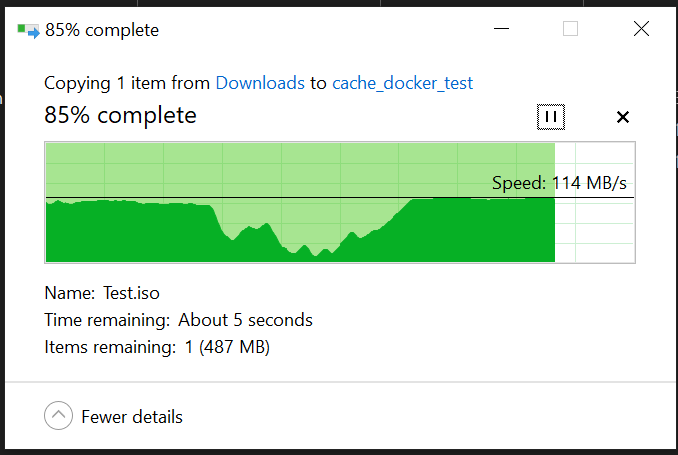
Thanks. I missread 'large file transfer' in you request. Redoing tests. Sorry for any confustion. See below. 3GB file win10 to ZFS cache share: 3GB Win10 to XFS cache share: Small files Win10 to XFS cache share:
-
Hi, I'm hoping for some help first recognizing if there is a problem, and if yes, what can be done. Unraid 6.12.10. I seem to be getting very low read and write speeds between array to cache pools. I've been doing a lot of experimenting and for instance write speeds to the array via mover have been .5 to 2.5 MB/s for appdata share. Large files of domain share did seem to average ~58MB/s. Is this just an issue with the small files of appdata? I've tried searching for relevant threads, trying different cache pools, testing file systems, single drives vs raid1 or raidz, changing sata controllers. Nothing has made any difference except maybe removing an ASM1166 controller card, but still, write to SSD cache is still maybe ~5MB/s. Diagnostics after a couple moves are attached with HD serials chagned. Thanks in advance for anything you can confirm or suggest. I'm open to operator error, of course. The CRC error count on on of the ssd's was from a bad cable and is now stable. Edit: Marked solved; diagnostics delete. Solved = as per below, situation is deemed normal for small file sizes. L
-
Thanks for your help - chmod -R 0777 /mnt/user/appdata/joplinapp did the trick. (still new to linux...)
-
Hi, @CorneliousJD I appreciate you putting in the time to make Joplin app available via docker. After start, and opening the WebUI I am receiving this error: "EACCES: permission denied, mkdir '/app/.config/joplin-desktop'" Perhaps this is the issue?: When using data volumes (-v flags), permissions issues can occur Any suggestions? After hitting 'ok' on the error dialog, the logs show the app shutting down. [edit: remove unneeded info]
