





mr_nordin
Members
-
Joined
-
Last visited
-
It doesnt show anything on those i have specified gluetun for now... Its totally messed up 🙂 I dont believe its specific to any specific container.
-
Diagnostics here Sorry i dont have screenshot, i removed it yesterday evening temporarily. Any new docker i spin up behaves like this it looks like maaaaybe. Im not sure, havent had the time to check next steps. Dont know what to do really 🙂 and its night time here right now. If you have any ideas.... tnmicro-diagnostics-20230703-2324.zip
 i changed Nextcloud to Host Network. Then this happened on the other containers with problem Changed back to Bridge then problem back again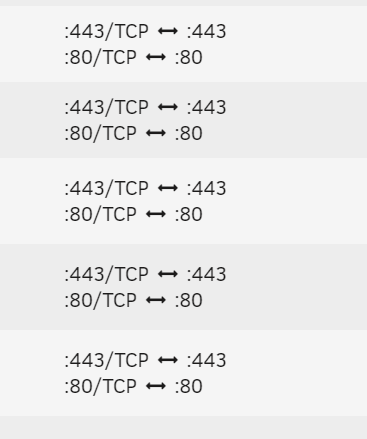
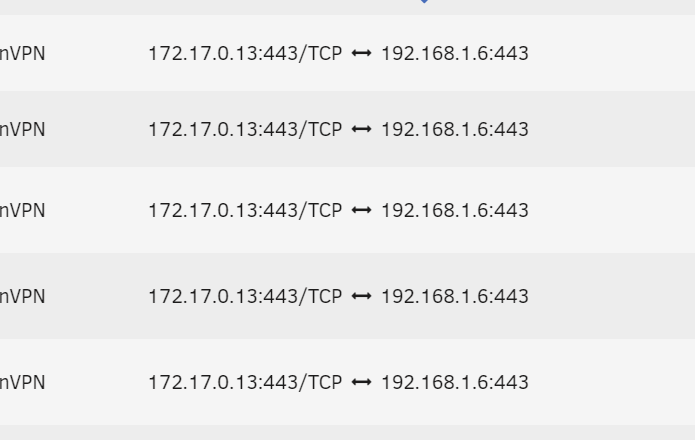 docker: Error response from daemon: driver failed programming external connectivity on endpoint nextcloud (9cdfd6bc3bdee7f96c511936e8d3bfc1969751557b02261333d90db0c44b5dfe): Error starting userland proxy: listen tcp4 0.0.0.0:443: bind: address already in use.Hehe, nope. I changed on everyone, it looked good. Then i changed back nextcloud to 443. Then it came back again, on all the other ones 🙂Hey, i opened one of the dockers that were showing 443. changed something, and back again then apply Then it disappeared. I will go through them one by one tomorrow and see...Heyo ! Same thing here, i just found the problem as well. i tried 2443, and yepp, all the other ones change also. I checked each and one, i removed the mgmt port on them and added to the vpn docker... Did you find any fix ? or someone else who knows ? I believe i had this problem on 6.12.1 and now also on 6.12.2 (just found the prob) 🙂 BR

