





TrojanHorsePower
Members
-
Joined
-
Last visited
-
My apologies, did not get a notification about your reply. My diagnostics will probably be useless now, since the script eventually crashed and had to reboot the OS. Have not had a chance to start the pre-clear again and would probably take around more than 24 hours to reach the step I was at unless I skip pre-read. I have asked around and someone thought it is a memory issue.
-
so pre clearing a new disk and this happened: Sep 13 17:58:12 preclear_disk_22C0T8RD0A001FE2H_9502: Zeroing: zeroing the disk started 1 of 5 retries... Sep 13 17:58:12 preclear_disk_22C0T8RD0A001FE2H_9502: Zeroing: emptying the MBR. Sep 13 19:29:11 preclear_disk_22C0T8RD0A001FE2H_9502: Sep 13 19:29:11 preclear_disk_22C0T8RD0A001FE2H_9502: malloc: jobs.c:1435: assertion botched Sep 13 19:29:11 preclear_disk_22C0T8RD0A001FE2H_9502: free: underflow detected; magic8 corrupted Sep 13 19:29:12 preclear_disk_22C0T8RD0A001FE2H_9502: Aborting.../usr/local/emhttp/plugins/unassigned.devices.preclear/scripts/preclear_disk.sh: line 534: 1694626152 - : syntax error: operand expected (error token is "- ") Sep 13 19:29:12 preclear_disk_22C0T8RD0A001FE2H_9502: /usr/local/emhttp/plugins/unassigned.devices.preclear/scripts/preclear_disk.sh: line 535: -1694620692 + : syntax error: operand expected (error token is "+ ") Is the drive bad or did the preclear plugin just mess up?

-
No the array does not need to be running for internet access, It's just a media server with some self-hosted applications. Weird that the server is having trouble doing DNS lookups, while the other devices on the network never experience this.
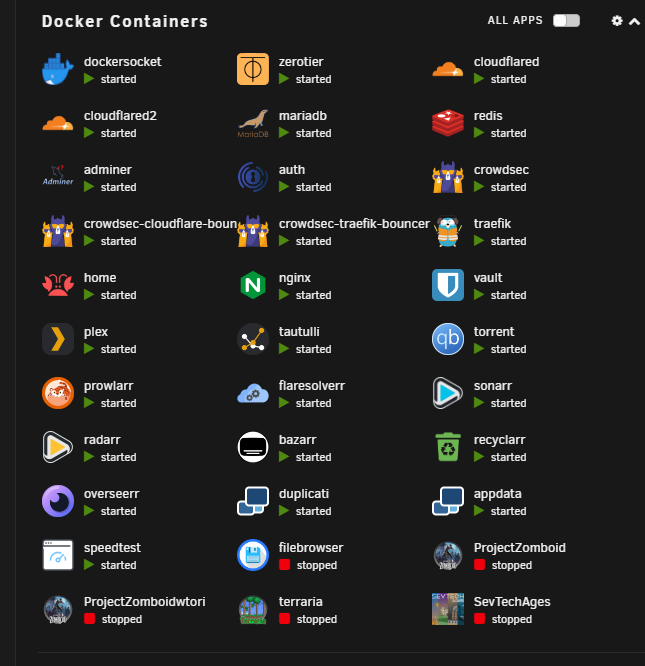
-
Worked wonderfully, thank you, can access it easier without having to remote into a different machine. I have added the diagnostics. For now, I shall do a duct tape solution and use the userscript plugin to daily restart the service. tower-diagnostics-20230418-2016.zip
-
Switched from the tailscale docker (which worked fine but wanted to try the plugin version) and everything seemed to be working for a while. But when I tried to access my server from my dorm and noticed I couldn't get to 192.168.1.3 (server IP AT HOME) tried the tailscale 100.X.X.X IP and that also does not work. After a bit of troubleshooting, I discovered the tailscaled service on my tower is down? How can I get it up again without having to reboot the server all the time. If there are logs or stuff, I can send them over to help you fix this bug. Does anyone else have this problem that the tailscaled deamon just stops?


