





Fdaley
Members
-
Joined
-
Last visited
Everything posted by Fdaley
-
Thanks for your the help
-
Below is the network status from the dashboard
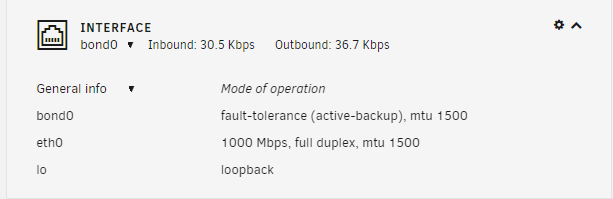
-
The ping did not work. However, the server is connected to the network and the activity light is flashing
-
Below are screen shoots of the error I get when trying to install the Community Application, and the menu I see when I left-click on Krusader and Plax
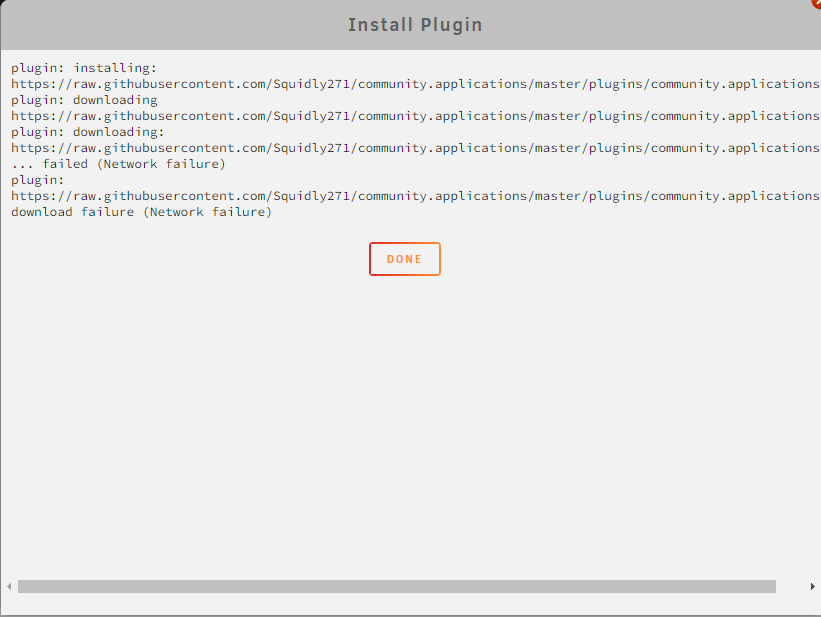
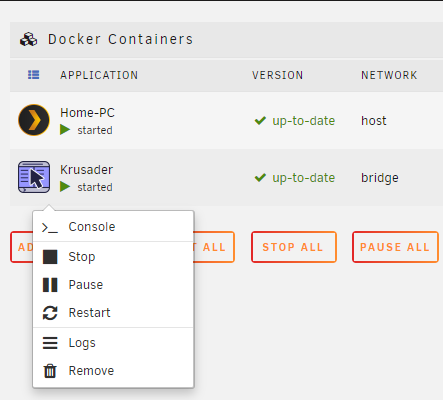
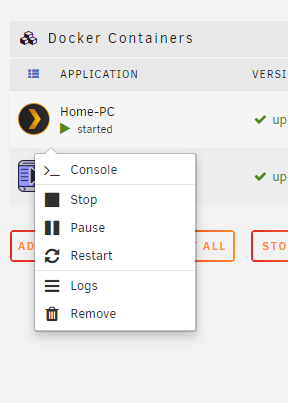
-
Diagnostic attached unraid-diagnostics-20220923-0926.zip
-
I’m brand to to Unraid, I literally installed it 2 days ago. After initially setting up my array, ( and installing the Community App, Plex & Krusader) one of my drives showed up as missing and I didn’t know how to remove it from the array so I reloaded unraid on my usb drive and ran the set up again for a new array. However, now I can install the Community app and Plex and Krusader are visible on my server, but the don’t have the option to open the web UI. Any help is appreciated as I really want to stick with Unraid (especially since I paid for a license) but if I can’t fix the issue I feel I might have to revert to a Windows PC with a bunch of drives to get access to my Plex media server

