RealtimeSytronix
Members
-
Joined
-
Last visited
Everything posted by RealtimeSytronix
-
Yup, it's an annoying extra step. Further update I've noticed it works after reinstalling for a short period then it breaks again so i'm back to square one...
-
Just as I replied to this I tested the basics, I'm connected locally as an fyi just in case. Open a local connection using a normal route XXX.local ect.. Remove unraid connect in plugins > refresh the page > click the unraid icon top right and install unraid connect > refresh page once done again > click logo again & sign in Such a massive inconvenience that I have to do this with 30+ systems one by one...
-
Having same problem, just spent half an afternoon figuring out the issue to no resolve.... have you had any luck on a fix yourself or is it purely an issue with the plugin?
-
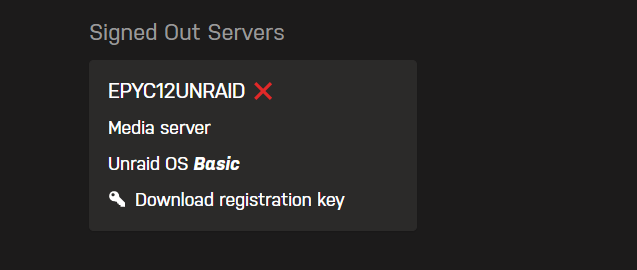
Hi I think this was a relic from our early days of using Unraid, but now we are up and running and looking to utilize the my servers app etc, found that we have a relic of this server on the 'signed out' obviously this server no longer exists so cant log on to it to clear it down. any way this can be removed manually thanks