ProfessorX
Members
-
Joined
-
Last visited
Everything posted by ProfessorX
-
Hey guys, any reply to this thread>? Or should I post on the docker division 😅
-
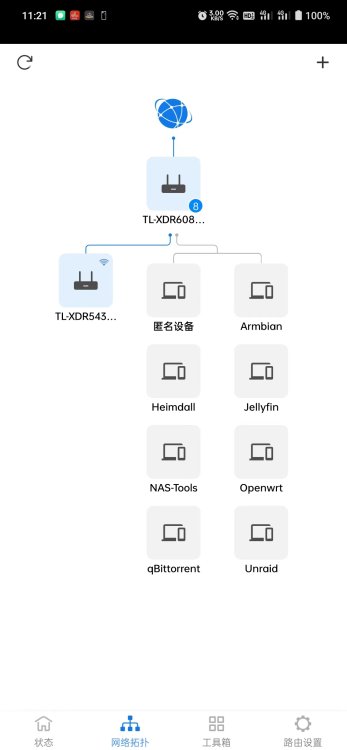
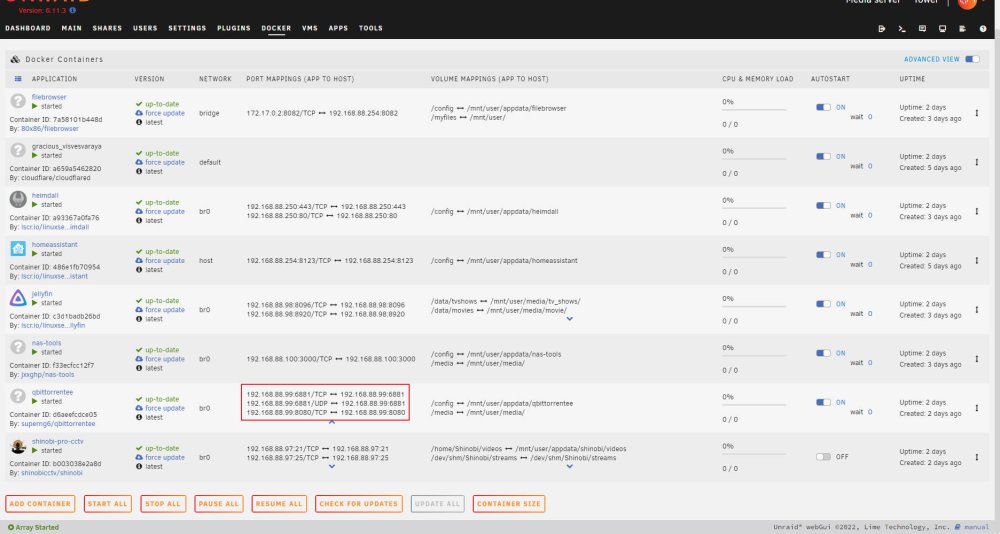
## Requirement Hey guys, I set up my home server at home (obviously LOL), and in China I do not have a public IPv4 or IPv6 address. I set up several cloudflare tunnels so that I can visit the portal (which is not recommended) and some docker image (namely, qBittorrent) from outside. Unraid: unraid.yxiao.org (this works as I can see from main router topology) BT: bt.yxiao.org (before, it works with no openwrt as gateway; now it does not) ## Current situation Main router 192.168.88.1/24 OpenWRT Gateway 192.168.88.252 Unraid 192.168.88.254 I set unraid gateway to 88.252 because I need to use openclash as proxy. ### Network config Unraid: gateway 192.168.88.252 dns 223.5.5.5 Openwrt gateway 192.168.88.1 dns 192.168.88.1 So how can I visit docker image (I am using custom br0, or maybe I should just use bridge?) with cloudflare tunnels. ------- The other way: Use wireguard, I tried, the connection is established, but no ping (use remote to lan, main router port forward setup). Please please help! Thanks -------