





MikePiko
Members
-
Joined
-
Last visited
-
found the issue. The Dockerfiles in var/lib are not on the stick, its mounted on my nvme. just made a du -h and found those many dirs and assumed it was docker. The Problem was a Bacula Backup Job wanting to write to /mnt/usbpool, which was a external usb drive for my backups. but the usb cable was buggy and the system froze last weekend. Bought a new cable and connected it but had forgot to stop the backup job in the meantime. so it wrote everything to /mnt/usbpool, which was not mounted at the days between failure of the cable and connecting the new one. Now everything is working again , sorry ;-)
-
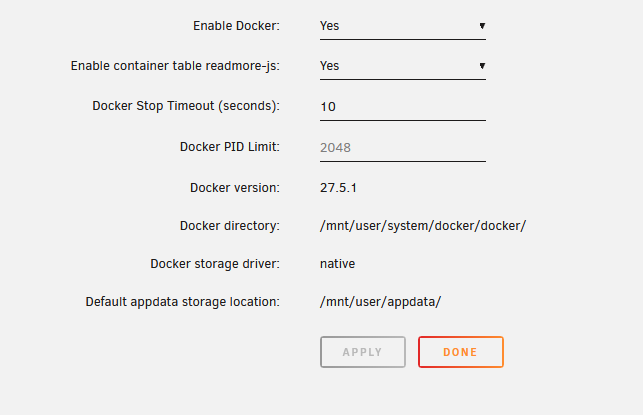
Havent changed anything on the Docker settings. Its running for 2 Years now with this settings. Was able to get some pages of the web ui when i constantly hit reload at the page.
-
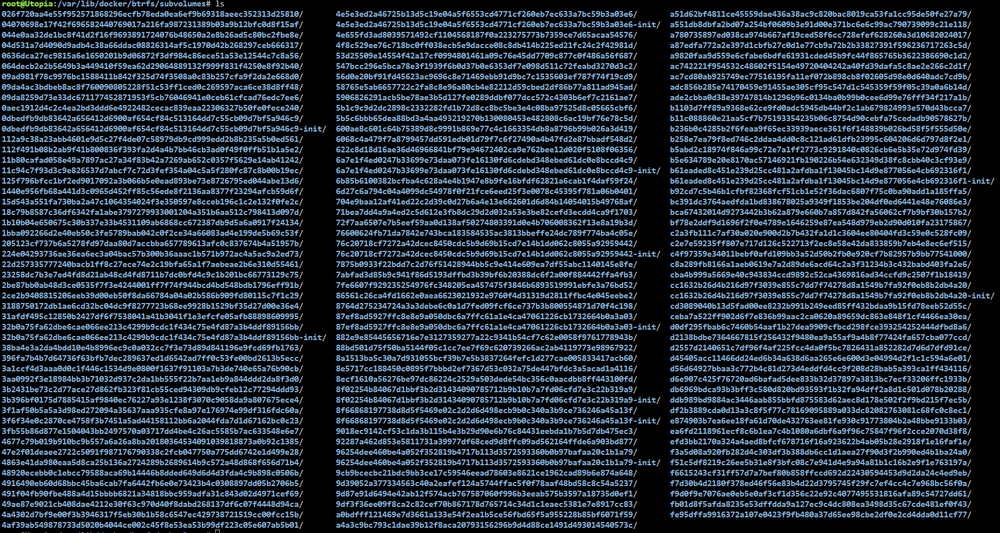
My Docker somehow is filling up the USB Stick for Unraid. I now habe 54Gb in /var/lib/docker/btrfs/subvolumes folder , the stick is full and the Webpage tells me after login an Error 500 so i cannot get in the gui. What can i do now ? What are those files and how can i make the webpage working again ? ssh is still working for now. so i can access the console. Unraid Version 7.1.4
-
can confirm the Error from the French User. I installed a fresh Unraid yesterday and just installed Bacula Server (default sqlite version) if you change the admin password to something else you will endup in a broken webpage with "Error code: 100 Message: Problem with connection to remote host. cURL error 0: ." after login. If you delete the docker and the remaining files in appdata and install it fresh again with the default settings (no password change) everything works well.
