X-mlewis
Members
-
Joined
-
Last visited
-
The problem has been resolved. Shutdown, removed power, let it completely discharge, then powered up and everything came up as per normal. Thanks again for your time and assistance!
-
I appreciate your help! Unfortunately, it looks like I now have a hardware problem to solve. The system is not enumerating any of my array drives and I don't think it's even seeing the SAS controller. 😞
-
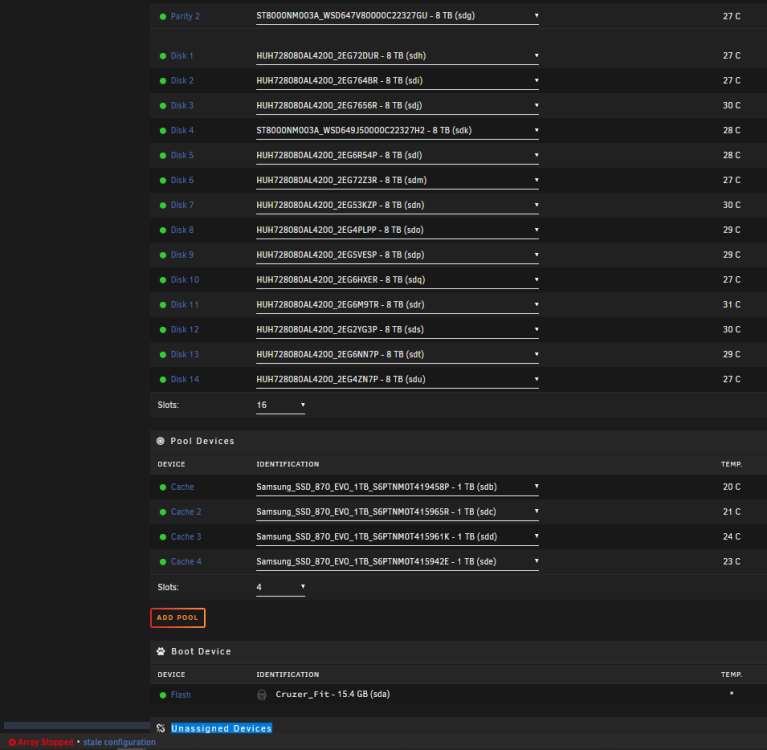
Sorry - I meant to include the screen capture.
-
Thanks! That seems to have solved the problem with the cache pool drives, but drive but when I start the array, it immediately stops the array and shows "Array Stopped: stale configuration." Do I need to do the same for the array drives?
-
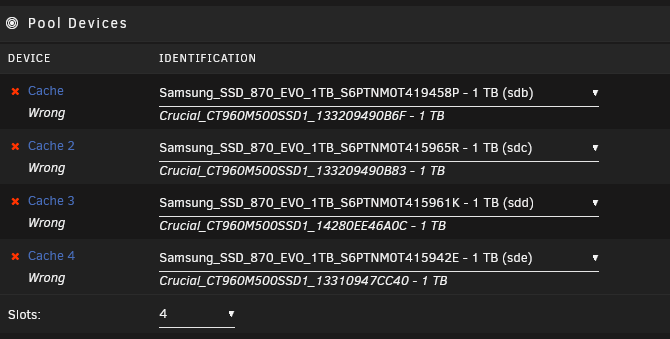
Over the weekend, I experienced a massive power event and when I came in this morning, my unRAID server booted but would not start the array and reported a stale configuration. The array drives seem to be OK but the cache pool drives are all listed as "wrong" and it is referencing cache drives that were replaced several months ago. Any suggestions?