





KreeKree
Members
-
Joined
-
Last visited
-
Helped me out as well. Thank you sir!
-
Was also needing this....please
-
Many thanks to trurl and JorgeB for your assistance. Calling this solved as you can see I was experiencing more than one issue. Please know you are appreciated!
-
I believe it has something to do with My JellyFin docker container. That is the only one set to start up on boot. Still trying to ascertain how it is mis-configured.
-
Followed trurl instructions again delete the my servers plugin folder on flash at /config/plugins/dynamix.my.servers. That seemed to help. Followed JorgeB's post and that absolutely solved /boot/config/plugins/dynamix.my.servers/myservers.cfg log errors. Making progress. Now seeing kernel out of memory errors and the return of BTRFS error (device loop2) errs: Diagnostics attached. Much appreciate the help to get me recovered to this point. kreeserver-diagnostics-20240310-0827.zip
-
Thanks JorgeB. I will give that a read and update this thread. Appreciate the input.👍
-
Reseated Dell Perc H310 and cables. That seemed to clear the BTRFS errors, now another ngnix error 4103#4103: *1644 FastCGI is back. Researching those various errors now. kreeserver-syslog-20240309-2022.zip kreeserver-diagnostics-20240309-1422.zip
-
Mar 9 10:02:59 KreeServer kernel: BTRFS warning (device loop2): csum failed root 967 ino 8886 off 6316032 csum 0x856ffed4 expected csum 0x8278e9fc mirror 1 Mar 9 10:02:59 KreeServer kernel: BTRFS error (device loop2): bdev /dev/loop2 errs: wr 0, rd 0, flush 0, corrupt 19, gen 0 System unresponsive. Reboot allowed me to capture new syslog / diagnostics downloads kreeserver-syslog-20240309-1612.zip kreeserver-diagnostics-20240309-1011.zip
-
I will make another backup of the flash in a few if syslog stays clean of the errors.
-
I have deleted the my servers plugin folder on the flash. Rebooted and no errors so far.
-
I just made another flash backup. The last one was previously taken in Sept. 2023. Should I request a new key for a new USB?
-
Yes, I believe I have a backup of the flash. Let me locate that and confirm.
-
Latest syslog after safe mode reboot. Webui only responsive for a few minutes before same errors start over. Yes I deleted the myservers plugin that failed to install. kreeserver-syslog-20240309-1529.zip
-
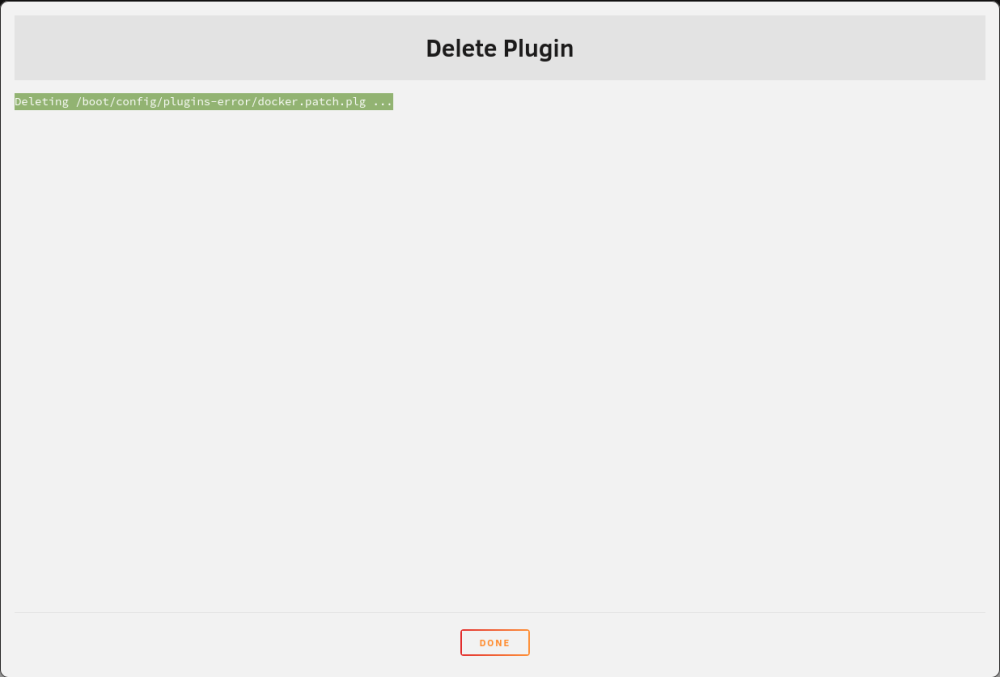
Found docker patch that failed to install. Deleted and rebooted system. Webui unresponsive soon after.
-
System Information Model:Custom M/B:ASRock X370 Pro4 s/n M80-B1020001295 BIOS:American Megatrends Inc. Version P7.40 Dated 10/27/2022 CPU:AMD Ryzen 5 5500 @ 3600 MHz HVM:Enabled IOMMU:Disabled Cache:L1 - Cache: 384 KiB, L2 - Cache: 3 MiB, L3 - Cache: 16 MiB Memory:16 GiB DDR4 (max. installable capacity 128 GiB) Network:bond0: fault-tolerance (active-backup), mtu 1500 Kernel:Linux 6.1.74-Unraid x86_64 OpenSSL:1.1.1v Uptime:13 hours, 34 minutes
